
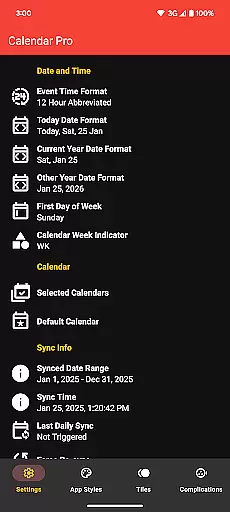
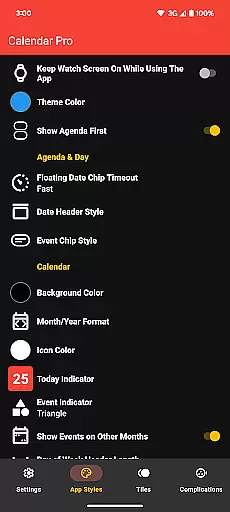
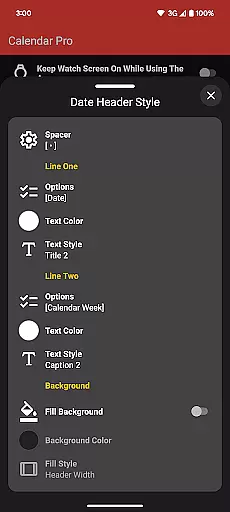
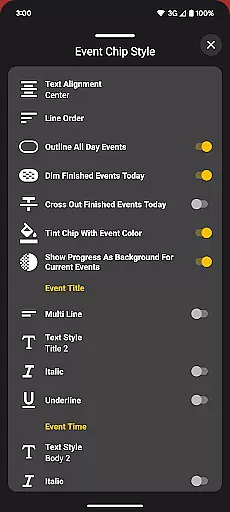
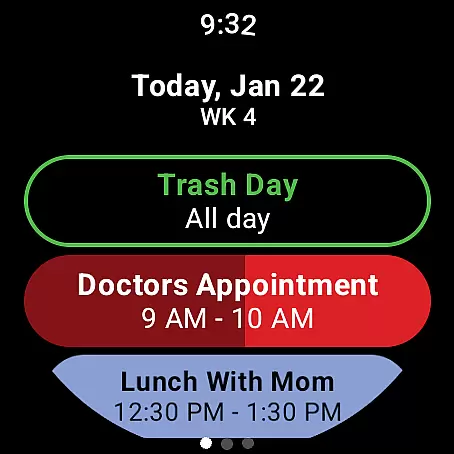
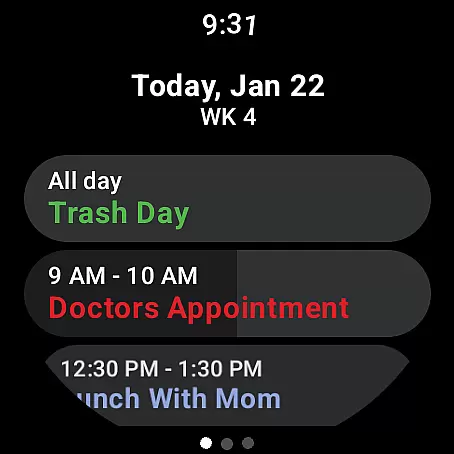
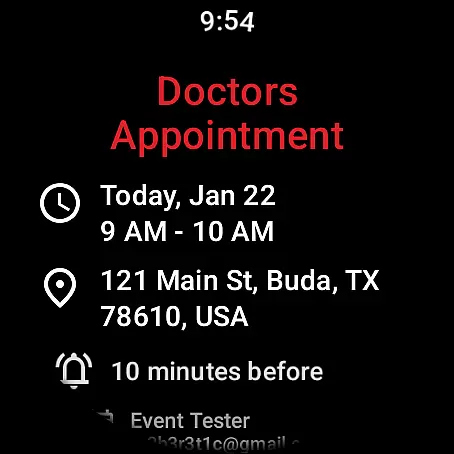
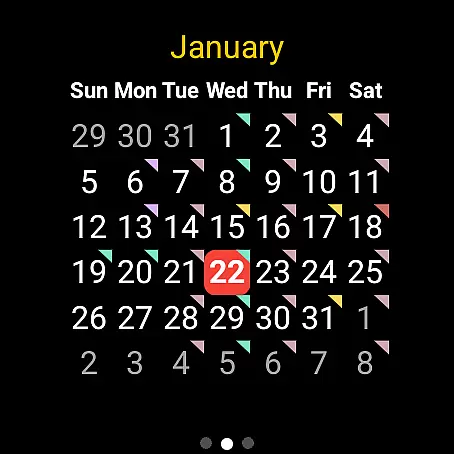
Calendar Pro for Wear OS is a comprehensive calendar solution that seamlessly integrates your phone's calendars with your Wear OS smartwatch. The app allows users to sync, manage, and customize their schedules directly from their wrist, offering unparalleled convenience for busy professionals and individuals who value time management.
This productivity tool stands out with its extensive customization options, supporting multiple calendar services including Google Calendar, Outlook, and Samsung Calendar. Whether you need to view your agenda, add new events, or get reminders for upcoming meetings, Calendar Pro ensures you stay organized anytime, anywhere.
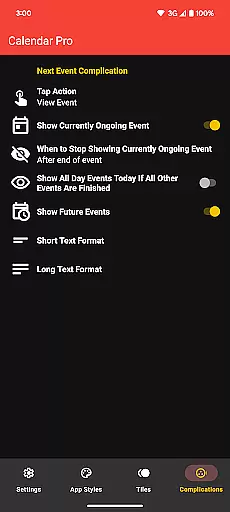
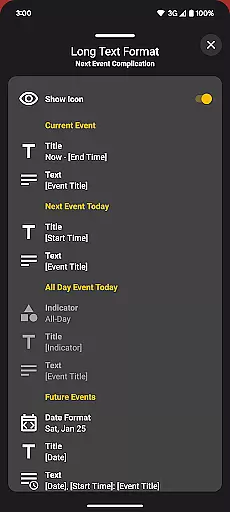
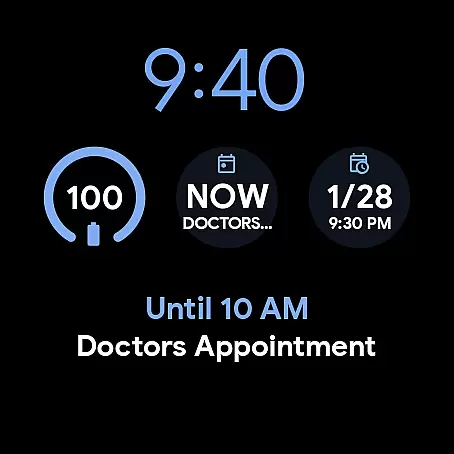
Ideal for those who lead an active lifestyle, the app's watch complications and customizable tiles provide at-a-glance information about your schedule. This feature-rich application demonstrates its value by streamlining daily planning and keeping users punctual and prepared for their commitments.
Calendar Pro distinguishes itself through a robust set of features designed to enhance productivity. One of its key strengths is the ability to perform full CRUD (Create, Read, Update, Delete) operations directly on the smartwatch, eliminating the need to reach for your phone to manage your schedule.
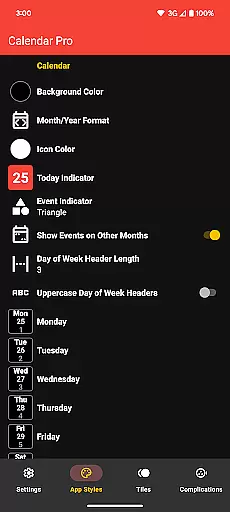
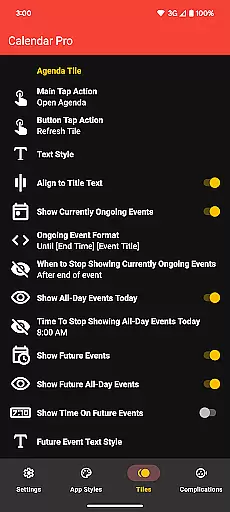
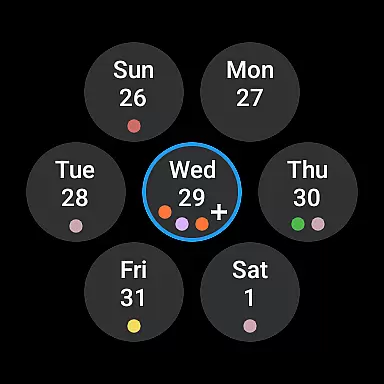
The app offers multiple visualization options including month view, agenda, and various complication styles. Users can personalize nearly every aspect of the interface, from theme colors to event indicators, ensuring the display matches their preferences and needs. These customization capabilities extend to all components including tiles and complications.
Advanced functionality includes support for multiple calendar sources, progress tracking for ongoing events, and intelligent filtering options. The app's thoughtful design maintains perfect synchronization between phone and watch, while its offline capabilities ensure access to critical information even without internet connectivity.
Calendar Pro for Wear OS excels in core task management by providing users with a comprehensive suite of tools to manage their schedules effectively. The app syncs the next 12 months of events to your watch, allowing you to stay informed and organized without needing your phone nearby.
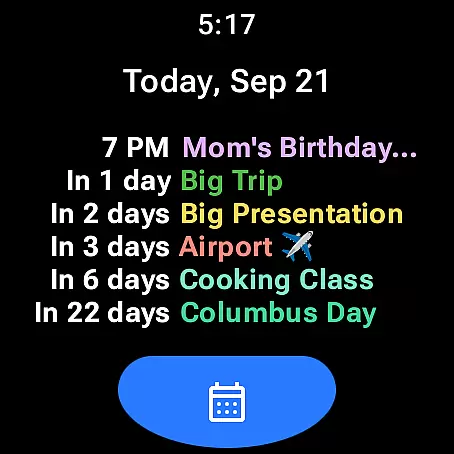
The standout feature is the ability to add, edit, and delete events directly from your Wear OS device. This seamless interaction ensures that your calendar is always up-to-date, reflecting your latest commitments and changes in plans. With customizable views such as the month calendar with event indicators and an adaptable agenda, users can tailor the interface to suit their preferences and needs.
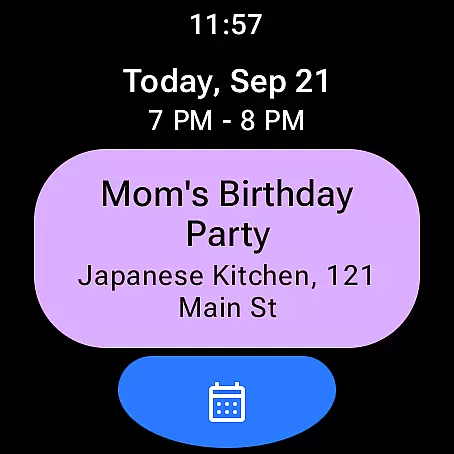
Furthermore, Calendar Pro offers various tiles like Month, Agenda, Week, and Next Event, which provide quick access to essential information at a glance. These features collectively enhance productivity by streamlining how users interact with their schedules, ensuring they never miss an important event or meeting.
Cross-device synchronization is a critical aspect of Calendar Pro for Wear OS, ensuring that all your calendars from your phone are reliably synced to your smartwatch. This synchronization covers major calendar services including Google Calendar, Outlook Calendar, Samsung Calendar, DAVxu2075, and ICSxu2075, offering extensive compatibility and convenience.
The app provides real-time updates, meaning any changes made on your phone's calendar are immediately reflected on your Wear OS watch. This reliable syncing ensures that whether you're adding a new meeting, editing existing plans, or deleting outdated events, your wearable device always has the most current information.
Additionally, Calendar Pro supports multiple theme colors and offers customization options for both the month calendar and agenda views. This flexibility not only enhances usability but also ensures a consistent experience across devices. By maintaining accurate and timely updates, Calendar Pro empowers users to manage their time efficiently, regardless of which device they are using.
Extensive customization
Multiple calendar support
Offline functionality
Intuitive UI design
Comprehensive feature set
Requires phone app
Premium pricing
Complex setup
Limited free version
Device compatibility

QuickBooks Workforce lets teams view pay info and track time in one place.
 4.70
4.70
When you Focus, so will your Bean in this cozy focus timer
4.30
The long-awaited modern gallery app for your Nextcloud server
4.70
ID.me Authenticator is a simple and free Two Factor Authentication solution
3.50
All document reader, all in one file viewer read PDF, DOCX, XLS, PPT, TXT files.
4.60
Create and edit presentations with Google Slides, part of Google Workspace.
4.00
Calendar 2023 widget for Android. Appointment scheduler, planner, and reminder
4.60
Docker, Kubernetes management over Portainer Mobile
4.40
Lightweight PDF, Word, Excel reader.
4.60
Simple notepad & memo. Take notes, to-do list, shopping list with reminders.
4.80
Scan paperwork into PDF/JPG, generate your own e-signature and send fax or email
4.70
Okta MFA
4.70
A simple Whisper AI keyboard for reliable speech transcription and rewording
4.60
Font maker keyboard with your own handwriting
4.10
The ultimate file manager for rooted devices. The original and still the best.
4.00
⏰ Finally a timer app which can run multiple timers simultaneously on your watch
3.90
Access your phone's notifications, calls, apps, photos & texts on your PC
3.90
Ads Free App! Editor, Hide File, Copy, Move, Delete and Rename.. all facility av
1.70
AI Video AI Image Private LLM AI Browser Llama Gemma Ollama Connect LLM Studio
4.5


User Reviews