
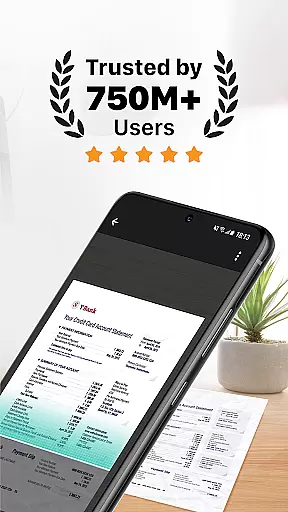
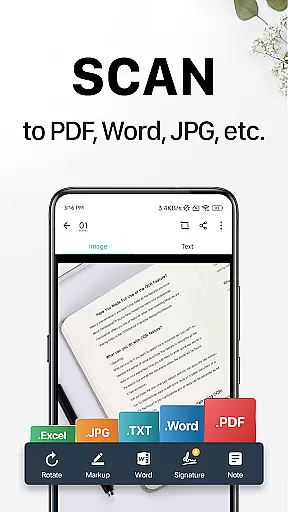
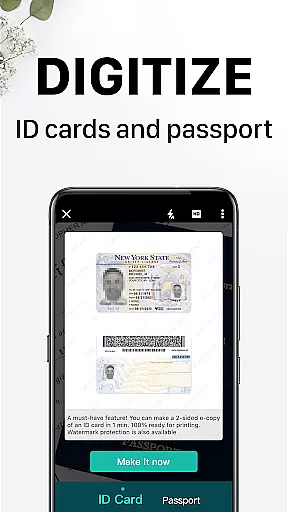
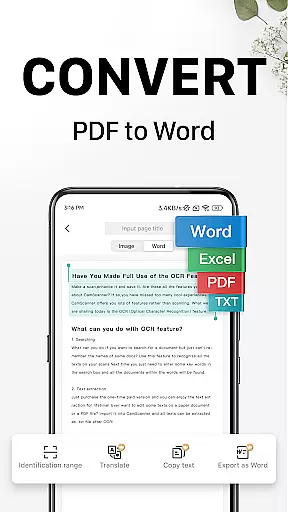
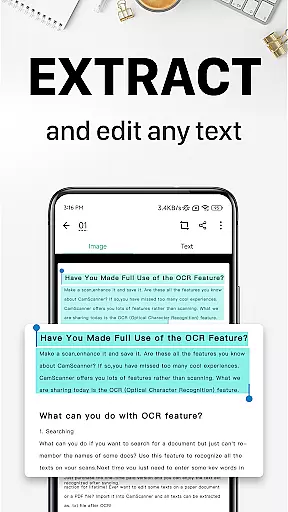
CamScanner is a versatile productivity app that transforms your mobile device into a powerful document scanner. It offers Optical Character Recognition (OCR) capabilities, allowing users to scan and digitize various documents such as receipts, notes, and business cards with remarkable clarity. The app optimizes scan quality through smart cropping and auto-enhancement features, ensuring professional-grade results every time.
Beyond basic scanning, CamScanner enables text extraction for easy searching and editing, making it an indispensable tool for both personal and professional use. With options to share files in multiple formats and seamless cross-platform syncing, the app ensures you can access and manage your documents anytime, anywhere. Its comprehensive feature set makes it especially valuable for streamlining office work and enhancing productivity.
CamScanner stands out with its robust feature set tailored for maximum productivity. The app's quick document digitization allows users to scan any paper document using their phone's camera, while the advanced optimization tools ensure exceptional scan quality. These include smart cropping, auto-enhancement, and premium resolution settings that make every scan look professional.
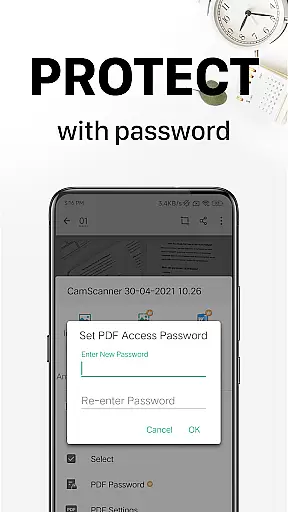
The OCR functionality is another key highlight, enabling users to extract and edit text from images or PDFs. This feature significantly enhances document management capabilities. Additionally, the app supports wireless printing and remote faxing to over 30 countries, advanced document editing tools, and secure document protection through password settings. These comprehensive features make CamScanner an all-in-one solution for efficient document handling.
CamScanner excels in core task management by offering a comprehensive suite of tools designed to streamline document handling. This productivity app allows users to quickly digitize receipts, notes, invoices, and more, transforming them into high-quality scans.
The app's intelligent cropping and auto-enhancement features ensure that every scan is optimized for clarity and sharpness. These capabilities are crucial for maintaining the integrity of important documents, making it easier for users to manage their digital files efficiently.
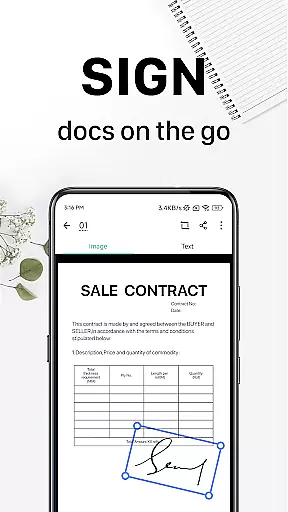
With advanced document editing options, users can annotate and add customized watermarks to their scans. This functionality not only enhances document security but also provides a personalized touch, ensuring that each file is both professional and easily identifiable.
Cross-device synchronization is a standout feature of CamScanner, enabling users to access their documents seamlessly across multiple platforms. By signing up for an account, users can sync their scans on smartphones, tablets, and computers, ensuring consistent access to their files.
This reliable synchronization ensures that whether you're at home, in the office, or on the go, your documents are always up-to-date and accessible. The ability to view, edit, and share documents from any device significantly boosts productivity and convenience.
Furthermore, CamScanneru2019s cloud integration means that users can rest assured their data is securely backed up and retrievable from anywhere. This peace of mind is invaluable for professionals who rely on timely access to critical documents, regardless of their location.
User-friendly interface
High-quality scans
Powerful OCR capabilities
Cross-platform syncing
Comprehensive editing tools
Premium features require subscription
Some advanced tools locked behind paywall
Basic version has limitations
Advertisements in free version
Occasional recognition errors

Seamlessly integrate data and reports to build your presentation to impress
 4.80
4.80
Ads Free App! Editor, Hide File, Copy, Move, Delete and Rename.. all facility av
1.70
Easiest event planning, volunteer signups & parent teacher conference scheduling
2.20
All document reader, all in one file viewer read PDF, DOCX, XLS, PPT, TXT files.
4.60
Create and edit presentations with Google Slides, part of Google Workspace.
4.00
Docker, Kubernetes management over Portainer Mobile
4.40
Great calculator for Android named one of USA TODAY's "25 Essential Apps".
4.90
Best Tool for the professionals Electrician, Electrical contractors, etc.
4.90
Share files & memories safely. Keep your photos and videos secure.
4.40
The long-awaited modern gallery app for your Nextcloud server
4.70
aCalendar+ makes your day, week and month
4.70
Functional QR scanner and barcode reader that requires little storage space.
4.60
Experience Reading - Night Mode for Documents
4.40
When you Focus, so will your Bean in this cozy focus timer
4.30
Access, manage and transfer files on Android, PC, Mac, NAS and cloud storages.
4.30
Device's storage information in a simple and clear graphical form (infographics)
4.10
Customizable calendar widget for seamless event sync, planning & scheduling.
4.00
* block pre-roll ads, pop-up and forced redirect ads * Samsung certification app
4.00
Access your phone's notifications, calls, apps, photos & texts on your PC
3.90


User Reviews