

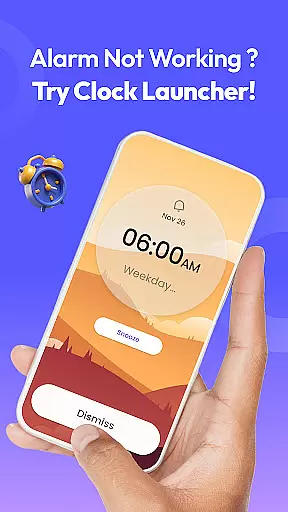
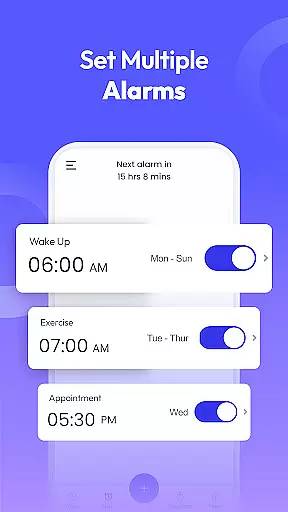
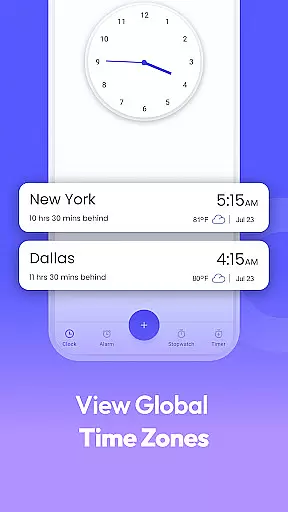
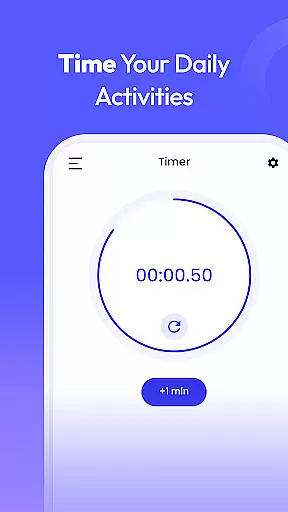
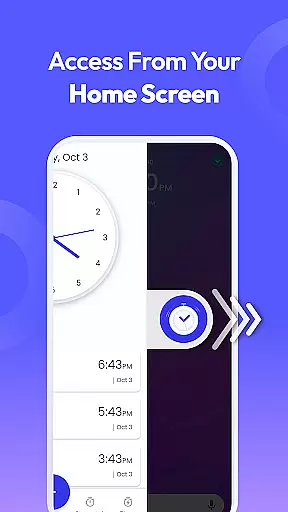
Clock Launcher is a productivity-focused app designed to streamline time management through its intuitive interface and comprehensive features. The app serves as both an alarm clock and a launcher, providing users with instant access to essential tools such as alarms, timers, reminders, and world clocks directly from their home screen. With the ability to check time across different cities, set personalized alarms, and manage daily tasks efficiently, Clock Launcher proves invaluable for organizing one's schedule.
What sets this app apart is its user-friendly design that integrates seamlessly into the Android ecosystem. After installation, users may notice changes to their home screen layout, but rest assured, all apps remain accessible, just possibly relocated. The added functionalities like one-swipe access, home screen widgets, and multi-touchpoint search enhance the overall user experience, making it easier than ever to stay on top of your day.
Clock Launcher stands out with its array of practical features tailored to boost productivity. One of its key attributes is the one-swipe access functionality, allowing users to swiftly set alarms, timers, and reminders without navigating through multiple screens. This feature alone can significantly reduce the time spent on task management, ensuring users remain focused and efficient throughout their day.
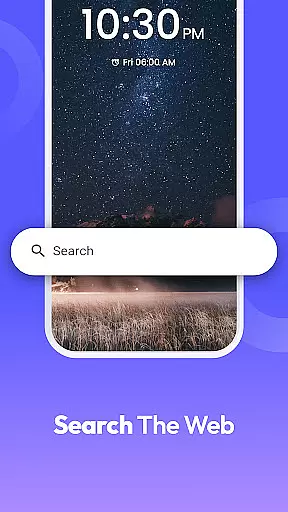
In addition to its core capabilities, the app offers a customizable home screen widget displaying time, weather, and other relevant information at a glance. Users can further personalize their experience by selecting from a variety of clock-themed wallpapers. Moreover, the inclusion of a multi-touchpoint search function powered by Yahoo enables quick access to installed apps and web searches, streamlining the process of finding information and launching applications. These innovative features collectively contribute to a more organized and productive lifestyle.
Task management is a cornerstone of productivity apps, and Clock Launcher excels in this area by offering users an intuitive way to organize their day. The app provides essential tools such as alarms, reminders, timers, and stopwatches that are easily accessible from the home screen.
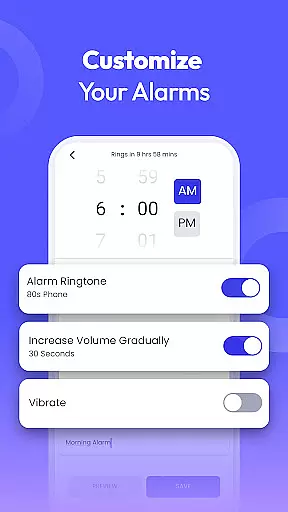
With Clock Launcher, setting up daily or weekly alarms becomes a seamless experience. Users can customize alarm tones and snooze durations to suit their personal preferences, ensuring they start each day on the right note. This level of customization helps maintain consistency in waking routines, which is crucial for heavy sleepers who need reliable cues to rise.
Beyond just waking you up, these features extend into other aspects of time management. Whether it's remembering important meetings or timing your workout sessions, Clock Launcher ensures no detail is overlooked. Its ability to integrate various time-based functions into one platform makes managing schedules more efficient than ever before.
In todayu2019s interconnected world, cross-device synchronization is vital for maintaining workflow continuity across different platforms. While Clock Launcher focuses primarily on standalone device functionality, its robust design guarantees that all data remains current and consistent within the app itself.
The application stores all user settings locally but offers peace of mind knowing that if switching devices, reconfiguring preferences will be straightforward thanks to clear organization and easy setup processes. Although direct cloud sync isn't featured, careful planning allows users to replicate their environment effortlessly elsewhere.
For those relying heavily on multiple gadgets throughout their day, having confidence in consistent performance regardless of where they access their tools proves invaluable. By prioritizing stability and ease-of-use over complex syncing mechanisms, Clock Launcher delivers dependable service without unnecessary complicationsu2014ensuring every interaction feels familiar yet fresh.
User-friendly interface
Comprehensive time management tools
Customizable home screen widget
Wide selection of clock-themed wallpapers
Multi-touchpoint search functionality
Potential home screen layout changes
Limited to Android devices
Dependent on third-party services for some features
No built-in calendar integration
May require adjustment period for new users

Direct Chat without saving contacts & Dual WA Account on Single Device
 4.70
4.70
The Pro Version of Android's tiniest Notepad app. Just 0.3MB but feature-packed!
4.60
Font maker keyboard with your own handwriting
4.10
Find and delete junk files & block unwanted notifications & manage files
3.70
ID.me Authenticator is a simple and free Two Factor Authentication solution
3.50
The AI assistant that thinks with you - write, code, and solve complex tasks
4.60
A Pixel Art watchface inspired by other iconic 90s designs for Wear OS devices!
4.40
The ultimate file manager for rooted devices. The original and still the best.
4.00
Use powerful, industry-leading AI tools to generate visual charts from any data
4.80
Native client for Forgejo and Gitea
5.00
Seamlessly integrate data and reports to build your presentation to impress
4.80
Understand anything with a personalized AI research assistant
4.80
aCalendar+ makes your day, week and month
4.70
Stay on top of your to-dos with Google Tasks, part of Google Workspace.
4.60
Lightweight PDF, Word, Excel reader.
4.60
Send files, sync SMS, notifications & clipboard across devices via local network
4.40
Secure your apps with lock screens, use custom themes and different features.
4.40
Share files & memories safely. Keep your photos and videos secure.
4.40
Ads Free App! Editor, Hide File, Copy, Move, Delete and Rename.. all facility av
1.70


User Reviews