
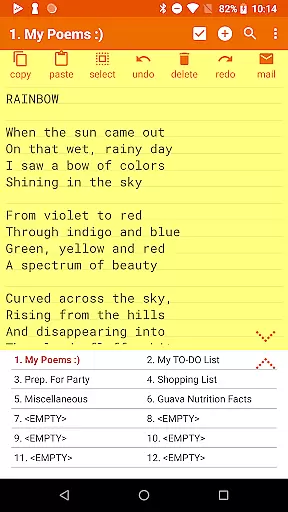

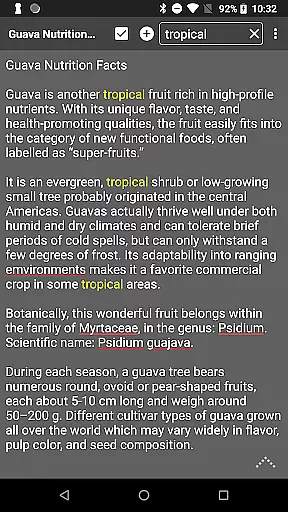
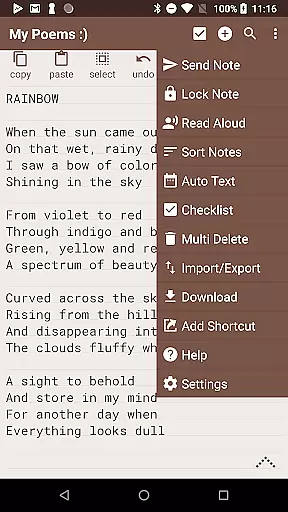
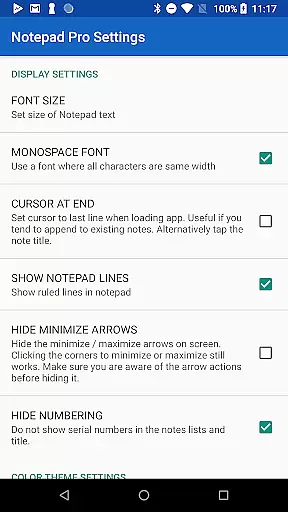
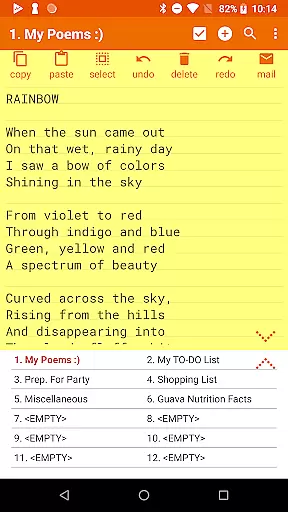

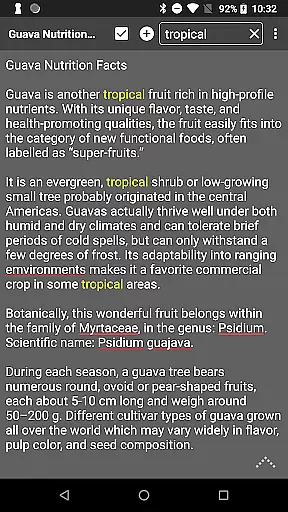
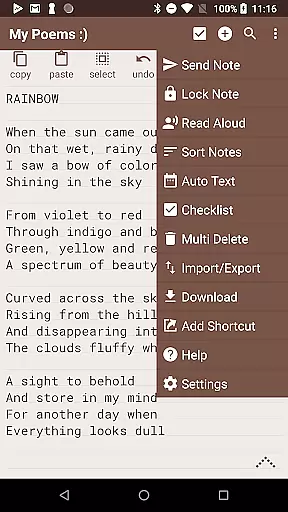
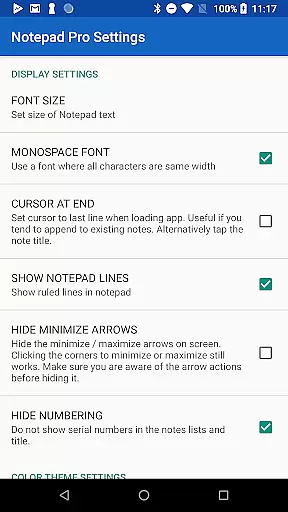

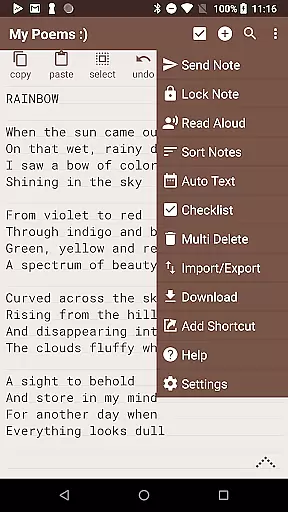
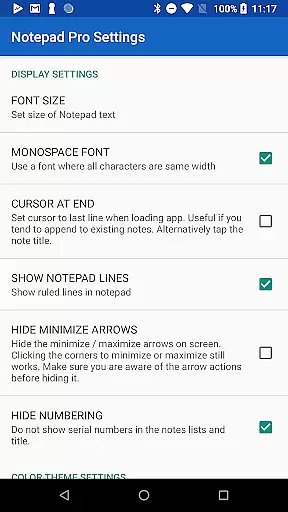
Notepad Pro is a versatile productivity app designed for Android users who need an efficient note-taking solution. This application stands out with its compact size of just 0.3 MB while offering powerful features. It provides unlimited notepad slots, in-line checklist capability, and search functionality within and across notes, making it ideal for both personal and professional use.
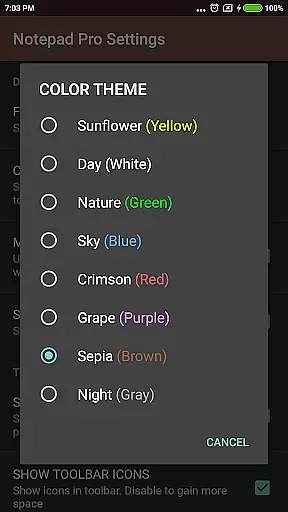
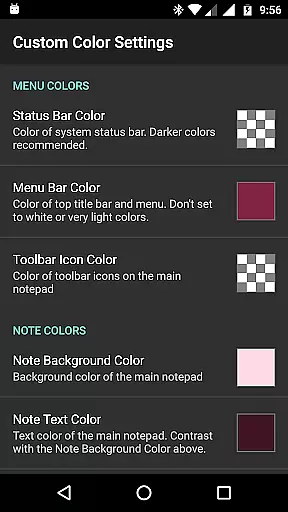
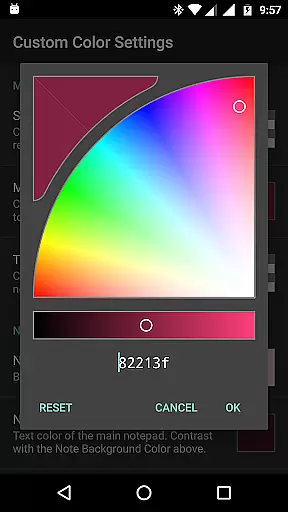
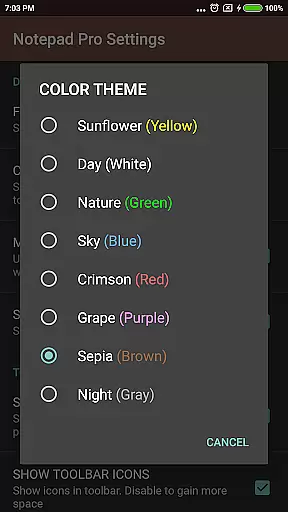
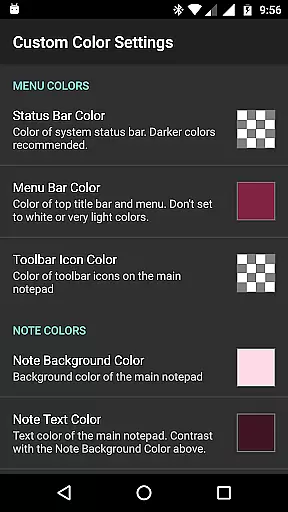
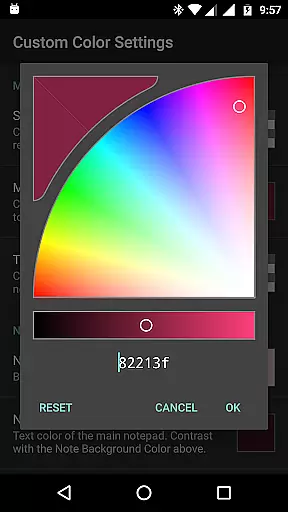
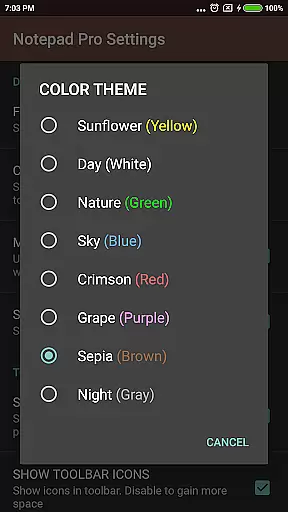
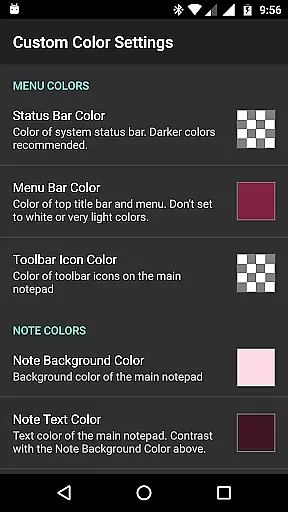
The app goes beyond basic note-taking by including advanced features like custom themes, desktop widget support, and the ability to categorize or bookmark notes. Its safeguard features ensure that your notes are protected through backup options, read-only settings, and local download capabilities. With accessibility options such as read-aloud functionality and desktop shortcuts, Notepad Pro ensures that your notes are always within reach.
Notepad Pro offers a comprehensive set of features that cater to various user needs. One of its standout capabilities is the auto-save function, which ensures that you never lose your work. The app allows users to sort and rearrange notes, apply custom themes, and maintain an always-visible note title, enhancing the overall user experience.
In terms of safeguarding your data, Notepad Pro includes options to restore notes from backup files, download notes locally, and make notes read-only. These features provide peace of mind for users concerned about data security. Additionally, the app supports sharing functionalities, enabling users to open text from external apps, attach notes as files in emails, and specify preferred email applications for seamless integration into their workflow.
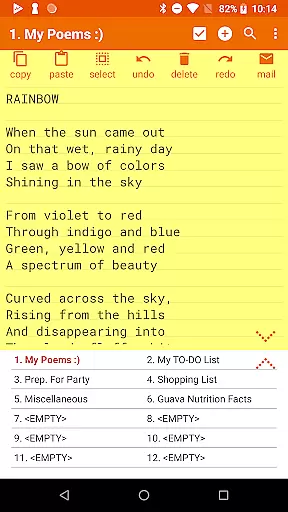
Notepad Pro excels in core task management by providing users with unlimited notepad slots, allowing for extensive note-taking without constraints. This ensures that users can organize their tasks and thoughts comprehensively.
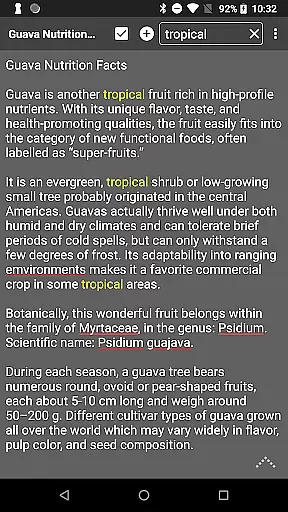
The app goes beyond simple note-taking by offering in-line checklist capabilities and the ability to search within and across notes. These features enable users to manage and locate their tasks efficiently, enhancing productivity.
Additionally, Notepad Pro supports desktop widget functionality, which means users can access their notes directly from their device's home screen. This accessibility ensures that task management is seamless and integrated into the user's daily routine.
While Notepad Pro focuses on device-local features, it offers reliable options for safeguarding and accessing notes across devices. Users can download notes and backups locally, ensuring they have access to their data wherever they go.
The app allows for selective import and export of notes, giving users control over their data synchronization process. This feature is crucial for those who work on multiple devices and need consistent access to their notes.
Furthermore, Notepad Pro provides a read-only mode and the ability to specify backup frequency. These safeguards ensure that notes remain unchanged when needed and are backed up regularly, thus maintaining cross-device reliability.
User-friendly interface
Compact app size
Advanced security features
Versatile customization options
Efficient note organization
Limited to Android platform
No cloud sync feature
Paid version only
Minimalist design may not appeal to all
Requires manual backup management

Seamlessly integrate data and reports to build your presentation to impress
 4.80
4.80
Total remote control for your Android device, PC and cloud services (IFTTT)!
4.20
Mega cloud explorer plugin for Solid Explorer
3.80
IP Camera Viewer - Android TV : RTSP Surveillance camera viewer for Android TV
4.0
Create and edit presentations with Google Slides, part of Google Workspace.
4.00
Access, manage and transfer files on Android, PC, Mac, NAS and cloud storages.
4.30
Lightweight PDF, Word, Excel reader.
4.60
Seamlessly read, manage, and organize all your PDF files solution in one place
4.40
Note taking, handwriting, record audio, PDF annotation, planner & journal
4.20
Best Tool for the professionals Electrician, Electrical contractors, etc.
4.90
Calendar 2023 widget for Android. Appointment scheduler, planner, and reminder
4.60
To do list widget with a notebook organizer, checklist, simple shopping list
4.60
CalenGoo is a very flexible and feature-rich calendar app
4.40
A customizable calendar for your Wear OS watch
4.20
⏰ Finally a timer app which can run multiple timers simultaneously on your watch
3.90
Find and delete junk files & block unwanted notifications & manage files
3.70
Make your handwriting beautiful, even more than pen on paper.
3.60
Auto-shutoff Alarm with Sunrise, Sunset & Fixed Options.
3.50
Ads Free App! Editor, Hide File, Copy, Move, Delete and Rename.. all facility av
1.70


User Reviews