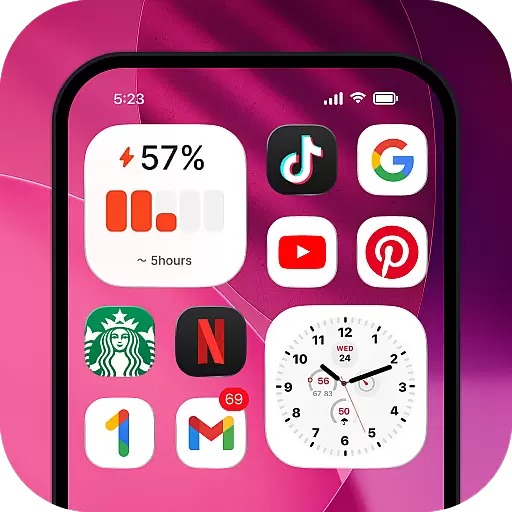
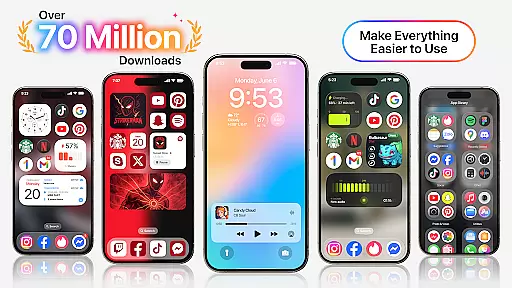
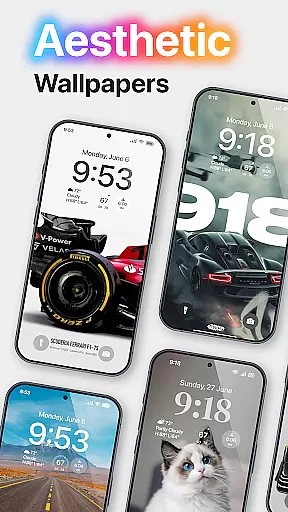
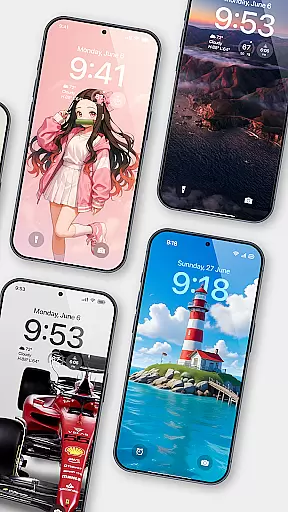
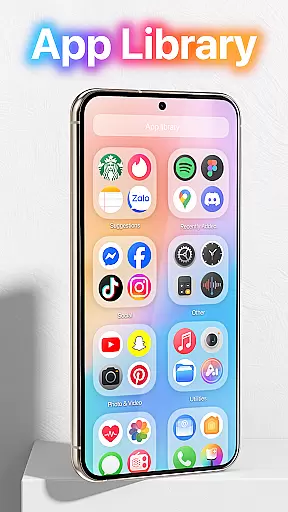
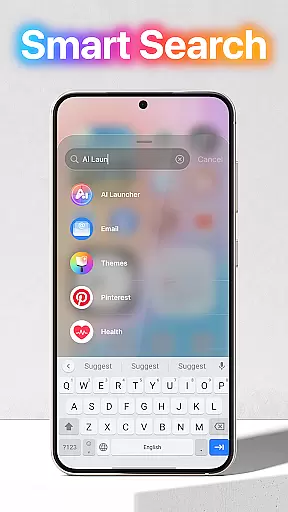
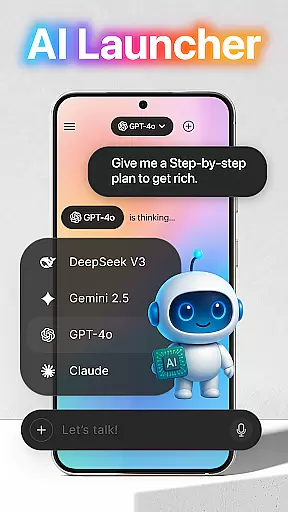
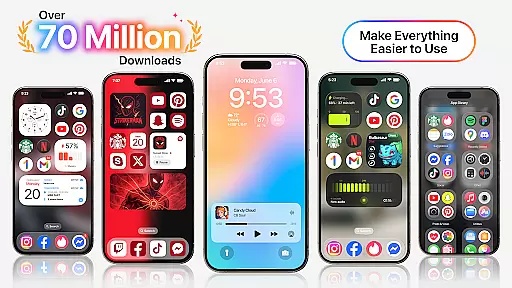
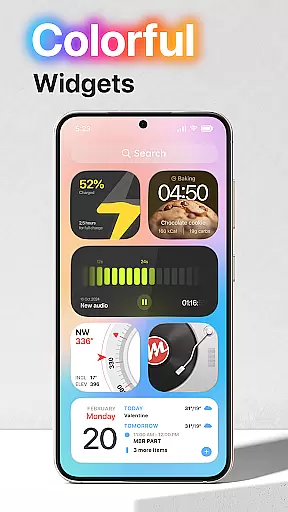
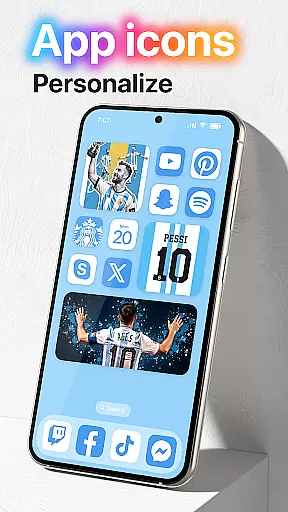
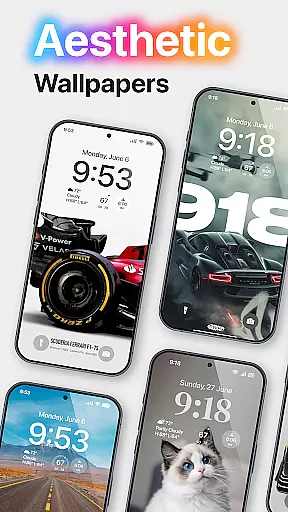
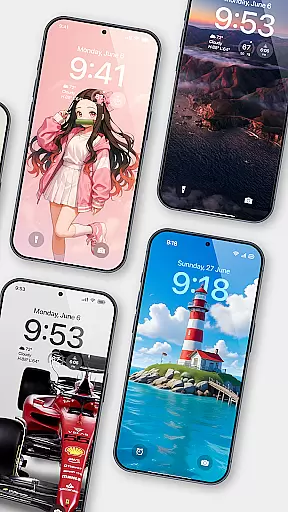
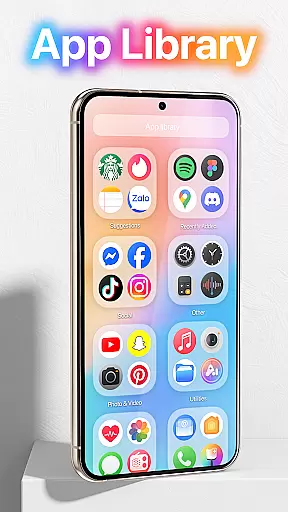
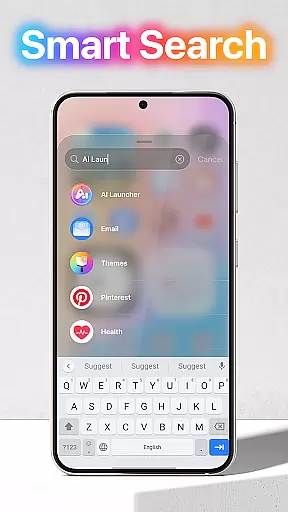
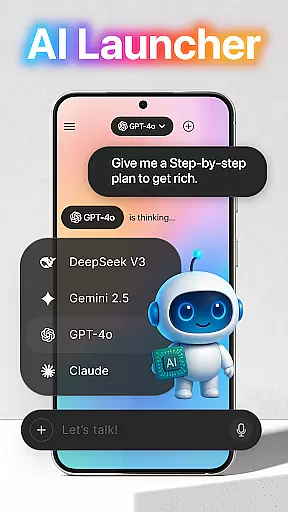
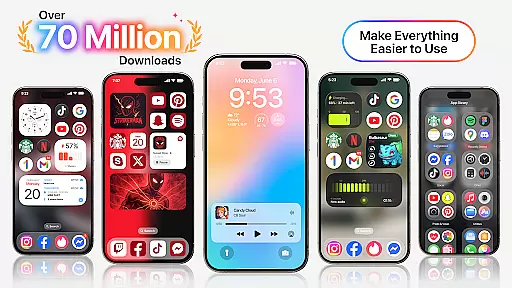
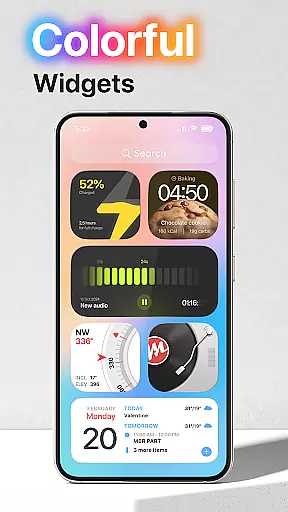
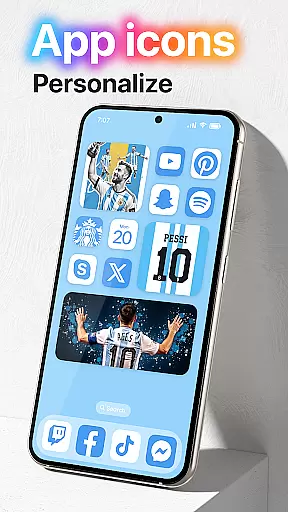
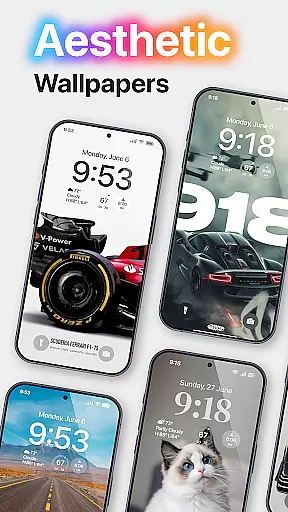
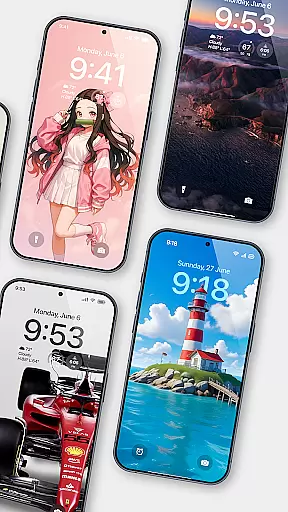
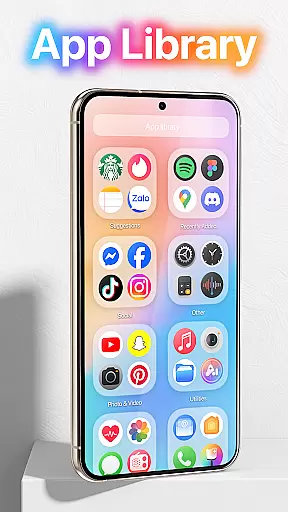
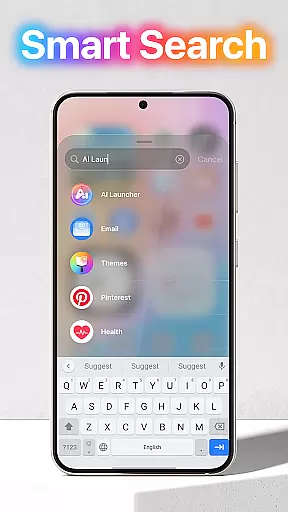
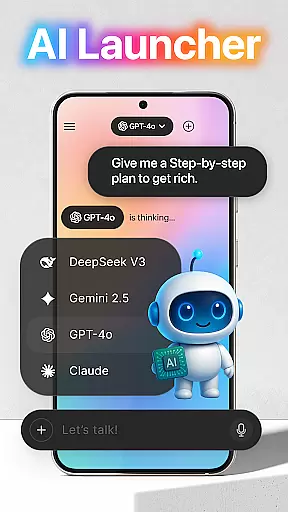
Launcher OS is a cutting-edge personalization app that redefines the Android mobile experience. It enhances your phone's capabilities, making it more powerful and intelligent. The app offers advanced launcher features that bring amazing possibilities to your device.
Key functionalities include lock screen optimization, universal file search, and voice-to-text conversion through AI chat. These features create a more personalized and efficient user experience. Whether you're looking to customize your home screen or improve device performance, Launcher OS delivers a comprehensive solution for Android users seeking a smarter mobile interface.
Launcher OS stands out with its comprehensive feature set designed to optimize Android devices. The app provides complete lock screen control, allowing users to access camera, notifications, and calls even when the screen is locked. This ensures you never miss important information.
The application's universal file search feature revolutionizes how users manage their device storage. With MANAGE_EXTERNAL_STORAGE permission, it enables quick location of any file on the device. Additionally, the AI-powered voice-to-text functionality streamlines communication through microphone integration, making Launcher OS a versatile tool for both productivity and personalization.
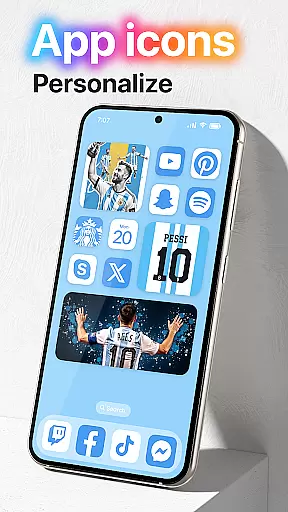
Launcher OS offers an extensive range of customization options that allow users to tailor their Android experience according to their preferences. This includes the ability to change themes, icons, and layout styles, ensuring that every user can create a personalized home screen that suits their taste.
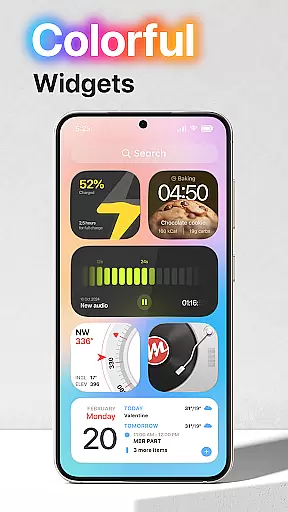
The app provides advanced settings for widget management, giving users control over which widgets appear on their home screen and how they are displayed. With support for third-party plugins, Launcher OS extends its customization capabilities beyond basic aesthetics to include functional enhancements tailored to individual workflows.
Users benefit from the intuitive interface designed to make customization accessible even to those new to Android devices. The real-time preview feature allows users to see changes before applying them, reducing the trial-and-error typically associated with personalizing mobile interfaces.
This level of customization not only enhances the visual appeal of the device but also improves usability by allowing users to prioritize frequently used apps and tools. As a result, Launcher OS transforms the standard Android experience into something truly unique and personal.
Theme compatibility in Launcher OS ensures that users can seamlessly integrate various visual themes across their device's interface. This feature supports a wide array of themes, from minimalist designs to more elaborate graphical styles, catering to diverse aesthetic preferences.
The application guarantees that all themes available in its marketplace are optimized for performance and appearance. Each theme undergoes rigorous testing to ensure it maintains visual consistency across different screen sizes and resolutions, providing a uniform look regardless of the device model.
Moreover, Launcher OS supports dynamic theming, which automatically adjusts the color scheme based on the time of day or user activity patterns. This smart adaptation helps reduce eye strain during nighttime use and enhances readability under varying lighting conditions.
By prioritizing theme compatibility, Launcher OS not only enriches the visual experience but also reinforces brand identity for users who prefer thematic coherence across their digital environments. This commitment to compatibility ensures that every theme behaves as expected, delivering a polished and professional appearance.
Enhanced lock screen
Universal file search
Voice-to-text AI
Customizable permissions
Comprehensive support
Requires many permissions
Complex setup process
May drain battery
Limited iOS features
Potential privacy concerns

Glass style colourful icons with a One UI look and feel
 4.60
4.60
Wear Os Watch Face - Seasonal - Animated Snow Effect - 9 Animals
4.20
Fingerprint Lock Screen & Live Animations with 4K Wallpapers as Live Wallpaper
4.40
Make your phone look simple & luxury, like iDevice
4.60
Bring adorable pets to life on your screen. Playful, interactive and full of fun
4.60
Gun Chase - Let the chase begin.
4.80
Color phone with cool effects for call screen, flash alert & ringtones music
4.50
300+ widgets inspired by Material You and Material 3 expressive design.
4.60
Magic fluids wallpaper 4D: Relax with stunning fluid simulation wallpaper app
4.20
Enjoy a variety of amazing live wallpapers and colorful EDGE lighting borders!
4.80
A Colorful and Minimal icon pack in an Outline Style - Over 13,600 icons!
4.70
300+ Stunning and well-designed widgets inspired by NOTHING.
4.70
A minimalist productivity launcher. One-hand-friendly. Zero ads.
4.70
Ultra realistic high quality analog watch face for Wear OS.
4.60
Unique Android Launcher
4.60
Beautiful realistic hybrid watch face with numerous customization options.
4.50
Transform your device in a game console
4.40
Customize glowing edges, wallpapers, and caller screen with EdgeAura.
3.50
Modern Glass Icon Pack with glossy icons, clean minimal theme & aesthetic style
4.1
Wallpaper Engine Android review—PC sync setup, crash issues, sound reactive limitations, and whether this free companion app is actually good.


User Reviews