
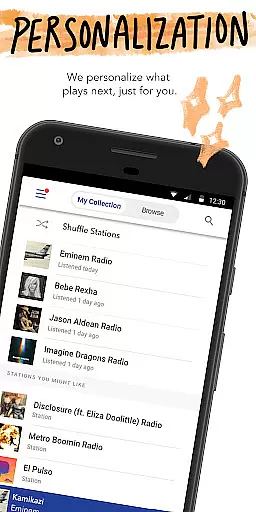

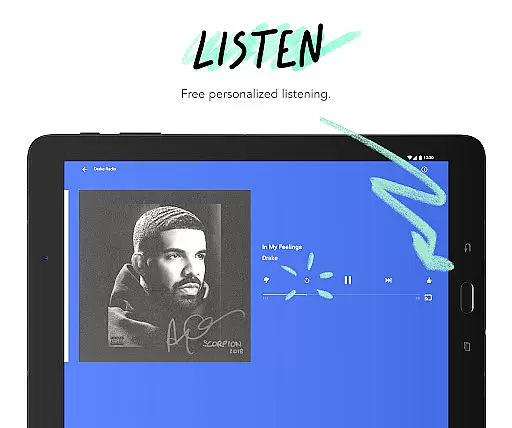
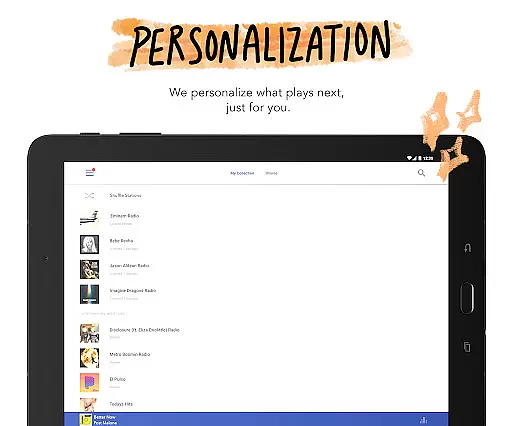
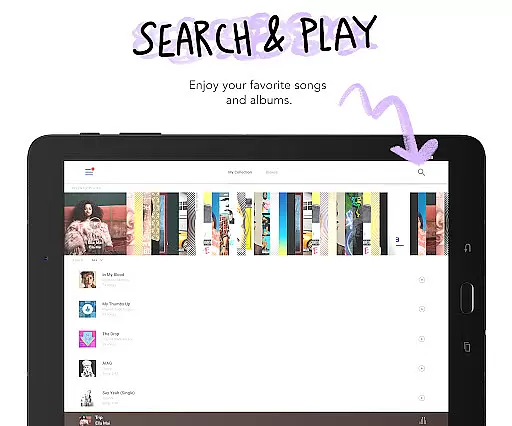

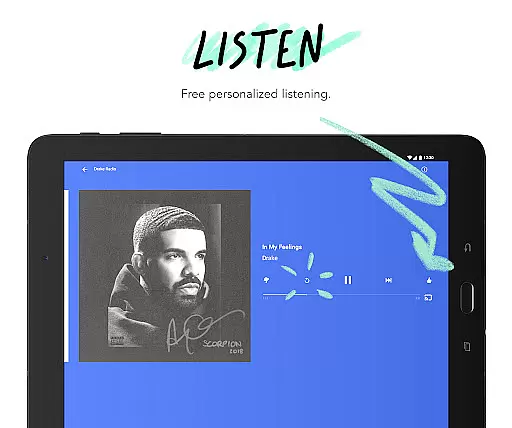
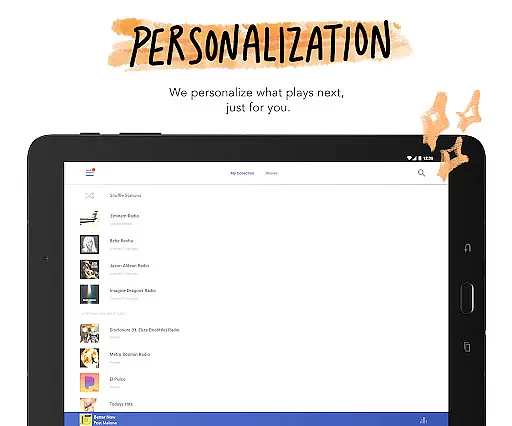


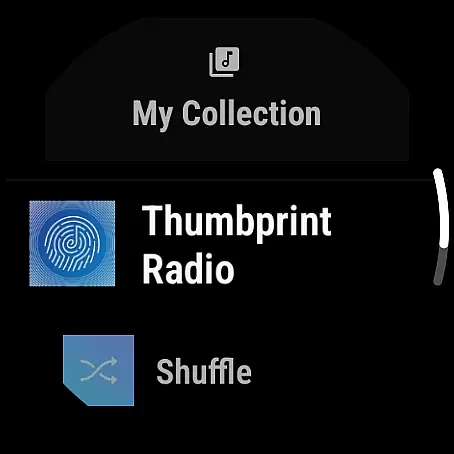


Pandora is a leading music streaming service that offers users a personalized listening experience. The app creates custom stations based on favorite songs, artists, or genres, and evolves with user preferences over time. It supports Android Wear, allowing users to control music directly from their smartwatch, making it perfect for workouts or when traveling light.
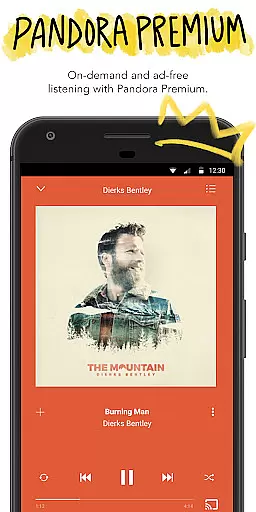
Beyond music, Pandora provides access to podcasts and personalized recommendations. The app's unique features include Pandora Modes for customized station experiences, voice controls for hands-free operation, and seamless integration with Android Auto for commutes. With options like Pandora Premium and Pandora Plus, users can enjoy ad-free, on-demand music with higher quality audio and offline listening capabilities.
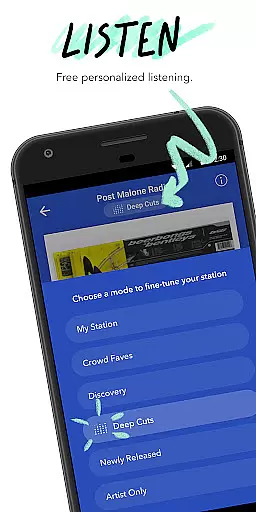
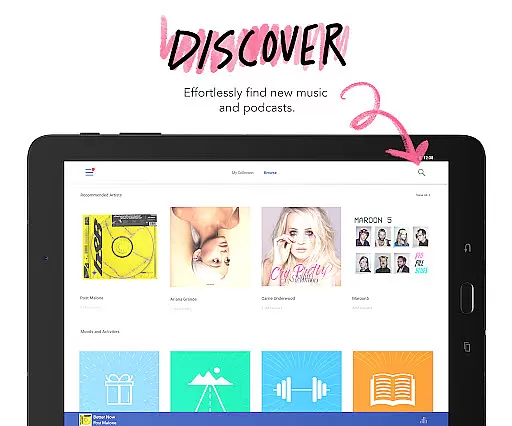
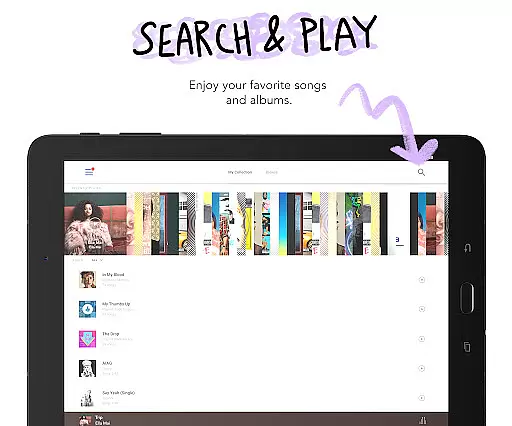
Pandora stands out with its powerful music discovery platform and personalized recommendations. The app allows users to create custom stations from favorite artists or genres, and further refines these through Pandora Modes. These modes let listeners choose between deep cuts, crowd favorites, new releases, and more.
The app also includes advanced features like voice commands for playback control, compatibility with Android Auto, and support for Wear OS devices. Pandora Premium subscribers benefit from on-demand music, unlimited skips, offline downloads, and higher-quality audio. Meanwhile, Pandora Plus offers ad-free radio with fewer limitations compared to the free version.
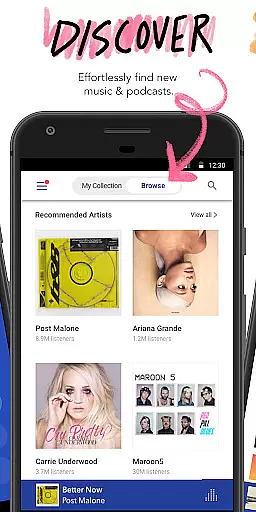
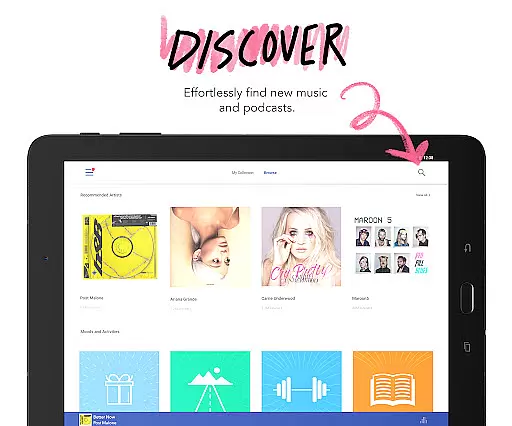
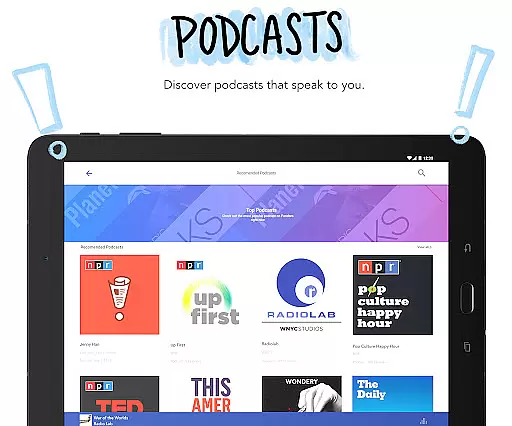
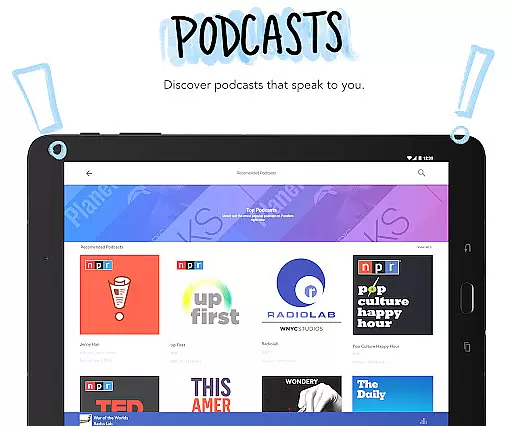
Podcast enthusiasts will appreciate Pandora's curated podcast recommendations and easy browsing interface. The app intelligently suggests content based on listening habits, ensuring relevant discoveries. Whether commuting, working out, or relaxing at home, Pandora adapts to different scenarios while maintaining an intuitive user experience across multiple devices.
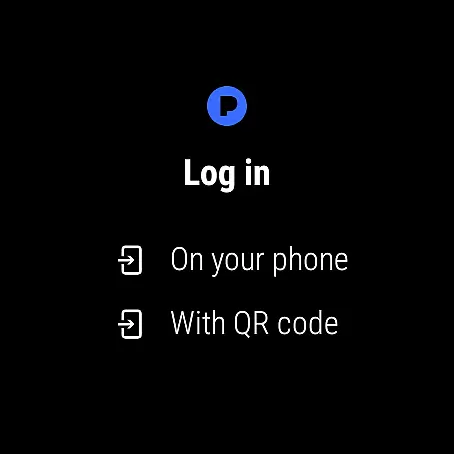
Companion app integration is essential for a seamless wearable experience. Pandora excels in this area by offering robust synchronization between its mobile application and Wear OS devices. This ensures that your music preferences, station selections, and listening history are always up-to-date across all your devices.
The integration allows users to control their music directly from their smartwatch. Whether you're commuting, working out, or simply relaxing at home, you can easily manage playback, change stations, and even adjust volume without needing to reach for your phone. This level of convenience significantly enhances the user experience.
Pandora's companion app functionality extends to its voice mode feature as well. With simple voice commands, users can search for songs, play or pause tracks, skip tunes, and even give a thumbs up to their favorite music. This hands-free operation makes it safer and more convenient to use Pandora while engaging in various activities.
By providing comprehensive companion app integration, Pandora ensures that listeners can enjoy their personalized music experience wherever they go. The ability to stream music directly over Wi-Fi or cellular networks from your wrist device adds another layer of flexibility, making it perfect for workouts, walks, or when you're traveling light.
Device compatibility is crucial for ensuring a smooth user experience on wearable platforms. Pandora demonstrates excellent compatibility with Wear OS devices, allowing users to enjoy their favorite music and podcasts directly from their smartwatches. This compatibility ensures that whether you're using a watch during workouts, walks, or while traveling light, Pandora remains accessible.
The application supports a wide range of Wear OS devices, ensuring that most users can take advantage of its features without worrying about technical limitations. By optimizing its performance for different hardware specifications, Pandora delivers consistent quality and reliability across various devices.
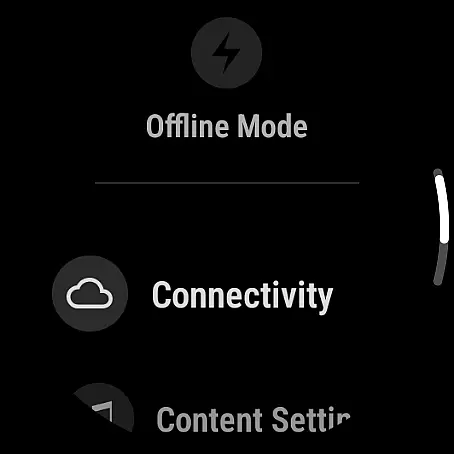
In addition to basic playback controls, Pandora's Wear OS compatibility includes advanced features such as offline listening. Users can download their favorite stations for offline access, which is particularly useful when they find themselves without a phone or in areas with poor connectivity. This feature enhances the practicality of using Pandora on wearable devices.
Furthermore, Pandora's integration with Android Auto complements its Wear OS compatibility, providing a comprehensive ecosystem for music lovers. Whether you're driving or engaging in other activities, the ability to seamlessly transition between devices ensures that your music experience remains uninterrupted. This holistic approach to device compatibility underscores Pandora's commitment to delivering a versatile and user-friendly service.
Personalized music stations
Voice control feature
Android Auto support
Wear OS compatibility
Podcast recommendations
Limited free version
US-only availability
Data usage concerns
Subscription costs
Licensing restrictions

Christmas watch face. For Wear OS devices.
 4.30
4.30
an Analog Watch Face for winter season with freeze winter background for Wear OS
4.5
Contemporary digital watch face with five complications
4.5
Beautiful, colorful and practical watch face. For Wear OS devices.
5.00
Watch face for Wear OS.
4.20
sleep, alarm, snoring, stress, healing, focus, sound therapy, circadian rhythm
4.10
Funny animated watch face for Thanksgiving
4.3
The most customizable hybrid watch face. For Wear OS 5.0, API 34+ and later
4.70
Your music, your playlists, and more—offline and unlimited.
4.20
Digital, flexibly customizable watch face. For Wear OS 5.0, API 34+ and later.
5.00
Hyperlocal rain alerts by MyRadar using patent-pending technology, radar & more
4.80
WTW M17 is a premium and luxurious hybrid watch face
4.70
Easy Voice Recorder is your everyday companion to record important moments.
4.70
Highly customizable hybrid watch face for Wear OS, perfect for everyday use.
4.60
Real-time results, stats, schedules and player profiles for all leagues
4.60
MyNISSAN® lets you remotely control your car from your phone.*
4.50
Watch the sharpness of the sky on your wrist..
3.70
A watch face that fuses motorsport precision with contemporary smartwatch design
4.4
Stylish digital watch face for Wear OS devices with customizable features
4.5


User Reviews