
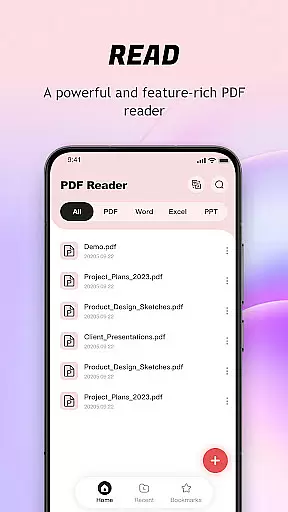
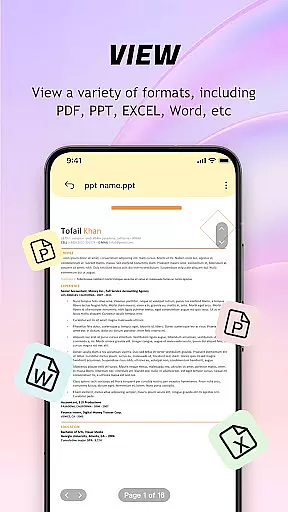
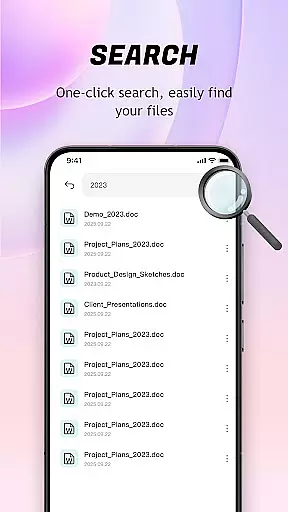
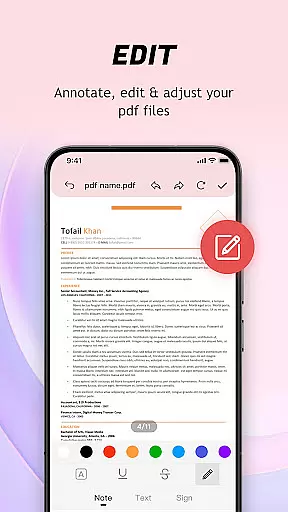
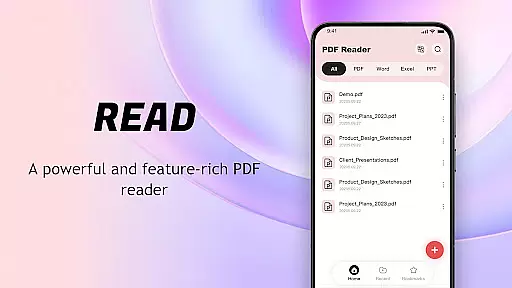
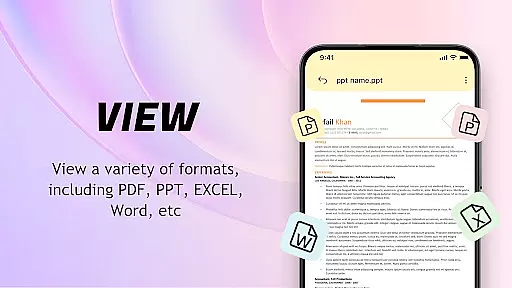
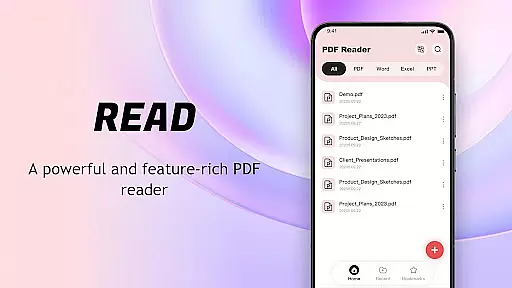
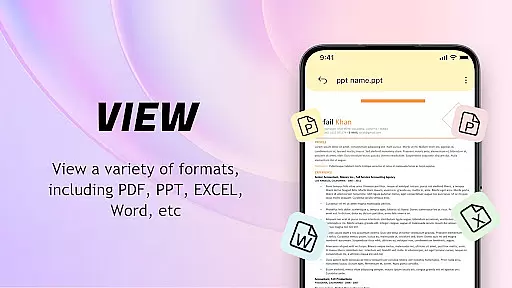
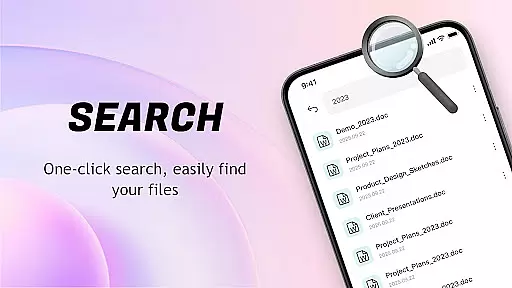
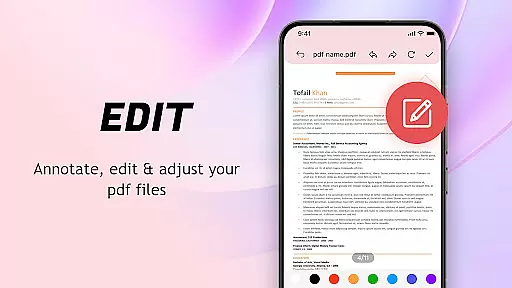
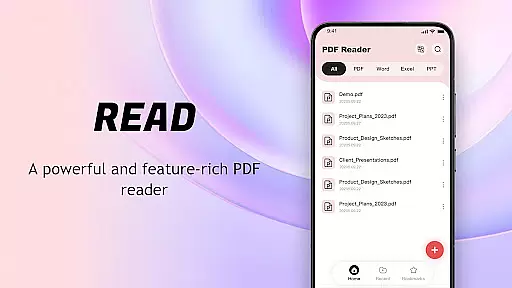
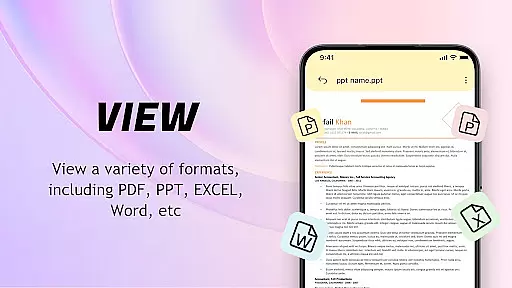
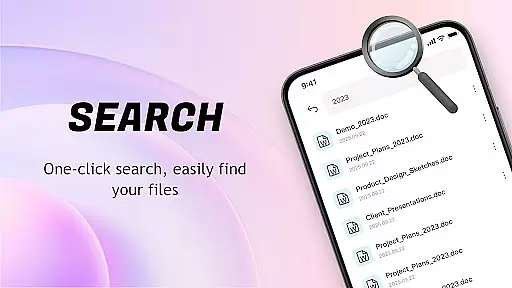
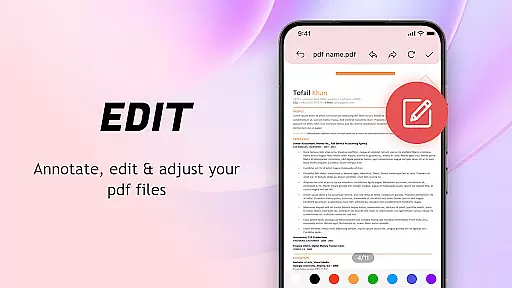
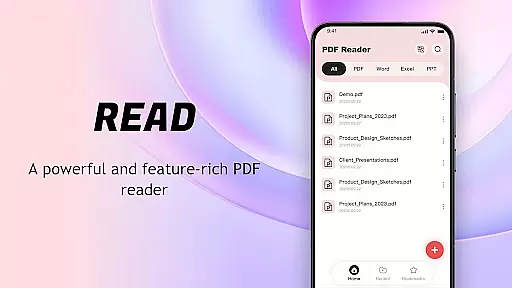
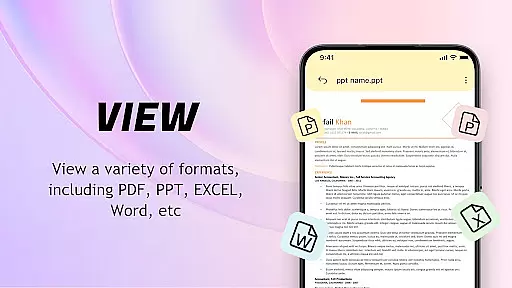
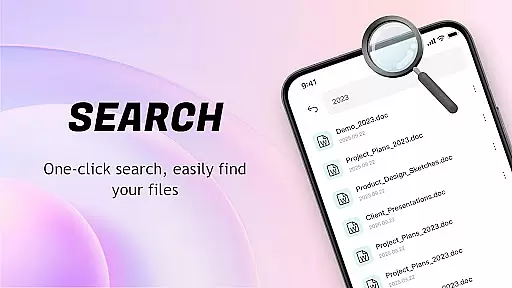
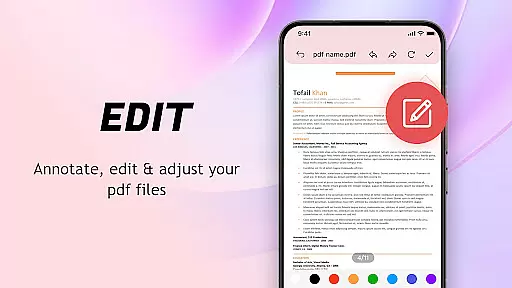
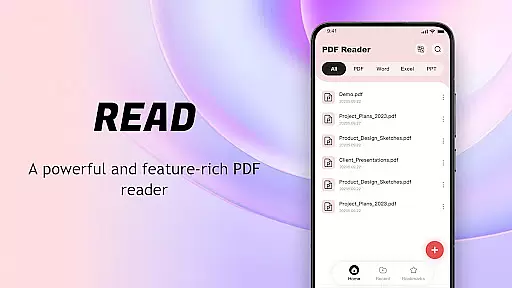
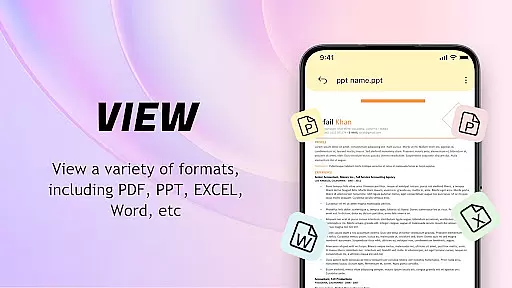
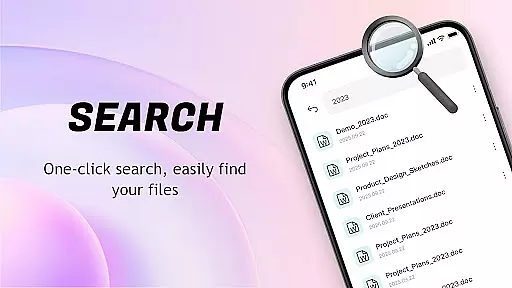
PDF Reader: Easy Fast Viewer is a versatile document management tool designed for efficient PDF handling. This application automatically scans and organizes PDF files on your mobile device, presenting them in a unified interface for easy access. With its lightweight design and intuitive operation, the app ensures a smooth reading experience while supporting multiple file formats.
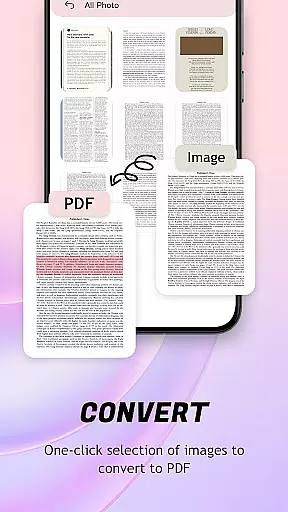
The reader's advanced features include automatic document recognition, smooth page scrolling, and clear rendering of text and images. Users can conveniently convert images to PDFs with optimized layouts. The app also offers practical tools for file management such as recent file display, bookmarking, and quick sharing options. Whether for personal or professional use, this PDF Reader provides a comprehensive solution for all document viewing needs.
This PDF Reader stands out with its rich feature set tailored for document management efficiency. The app automatically identifies and displays all PDF documents stored on the device, presenting content smoothly through various scrolling modes. Its intelligent system supports seamless switching between different viewing modes, ensuring optimal readability of text and images.
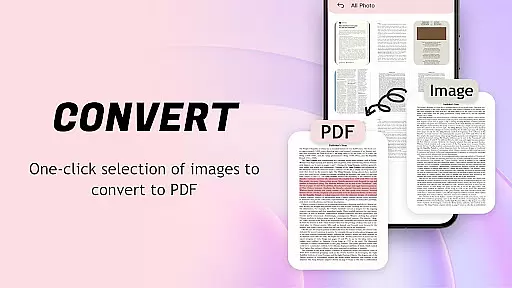
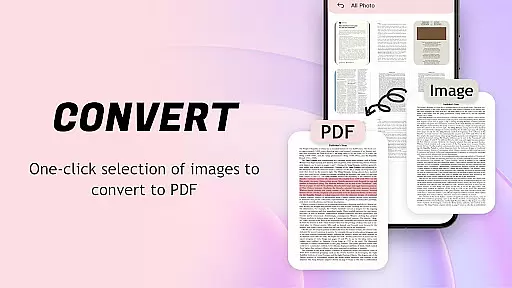
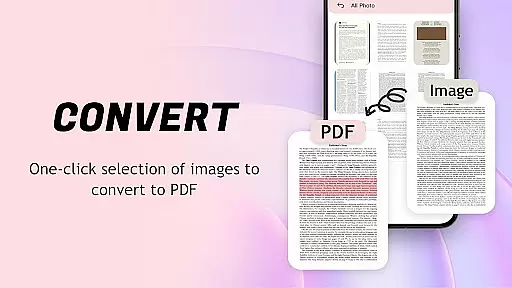
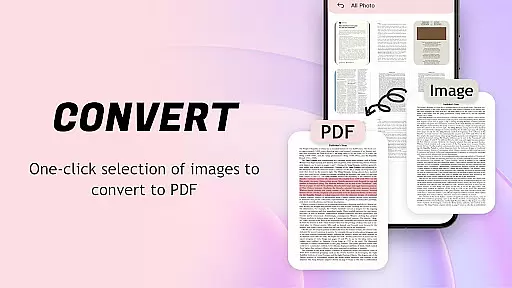
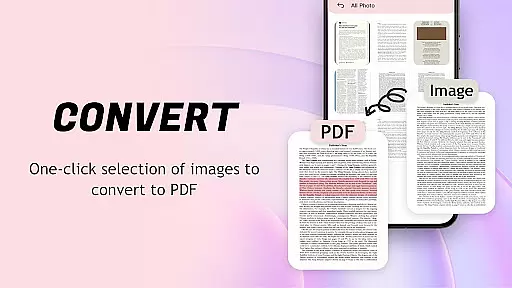
A key highlight is the image-to-PDF conversion tool that automatically optimizes layouts and generates PDFs with a single click. The application maintains a chronological record of recently opened files for quick retrieval and allows users to categorize documents through collection settings. Additional capabilities include convenient file sharing, deletion options, and wireless printing functionality, making it an indispensable tool for both casual readers and professionals who regularly work with PDF documents.
When it comes to PDF readers, the accuracy and effectiveness of core functions are paramount. The PDF Reader: Easy Fast Viewer excels in this aspect by providing a seamless experience for users who need reliable document handling. This application automatically identifies and displays all PDF documents stored on the device, presenting them in a smooth and readable format.
The app supports various scrolling modes, allowing users to choose the most comfortable way to view their documents. Whether you prefer continuous scrolling or page-by-page navigation, the transition between pages is fluid, ensuring that text and images remain clear at all times. This attention to detail enhances the overall reading experience, making it easier for users to focus on content rather than functionality.
Another standout feature is its ability to convert images into PDF format with just one click. This tool not only simplifies file management but also optimizes layouts automatically, resulting in professional-looking documents ready for sharing. By integrating these powerful capabilities, the PDF Reader ensures that every tasku2014from viewing to converting filesu2014is executed with precision and ease.
A user-friendly interface is crucial for any tool, and the PDF Reader: Easy Fast Viewer delivers an intuitive design that makes document management effortless. Upon opening the app, users are greeted with a clean layout where all essential functions are easily accessible. This straightforward approach eliminates the learning curve typically associated with more complex applications.
The main screen displays recently opened files in chronological order, enabling quick access to frequently used documents. With simple taps, users can delete unnecessary files or mark important ones as favorites for future reference. These features streamline workflow and help maintain an organized digital workspace without overwhelming the user.
Sharing and collaboration are also simplified through the app's convenient sharing options. Users can swiftly send PDFs to colleagues or friends directly from their mobile devices. Additionally, the quick print function allows for immediate physical copies whenever needed. Overall, the PDF Reader combines simplicity with powerful tools, creating an environment where managing PDFs becomes second nature.
User-friendly interface
Multi-format compatibility
Efficient file management
Smooth page navigation
Quick image-to-PDF conversion
Limited advanced editing
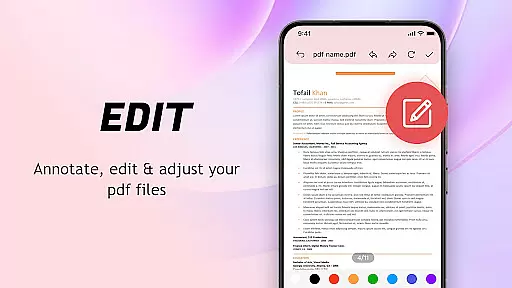
Basic annotation tools
Occasional loading delays
No cloud integration
Restricted format support

Easily install aab(Android App Bundle) files on your Android device with our app
 4.80
4.80
Extremely fast, secure, and protects your privacy
4.80
FV File Manager Pro, Fast and powerful file manager for Android
4.60
Clean the junk files on your device
3.40
Small and simple app to Verify Root Access and BusyBox Install!
4.70
Download any file easily and quickly with Downloader
4.2
Game Booster, GFX Tool is now compatible with newer game update
4.50
Automate everything from settings to photos, SMS to speech. ADC2 prize winner.
4.10
Clean up your phone, find files, play media, and share files offline
4.50
Change your GPS location instantly. Simulate routes anywhere in the world.
4.90
Best leveling tool for your Android device. Hang paintings like a pro.
4.90
The Ultimate Bluetooth Keyboard & Mouse. Securely control your PC, Mac, and more
4.50
Use your phone as a webcam on your computer over WiFi or USB.
4.40
Universal TV remote control all TVs, Roku, LG, Samsung, Fire, Vizio, Sony, TCL.
4.40
Fluid navigation gestures for all of us!
4.30 4.10
4.10
MS-DOS in your pocket. Play old DOS games anywhere you are ;)
4.10
Detect hidden spy camera with advanced scanning {{ Premium version }}
4.00
Introducing Smart Printer, your ultimate destination for printing solutions!
4.00
Honest Scratch app review—is it actually good for teaching kids to code? Real user insights on features, limitations, and learning outcomes.



User Reviews