


Photoroom AI Photo Editor is a powerful mobile application designed for both amateur and professional users who need to create high-quality, professional images with ease. The app leverages advanced AI technology to allow users to design, edit, erase, and replace backgrounds in photos effortlessly. Whether you're an e-commerce seller looking to enhance product listings or a content creator aiming to produce engaging social media posts, Photoroom offers the tools needed to elevate your brand visually.
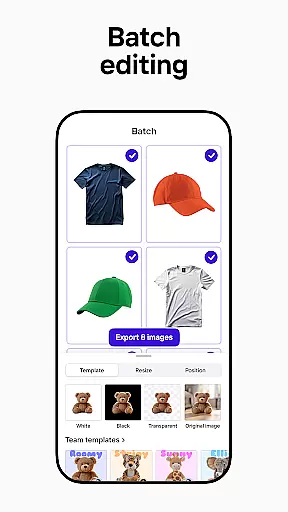
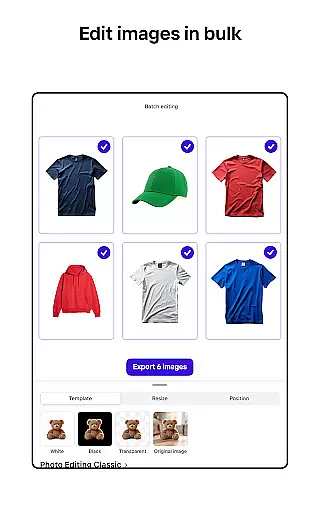
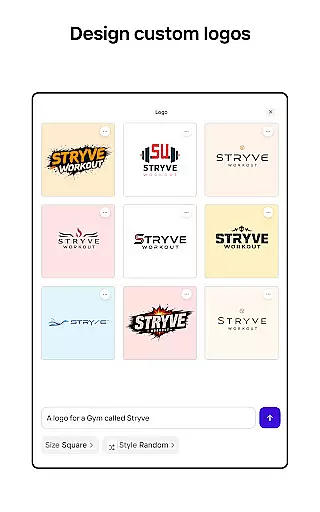
The app's standout feature is its AI-powered design capabilities, which enable users to generate professional designs by simply describing their ideas. This functionality saves time and eliminates the need for prior design experience. Additionally, Photoroom supports batch editing, making it ideal for users who need to process multiple images simultaneously while maintaining consistent quality across all visuals. With optimization for platforms like Instagram, Facebook, and Amazon, Photoroom ensures that every image meets platform-specific requirements without losing quality.
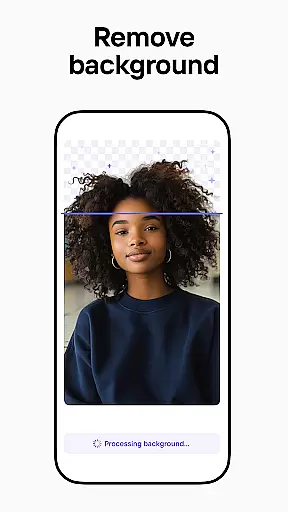
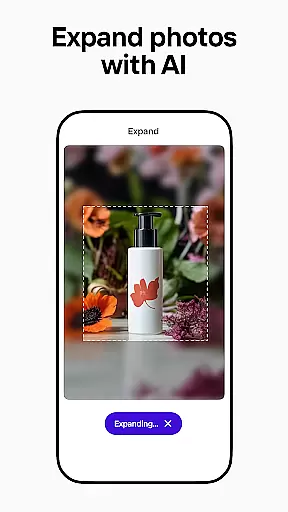
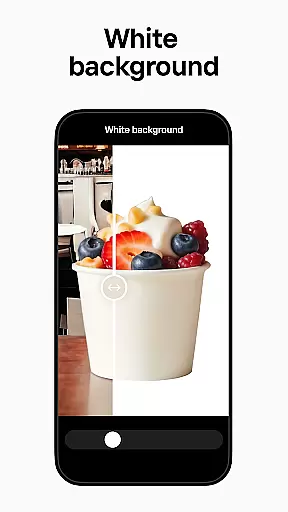
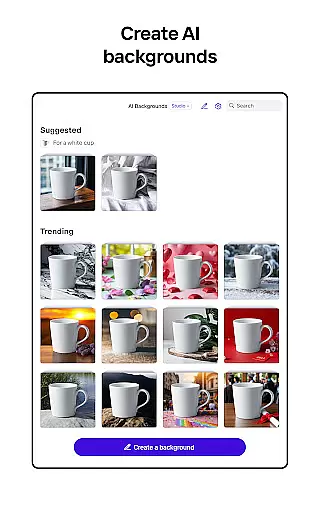
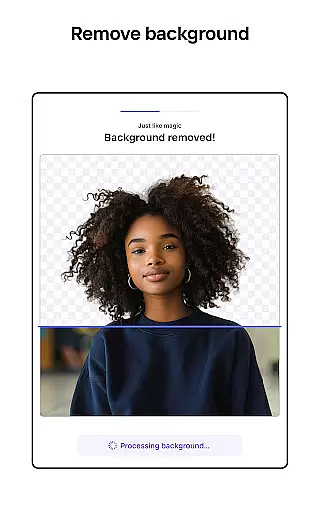
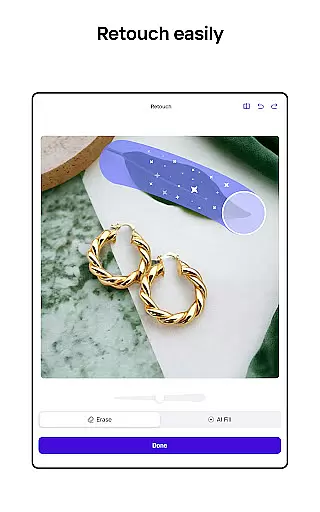
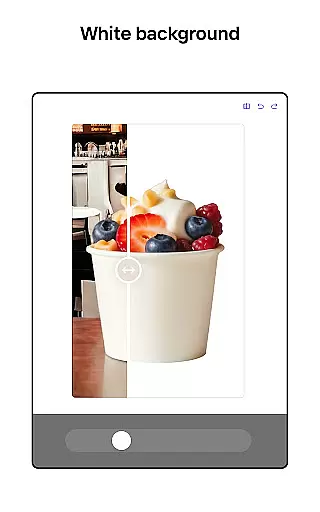
Photoroom AI Photo Editor boasts a comprehensive suite of features tailored to meet diverse photo editing needs. One of its core functionalities is the ability to remove and replace backgrounds using AI technology. This feature allows users to erase unwanted objects or distractions from photos and replace them with professionally designed backgrounds, enhancing the overall appeal of product shots or social media posts.
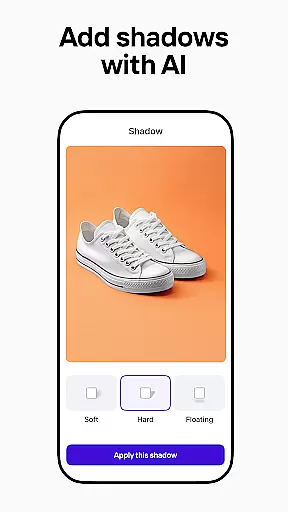
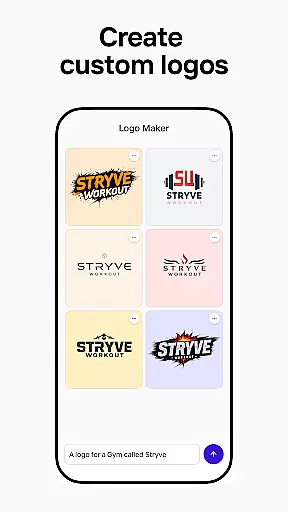
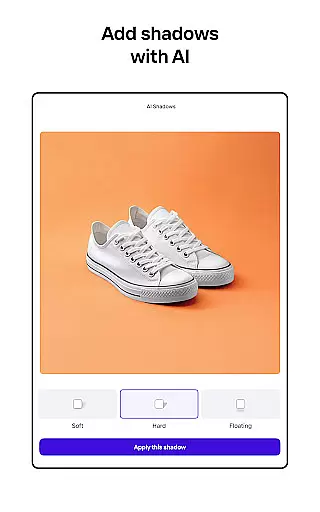
In addition to background manipulation, Photoroom provides enhanced photo editing tools that adjust lighting, shadows, and sharpness, ensuring professional-grade results. Users can also take advantage of the Product Beautifier tool to instantly transform images by showcasing clothing on virtual models or placing items in beautifully staged scenes. For those focused on branding, the app includes a Brand Kit feature, enabling users to store logos, colors, and fonts for consistent application across all designs. Collaboration is made easy as well, with real-time sharing and editing options for team members, streamlining workflows and ensuring cohesive brand representation.
Real-time capture and preview functionality is essential for ensuring that every photo taken meets professional standards. With Photoroom AI Photo Editor, users can instantly see the results of their edits as they make them, providing immediate feedback on changes to backgrounds or object removals.
This feature allows photographers and content creators to adjust lighting, shadows, and sharpness with precision. The real-time preview ensures that all modifications appear exactly as intended before finalizing the image, thus saving time in post-production.
The ability to view edits in real time significantly enhances workflow efficiency. Users no longer need to toggle between editing modes or wait for processing; instead, they can streamline their creative process by seeing adjustments instantly. This immediacy supports a more intuitive design experience.
Ultimately, real-time capture and preview empower users to produce high-quality images consistently. By offering an instant visual confirmation of every edit, Photoroom enables professionals to maintain brand consistency across various platforms while elevating their overall output quality.
AI beauty and enhancement features are crucial for creating natural-looking edits that enhance rather than distort images. Photoroom's AI technology specializes in maintaining authenticity while improving photo elements like skin tone, lighting, and background details.
This application intelligently adjusts imperfections without over-processing, ensuring that edited photos retain their original character. Whether smoothing out minor blemishes or enhancing product shots for e-commerce listings, the enhancements remain subtle yet effective.
For social media managers and content creators, this means producing engaging visuals that resonate with audiences without appearing overly edited. The AI-driven enhancements adapt to different contexts, from virtual models showcasing clothing to polished product shots ready for advertising.
By prioritizing naturalness in its AI enhancements, Photoroom helps users build trust through visually appealing but genuine imagery. This approach not only boosts engagement but also aligns with modern preferences for authenticity in digital content, making it an invaluable tool for anyone looking to elevate their visual storytelling.
User-friendly interface
AI-powered design tools
Batch editing capabilities
Professional-quality results
Wide platform optimization
Premium features require subscription
Limited free exports
Advanced tools may overwhelm beginners
Occasional processing delays
Subscription auto-renews

Easily stitch panoramas from multiple photos or video.
 4.40
4.40
Application for remote controlling DSLR
3.00
Photo editor: AI filters, photo enhancer, pic collage maker, AI art generator.
4.80
Create AI Photos, Improve and restore quality of blurry, old or damaged pics.
4.20
Transform photos into videos! Create realistic or anime-style images easily!
4.50
A must-have app for landscape photographers
4.60
Easily create custom gifts, cards, photo books & more on the Shutterfly app!
4.60
Effortlessly make high-quality GIFs from images & videos without any watermarks.
4.70
Your Family Calendar + Photos. Manage your Skylight Calendar and Skylight Frame.
4.40
Find time and duration of different sunlight phases at any location
4.90
Pro version: AR sun/moon tracker for any date. Tool for photographers & planners
4.90
The original Rarevision VHS look seen everywhere!
4.70
Unblur, enhance & restore photos with powerful AI photo enhancer tools.
4.60
Fit multiple photos on one post. Create carousels & scroll layouts for Instagram
4.50
Smart, light, and fast photo and video gallery
4.30
Superimpose one photo on top of another using the original Superimpose app!
3.20
Raw Image Viewer. Gallery with support of raw images (.cr3, .cr2, .nef, .raf).
2.00
Over 800 film simulation recipes for Fujifilm. Black Friday Offer!
4.2
Snap photos remotely using your Garmin watch as the camera trigger
4.4


User Reviews