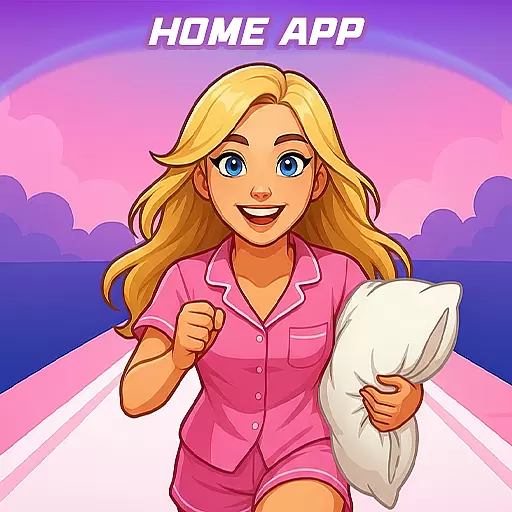
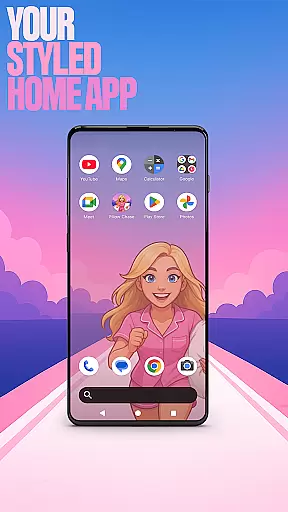

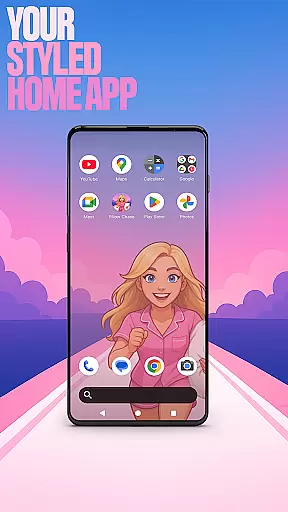

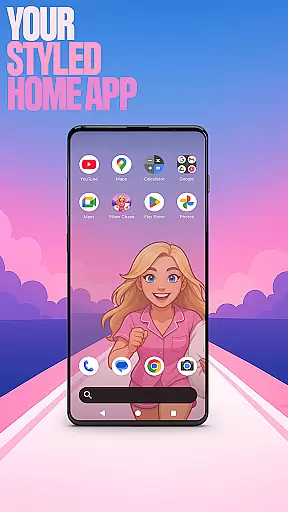

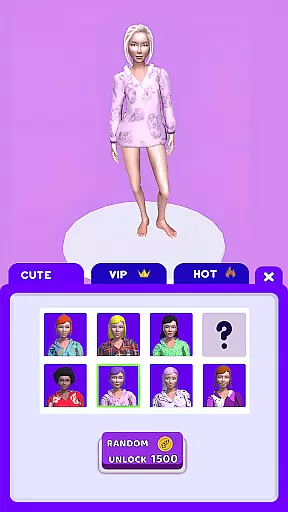
Pillow Chase Home App is a launcher app that allows users to create a personalized home screen. With this app, you can fully customize the layout, create folders, and choose colors for a unique experience. It offers a fresh style that keeps things exciting from the start. You can set it as your default home app via settings and switch back anytime.
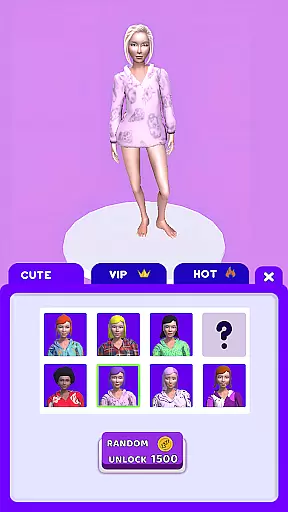
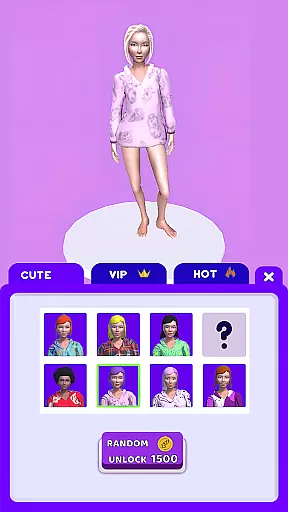
In addition to its customization features, Pillow Chase Home App also includes a fun game called Pillow Chase. In this game, you run, dodge, and race your way to sweet dreams by collecting pillows, leaping over alarm clocks, and avoiding coffee cups. The game provides quick breaks and endless entertainment, making it a delightful addition to the launcher app.
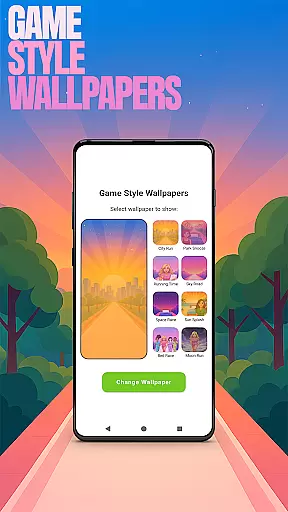
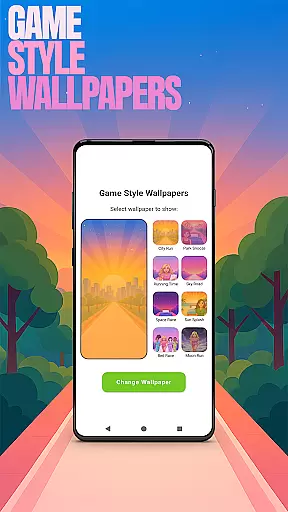
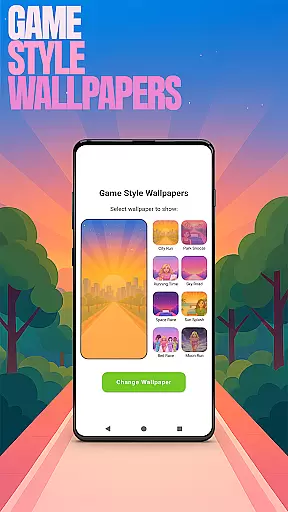
Pillow Chase Home App offers a range of features to enhance your home screen experience. One notable feature is the Game Style Wallpapers, which allows you to add unique wallpapers inspired by the Pillow Chase game. By long-pressing on the home screen and selecting 'Game Style Wallpapers,' you can personalize your device with these creative designs.
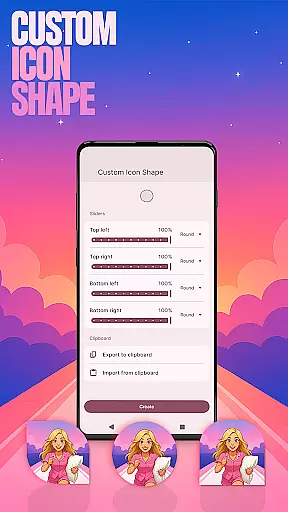
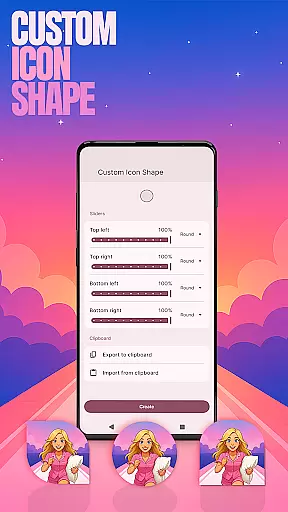
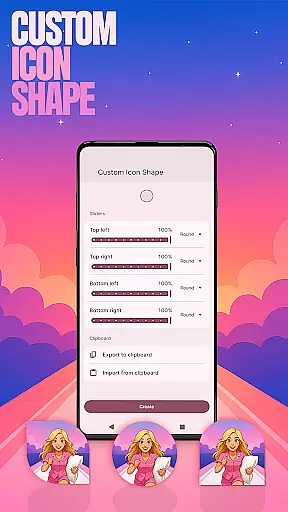
Another standout feature is Custom Icon Shape, enabling you to personalize your device with fun icon shapes and custom icon looks. Simply long-press on the home screen, click 'Custom Icon Shape,' and transform your home screen's appearance. Additionally, the app offers Custom Gestures, Hide Apps, and Accent Color options, providing further customization possibilities for a tailored user experience.
Customization is at the heart of Pillow Chase Home App, offering users a wide array of options to personalize their home screens. This app allows for an unprecedented level of personal touch, enabling users to fully customize the home screen layout, create folders, and choose colors, ensuring that each user's experience is unique.
The app provides features such as Game Style Wallpapers, Custom Icon Shape, and Custom Gestures, which collectively contribute to a highly personalized device interface. Users can express their individuality through these customization options, making their devices truly their own. Whether itu2019s through selecting wallpapers inspired by the Pillow Chase game or choosing fun icon shapes, the possibilities are vast.
By allowing users to tailor their home screens to their preferences, Pillow Chase Home App enhances user satisfaction and engagement. The ability to customize gestures, hide apps, and adjust accent colors adds layers of functionality and privacy, catering to both aesthetic desires and practical needs.
Pillow Chase Home App excels in theme compatibility, ensuring that all customizations are visually cohesive and compatible across different devices. The app offers a fresh style that keeps the user interface exciting and dynamic, from the moment you start using it.
Users can pick from preset themes or create their own device style, thanks to features like Accent Color customization. This flexibility ensures that whether you prefer a vibrant look or a more subdued palette, the app adapts seamlessly to your tastes. The visual consistency provided by these theming options enhances the overall user experience.
Switching back to a previous launcher won't affect the customized layout achieved with Pillow Chase Home App. This means users can experiment with confidence, knowing their original settings remain intact. Such assurance encourages exploration and personalization without the fear of losing prior configurations.
Highly customizable
Unique game integration
Variety of features
User-friendly interface
Fresh and exciting style
May change existing layout
Limited to Android devices
Some features may require technical knowledge
Switching back to previous launcher may be needed
Privacy concerns with hidden apps

Wear Os Watch Face - Seasonal - Animated Snow Effect - 9 Animals
 4.20
4.20
Customizable screen pets that play, climb, and keep you company.
4.50
Want to make your phone more special than ever?
4.60
Vibrant Adaptive Icons with Material You and Enhanced Monet Colors.
4.50
Choose your keyboard with RGB colors effect, themes, fonts, emojis.
4.60
Crystal-clear, square icon provides a sleek and sophisticated visual upgrade
4.00
300+ Stunning and well-designed widgets inspired by NOTHING.
4.70
300+ Beautifully crafted widgets inspired by OneUI.
4.60
Create unique, fun emojis with Funny Emoji Maker! Unlimited creativity!
4.00
Gun Chase - Let the chase begin.
4.80
Nothing Icon pack with more than 3750+ highly crafted icons.
4.70
Make your phone look simple & luxury, like iDevice
4.60
Unique Android Launcher
4.60
Ultimate Gallery Lock App - Hide Pictures, Videos and Lock Apps Instantly!
4.60
Zip lock screen with magic wallpaper to decorate your phone with fun zipper lock
4.60
Try creating your own keyboard with "Keyboard theme for android" app now!
4.50
The definitive Icon pack maker and editor
4.30
Romantic Kiss Stickers App. Start romantic messaging now!
4.30
Realistic animated snow on your wrist, with 10 images landscapes to choose from
4.00
Wallpaper Engine Android review—PC sync setup, crash issues, sound reactive limitations, and whether this free companion app is actually good.



User Reviews