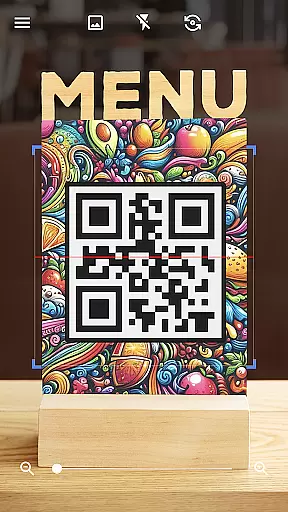

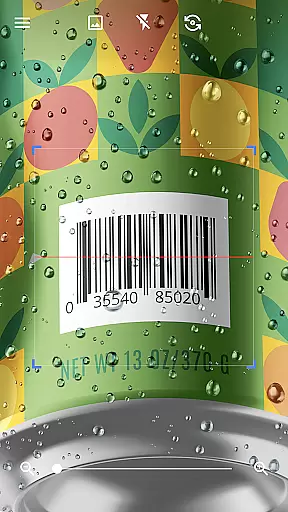
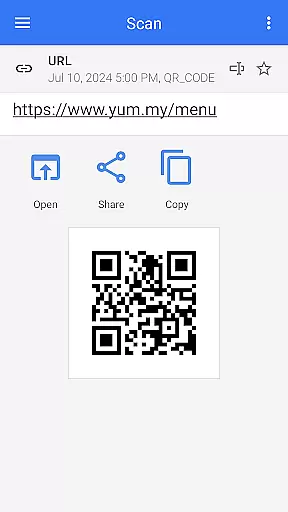
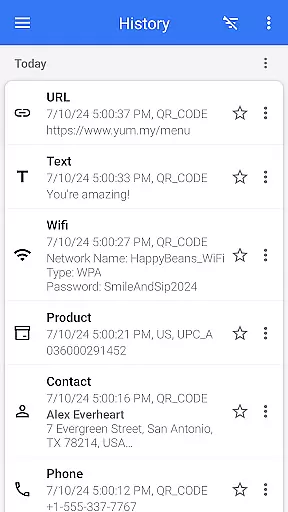
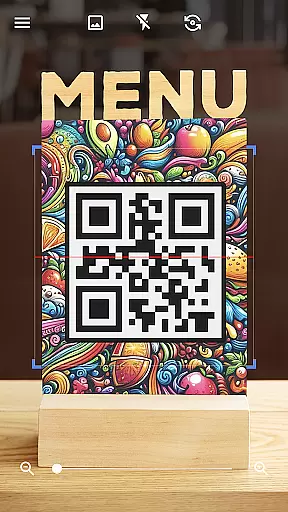

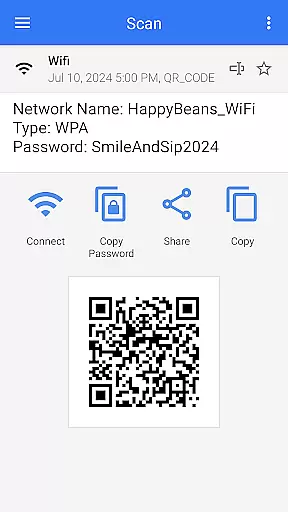
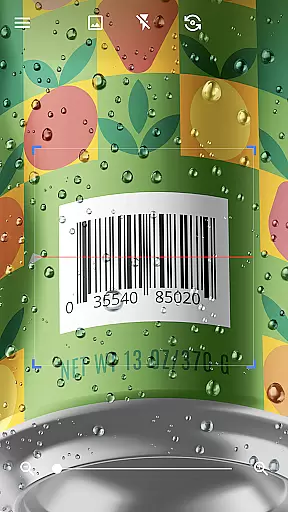
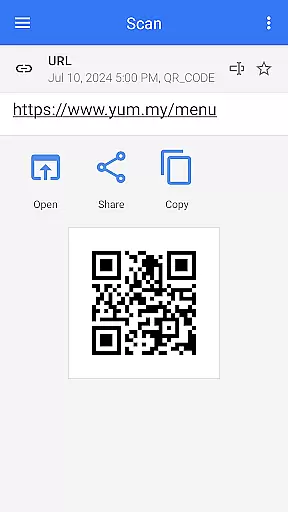

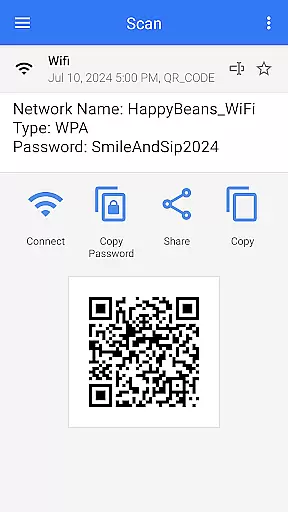
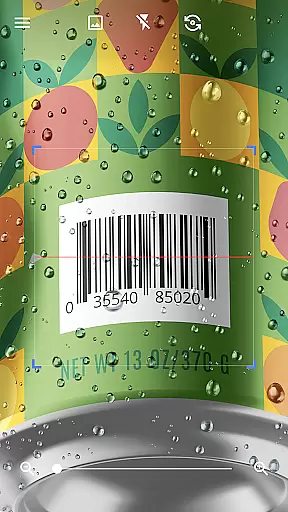
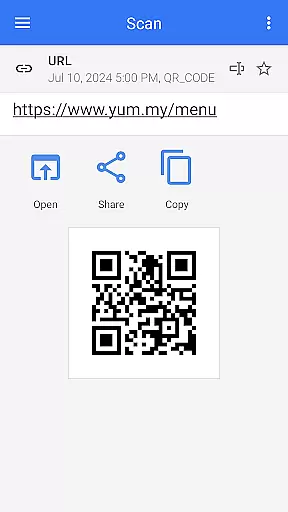
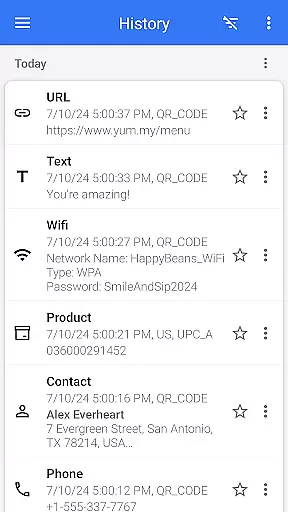

QR & Barcode Scanner is a versatile tool designed for Android users who need quick and reliable scanning of QR codes and barcodes. This app stands out with its automatic scanning feature, eliminating the need for manual input or adjustments. Simply point your camera at any code, and the app will instantly decode it.
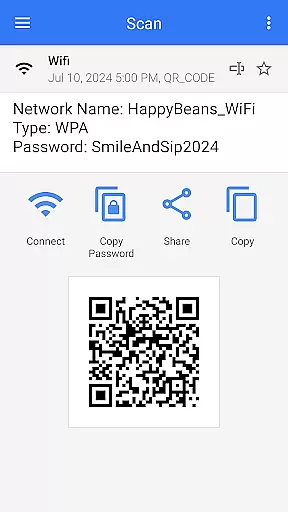
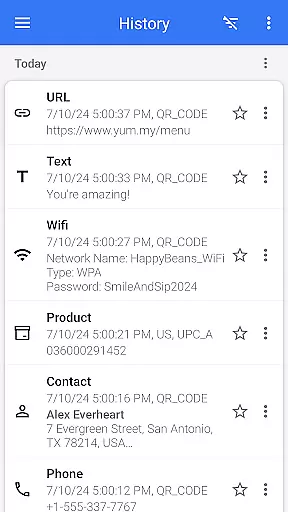
The application supports all major QR and barcode formats, including text, URLs, ISBNs, product details, contacts, calendar events, emails, locations, and Wi-Fi information. Its comprehensive functionality extends beyond scanning; users can also generate custom QR codes for various purposes, such as sharing contact information or connecting to Wi-Fi networks without entering passwords manually.
Whether you're using it for personal convenience or business needs, QR & Barcode Scanner offers practical solutions like price comparison in stores, coupon redemption, and batch scanning of multiple codes. The app's intuitive interface and additional features like dark mode, export options, and customizable themes make it an indispensable tool for everyday use.
QR & Barcode Scanner boasts an impressive array of features that cater to both casual users and professionals. One of its standout capabilities is the automatic scan function, which begins decoding as soon as the camera points at a code. This eliminates the need for pressing buttons or adjusting settings, providing a seamless user experience.
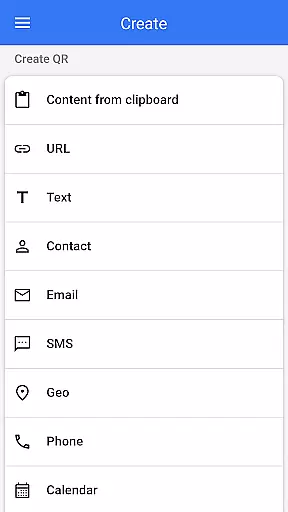
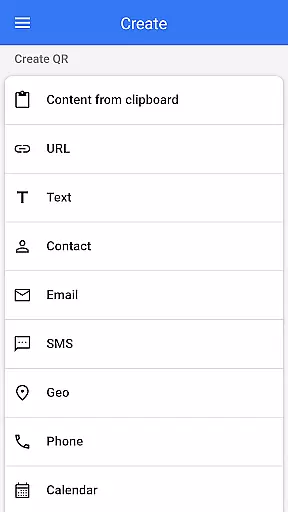
In addition to scanning, this app serves as a robust QR code generator. Users can create personalized QR codes containing text, URLs, contact information, and more. The app supports advanced functionalities like scanning codes from images or the gallery, sharing scanned content directly to other apps, and even generating codes from clipboard content. These features ensure maximum flexibility and convenience.
Other notable features include batch scan mode for processing multiple codes simultaneously, export/import options for managing scanned data, and integration with device functions like flashlight and zoom. With its comprehensive set of tools and user-friendly design, QR & Barcode Scanner delivers exceptional value for anyone needing reliable code scanning and generation capabilities.
QR & Barcode Scanner stands out for its exceptional core functionality, which centers on the accurate and efficient scanning of QR codes and barcodes. This app employs advanced scanning technology that ensures quick recognition and decoding of various code types, including text, URLs, ISBNs, and more.
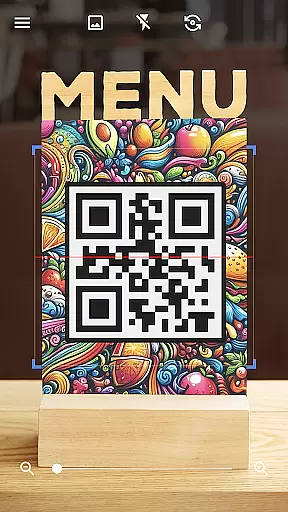
The effectiveness of this tool is evident in its seamless operation. Users simply need to point their device's camera at the code, and the app automatically begins the scanning process without the need for additional user input. This intuitive approach eliminates the hassle of manual adjustments or button presses, making it an ideal choice for those who value speed and convenience.
Moreover, the app goes beyond basic scanning by offering relevant actions based on the scanned content. Whether it's opening a URL, adding contact information, or connecting to Wi-Fi networks, users can take appropriate actions directly from the scan results. This added layer of functionality enhances the overall user experience and demonstrates the app's commitment to providing practical solutions.
The interface design of QR & Barcode Scanner exemplifies simplicity and intuitiveness, ensuring that users of all technical backgrounds can operate the app with ease. Upon launching the app, users are greeted with a clean and straightforward layout that prioritizes functionality without overwhelming them with unnecessary features.
This minimalist approach extends to the scanning process itself. With no need for manual focus adjustments or photo captures, the app streamlines the entire experience, allowing users to scan codes effortlessly. The absence of complicated settings or options makes it particularly appealing to those who prefer a no-frills, direct approach to QR and barcode scanning.
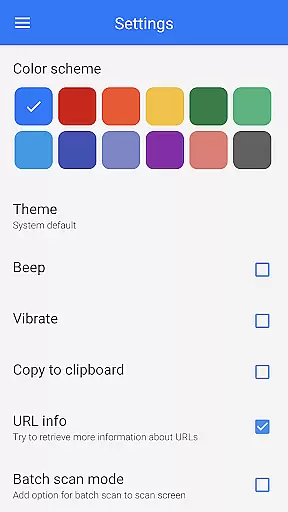
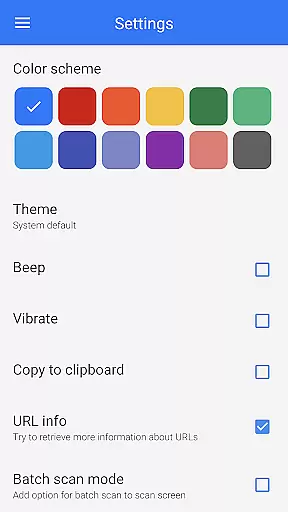
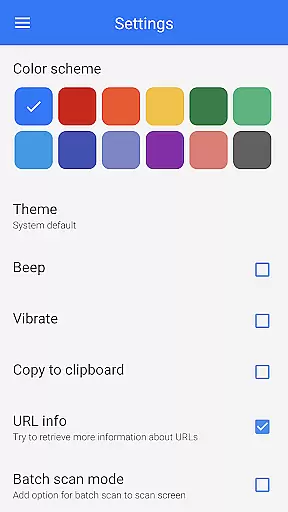
Additionally, the app offers customization options such as dark mode and theme changes, catering to personal preferences while maintaining its user-friendly essence. These thoughtful touches not only enhance usability but also contribute to prolonged user engagement, proving that simplicity does not have to come at the expense of versatility or personalization.
Fast scanning speed
User-friendly interface
Supports multiple formats
Free to use
Customizable themes
Limited iOS support
Occasional ads
No cloud backup
Basic analytics
Heavy on battery

pdf merge, word to pdf, jpg to pdf, edit pdf, convert to pdf and much more!
 4.20
4.20
App to pay for FUTO Keyboard
4.60
Forza Tuning Calculator App for Forza Horizon 5, Motorsport and Earlier Titles
4.40
Smart and comfortable browsing experience.
3.80
Unleash gamepad precision for ultimate mobile gaming dominance.
3.90
Undelete and recover your lost or deleted files with DiskDigger!
3.40
Support Fossify apps with a warm thank you!
5.00
The Ultimate Flex Drivers Utility App - Convenient Tapping & Block Filters
4.70
Button mapper, mouse toggle, sleep timer and a lot of another features
4.50
Enjoy smooth gameplay with Game Booster
4.90
Bedrock Together: Join any bedrock server on Xbox/PS
4.80
WiFi Signal Strength Meter help you detect WiFi Signal Strength in real time.
4.80
Remote Play with FSR upscaling, low latency & full controller support
4.80
Fast Video Downloader, Movie Downloader, Torrent Downloader & Adblock Browser
4.70
Connect instantly to a fast, encrypted VPN with one tap
4.60 4.50
4.50
App that Recover your pictures, videos or files after you delete them.
4.20
Effortlessly run ADB commands directly on your device without a PC.
4.20
Create your own live wallpaper or check out thousands already made presets
3.90
Honest Scratch app review—is it actually good for teaching kids to code? Real user insights on features, limitations, and learning outcomes.



User Reviews