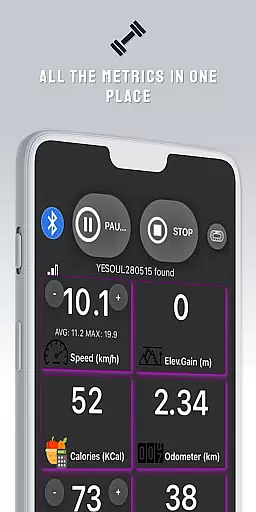
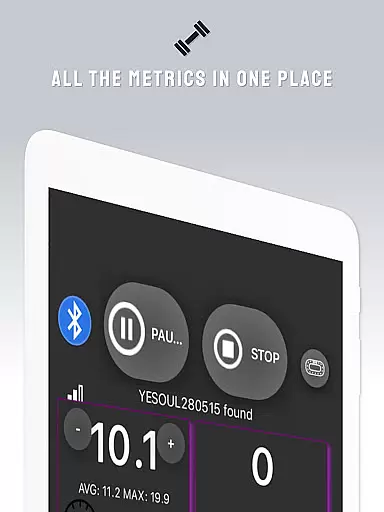
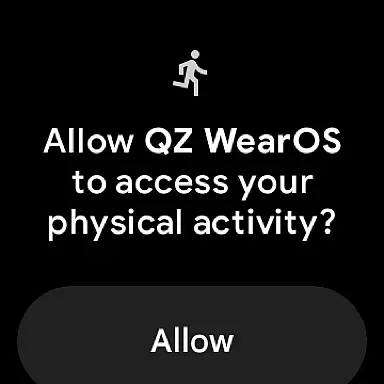
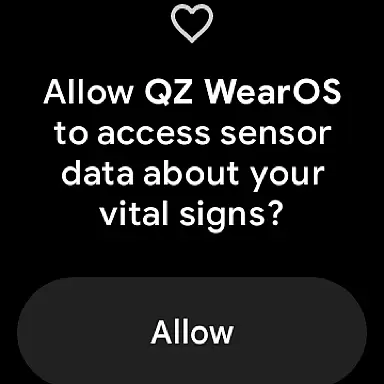
QZ is a versatile application designed to enhance your fitness equipment by integrating it with popular platforms like Zwift and Strava. The app acts as a bridge, enabling treadmills and bikes from brands such as Domyos, Echelon, Proform, Flywheel, Yesoul, and Toorx to connect seamlessly with these services.
With QZ, users can breathe new life into their existing machines by allowing automatic resistance adjustments during workouts, which ensures an optimized exercise experience. Additionally, the app supports Wear OS, empowering users to monitor heart rate directly from their smartwatches and sync this data effortlessly.
This compatibility-focused app is ideal for fitness enthusiasts who wish to maximize their workout sessions without investing in new equipment. By connecting various devices to Zwift or Strava, QZ delivers a unified and enhanced training environment that adapts to individual performance metrics.
One of the standout features of QZ is its broad compatibility with a wide range of fitness equipment. Whether you own a Domyos treadmill, an Echelon bike, or even specific models from Peloton and Keiser, QZ ensures that your device can communicate effectively with virtual training platforms like Zwift.
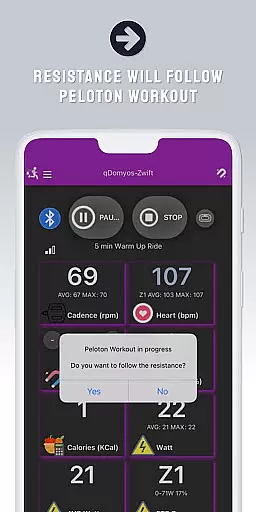
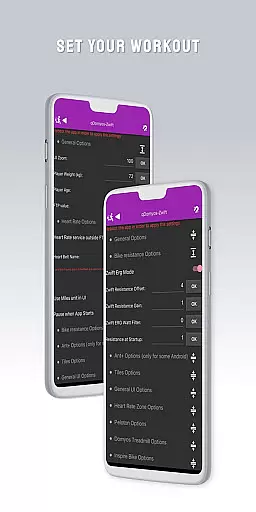
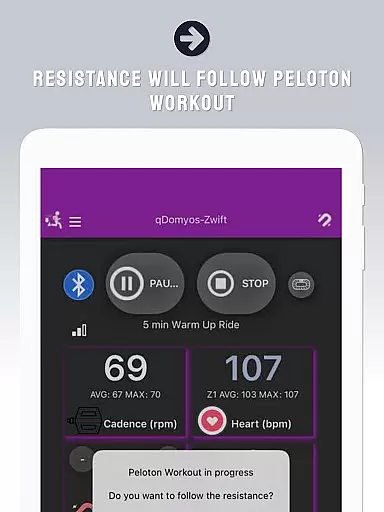
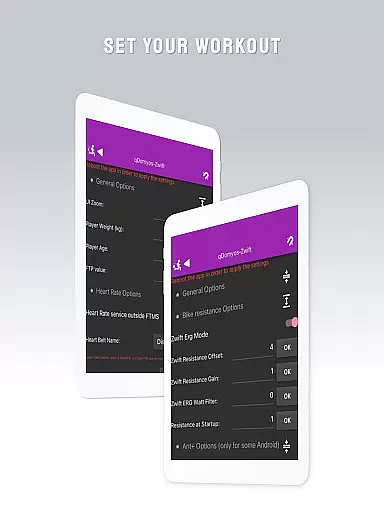
The app also offers advanced functionalities such as auto-following workouts, where resistance levels are automatically adjusted based on the workout plan. This feature provides a hands-free approach to training intensity management. Furthermore, QZ's integration with Wear OS allows users to track heart rate data in real-time, enhancing workout precision.
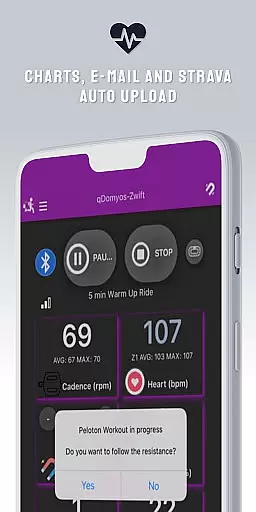
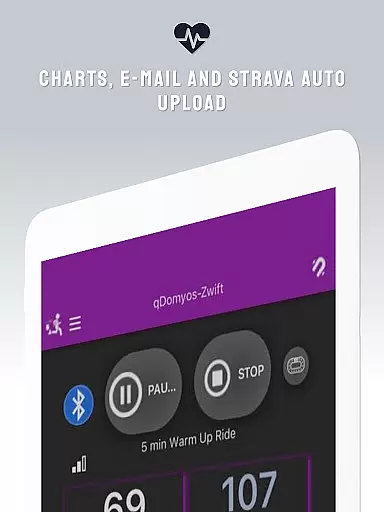
Another notable aspect is the Strava Autopload feature, which simplifies the process of uploading workout data to Strava. This seamless synchronization encourages users to maintain detailed records of their fitness journey while enjoying a hassle-free experience across multiple platforms.
Companion app integration is essential for users who want a seamless experience between their mobile devices and wearable technology. QZ (qdomyos-zwift) excels in this area by enabling your smartphone to connect with treadmills or bikes, allowing Zwift to recognize the equipment effortlessly.
This application bridges the gap between various exercise machines and virtual training platforms. By simply connecting your smartphone, you can breathe new life into your Domyos treadmill or bike, making it compatible with Zwift's dynamic environment.
Furthermore, QZ supports advanced features like Strava Autopload, enhancing data tracking and sharing capabilities. This means that every workout can be automatically uploaded to Strava, providing users with an uninterrupted flow of fitness data across platforms.
Wear OS and device compatibility ensures that applications function smoothly across different devices, including smartwatches. QZ (qdomyos-zwift) extends its functionality to Wear OS, allowing users to download the companion app on their watches for additional convenience.
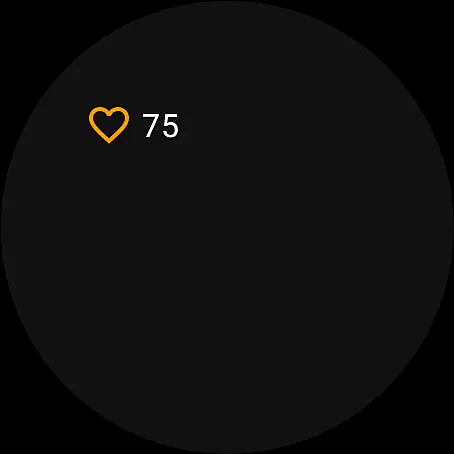
The integration with Wear OS enables the app to read heart rate data directly from the watch and send it to the main QZ app. This feature provides real-time health monitoring without needing extra accessories, thus streamlining the user's workout setup.
By supporting a wide range of devices such as Echelon bikes, Domyos equipment, and more, QZ demonstrates robust compatibility. Users can enjoy a cohesive ecosystem where all their devices communicate effectively, maximizing both utility and user engagement during workouts.
User-friendly interface
Wide equipment compatibility
Auto-adjusts resistance
Real-time heart rate monitoring
Seamless platform integration
Limited Proform treadmill support
No iOS version available
Occasional connectivity issues
Requires Wear OS for HR tracking
Premium features may need subscription

WTW M17 is a premium and luxurious hybrid watch face
 4.70
4.70
Christmas - Festive - Christmas Village - Winter - Christmas lights
5.00
A Wintery Snow Globe on Your Wrist; now celebrating Christmas!
4.2
Current temperature, weather hourly, weather radar by the weather forecast app
4.40
A heartwarming Christmas scene featuring a cute image of Santa and Rudolf
4.2
Artistic Digital Watchface
4.3
Your second brain for organizing your life: to-do, calendar, reminder.
4.70
Reliable phone calls with spam protection, caller ID and more helpful features
4.40
Toyota app currently supports 2010 or newer vehicles (2018 or newer for Hawaii).
4.50
A modern premium sporty hybrid watch face for Wear OS by Ballozi
4.70
The most customizable hybrid watch face. For Wear OS 5.0, API 34+ and later
4.70
Hybrid watch face for Wear OS with customizable complications by Matteo Dini MD
4.70
To-Do List: daily schedule planner, task organizer, to do reminder app, calendar
4.60
Real-time results, stats, schedules and player profiles for all leagues
4.60
Retro digital watch face with customizable colors and a unique lighting effect
4.60
Digital watch face. For Wear OS devices.
4.40
Get helpful reminders, take progress photos and find answers to your questions.
3.90
Christmas and New Year - Themed Watchface
4.3
Stylish digital watch face for Wear OS devices with customizable features
4.4


User Reviews