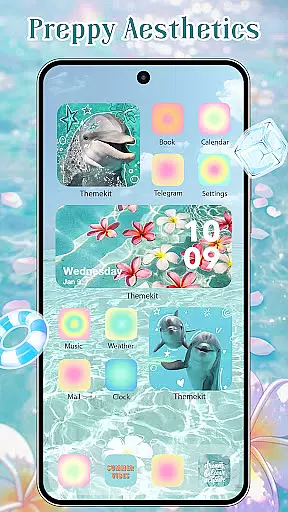
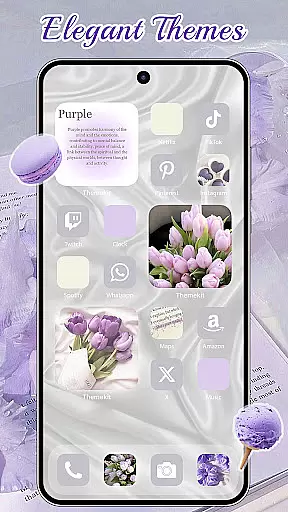
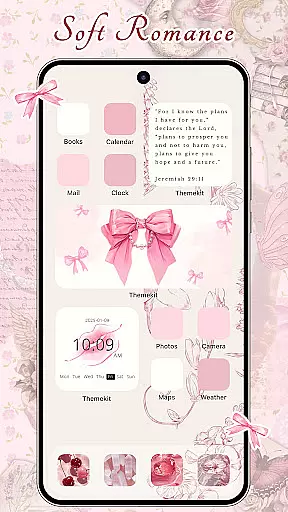
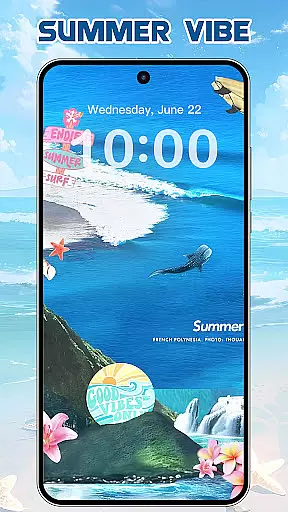
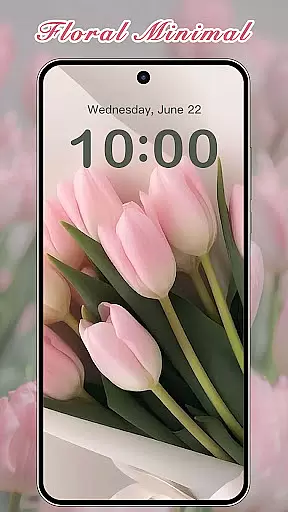
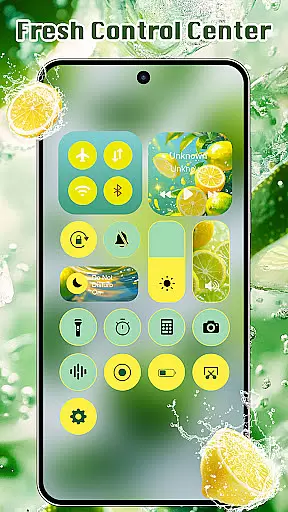
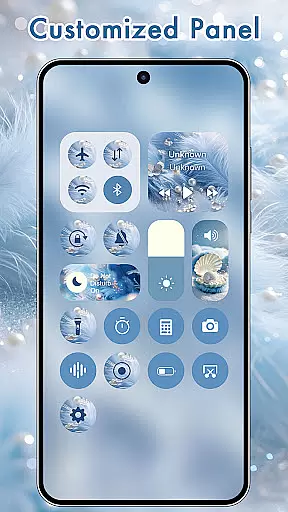
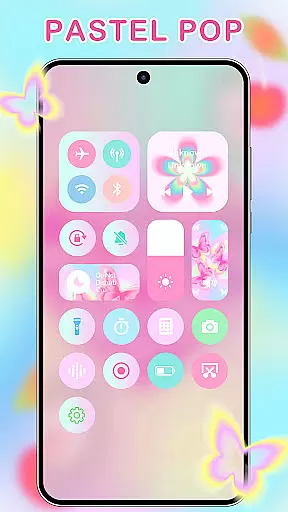
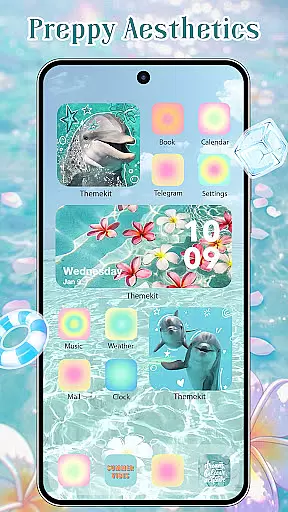
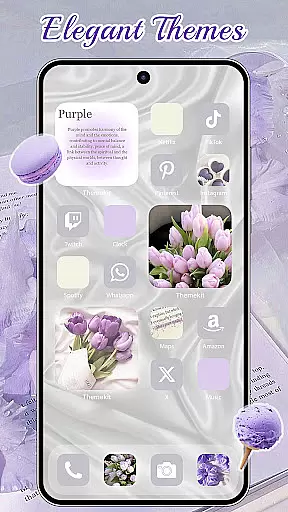
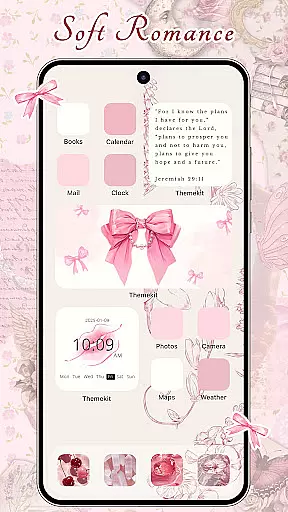
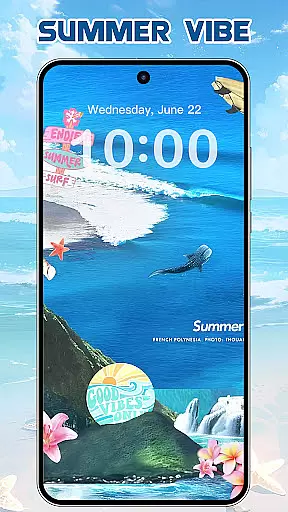
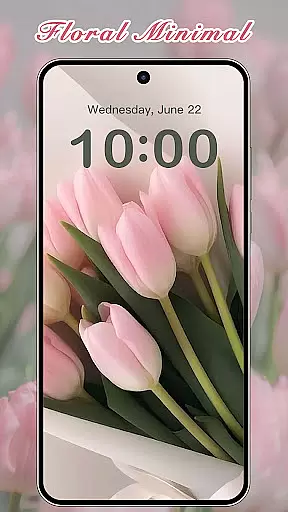

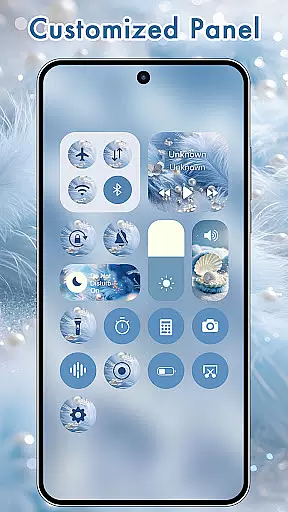
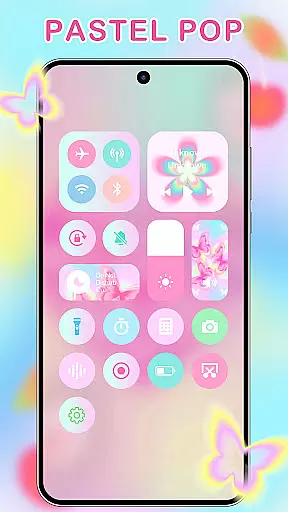
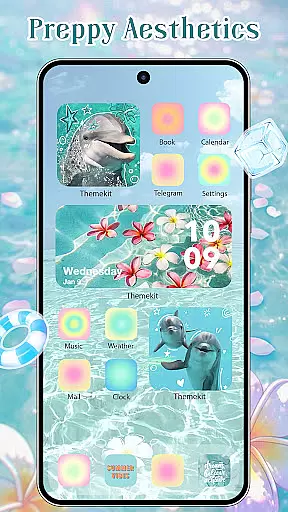
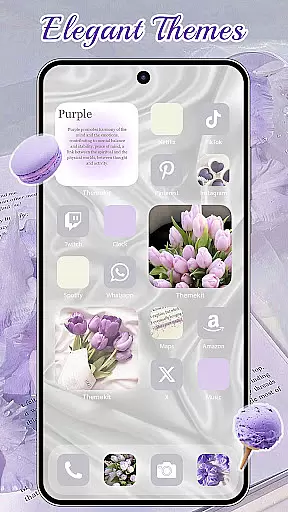
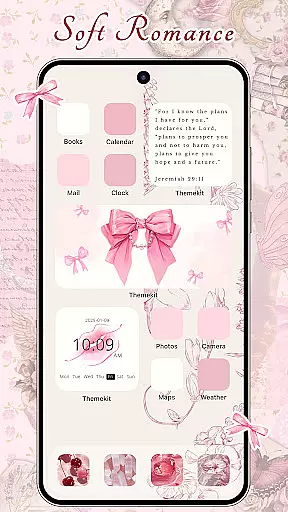
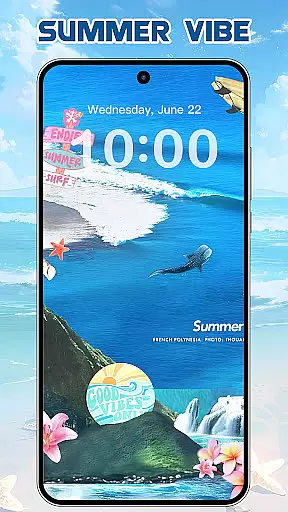
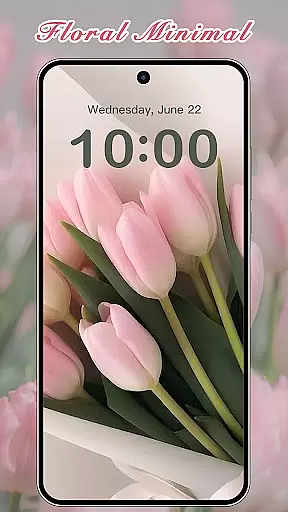
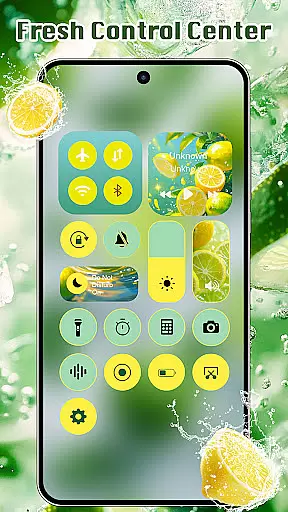
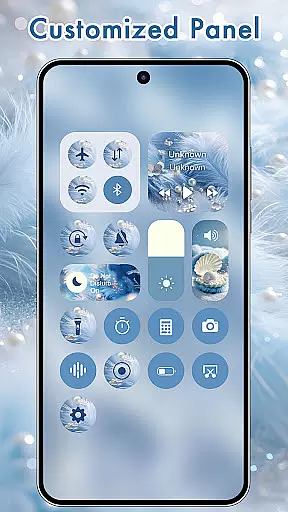
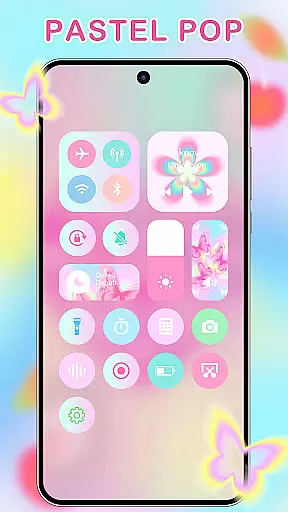
ThemeKit is a comprehensive personalization app for Android devices, offering users the ability to customize their home screens with aesthetic themes, icon packs, widgets, and wallpapers. The app provides over 5000 icons, 3000 themes, 9000 widgets, and thousands of wallpapers, ensuring a unique and personalized smartphone experience.
With daily updates and new content, ThemeKit allows users to stay current with the latest design trends. Whether you're looking for Christmas-themed designs, summer vibes, or minimalist aesthetics, this app caters to diverse tastes and preferences. Its DIY functionality lets users create custom designs using personal photos, making it more than just a theme app but a creative outlet.
The app's value lies in its versatility and ease of use. Compatible with various Android devices and supporting multiple languages, ThemeKit makes personalization accessible to a global audience. By transforming your phone into a canvas of self-expression, it helps users infuse their digital life with personal charm and creativity.
ThemeKit stands out with its extensive range of customization options. The app includes an icon changer that works without requiring a separate launcher, allowing users to create shortcuts with custom icons directly on their home screen. With access to numerous icon packs and the ability to choose images from the gallery, personalizing your device has never been easier.
In addition to icons, ThemeKit offers a free widget kit that functions like a powerful widgetsmith tool. Users can edit and customize widgets in hundreds of styles, giving their home screen a unique look and feel. The app also provides a 4K wallpaper changer with daily updates, ensuring your background remains fresh and vibrant.
Other notable features include countdown widgets, weather widgets, and a newly added search function. These tools not only enhance the visual appeal of your device but also improve functionality. The user-friendly interface and high compatibility with various Android brands make ThemeKit a go-to solution for anyone looking to personalize their smartphone experience.
ThemeKit offers an extensive range of customization options that allow users to personalize their Android devices like never before. With over 5000 icons, 3000 themes, and 9000 widgets, the app provides a comprehensive suite for aesthetic personalization.
The app includes DIY functions enabling users to design unique icons and widgets using personal album pictures and wallpapers. This feature ensures that your device not only looks personalized but feels truly yours, reflecting individual style and creativity.
Users can enjoy daily updates with new trends, ensuring they always have fresh content to choose from. Whether it's seasonal themes like Christmas or Summer Vacation, or specific styles such as Dark, Pink, Fantasy, or Anime, ThemeKit caters to diverse tastes and preferences.
ThemeKit excels in theme compatibility, ensuring that all its aesthetic themes, icons, and widgets work seamlessly across various Android devices. The app is highly compatible with popular brands like Samsung, Vivo, OPPO, and Xiaomi, providing a consistent experience regardless of the device.
One of the standout features is the icon changer which works without needing a separate launcher. Users can create shortcuts on their home screen with new icons chosen from the gallery or included icon packs, enhancing both functionality and visual appeal.
In addition to visual elements, ThemeKit supports practical widgets such as countdowns and weather updates. These widgets are customizable and blend effortlessly into any chosen theme, maintaining a cohesive look and feel throughout the user interface.
User-friendly interface
Extensive customization options
Daily content updates
Wide device compatibility
Versatile design choices
Occasional bugs in widgets
Limited advanced features
Ads between content
Design inconsistencies
Heavy on system resources

Stunningly Different look with Line Icons and Neon Colors
 4.60
4.60
Beautiful realistic hybrid watch face with numerous customization options.
4.50
Transform your phone with Launcher iOS 26 - Smooth & elegant iOS experience
4.50
Adult video chat, dating, making friends, random matching
4.20
Aesthetic Widgets, HD Wallpapers, Themes in Mico Widget for Home and Lock Screen
4.50
HappyLighting is a Bluetooth lamp control software.
3.40
Stylish Pink Cute Hippo keyboard with 10000+ customized keyboard themes!
4.60
Crystal-clear, square icon provides a sleek and sophisticated visual upgrade
4.00
Emoji Maker app - Design custom emojis and effortlessly blend them with Mixer
3.80
Dark icon pack based on One 8
4.80
A launcher for Samsung Good Lock and Good Guardians modules without ads
4.70
Nothing Icon pack with more than 3750+ highly crafted icons.
4.70
Unique Android Launcher
4.60
Transform your device in a game console
4.40
A light in the dark, a unique style and an andless cutomization!
4.30
Run multiple accounts of the same app on a single device
4.10
Ultimate widget creator. Design custom widgets for a truly unique home screen!
3.90
Transform your phone with stunning video wallpapers and a unique, personal touch
3.80
Customize glowing edges, wallpapers, and caller screen with EdgeAura.
3.50
Wallpaper Engine Android review—PC sync setup, crash issues, sound reactive limitations, and whether this free companion app is actually good.



User Reviews