
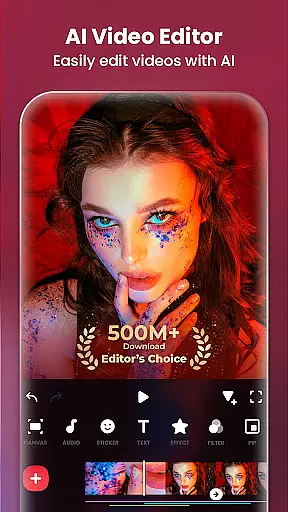
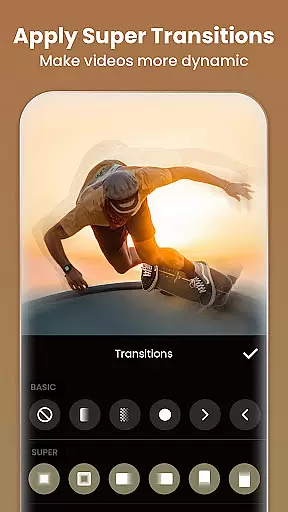
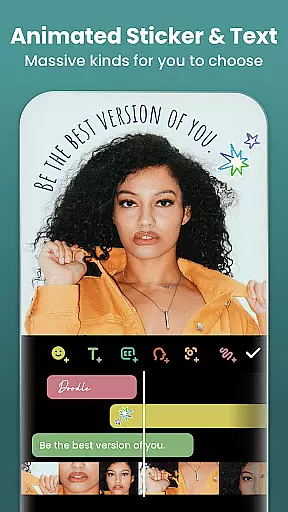
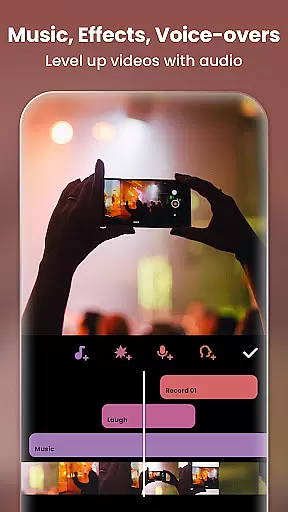
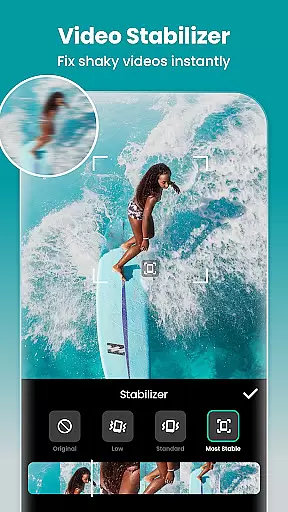
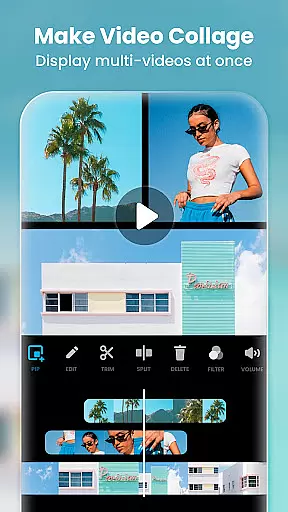
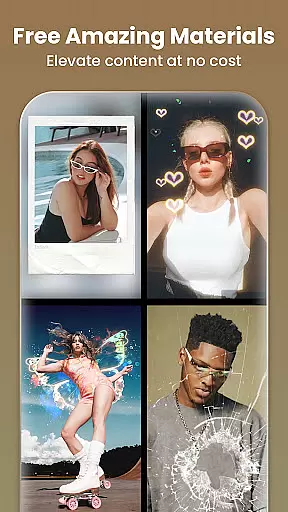
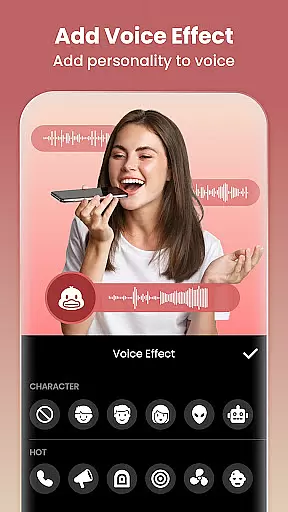
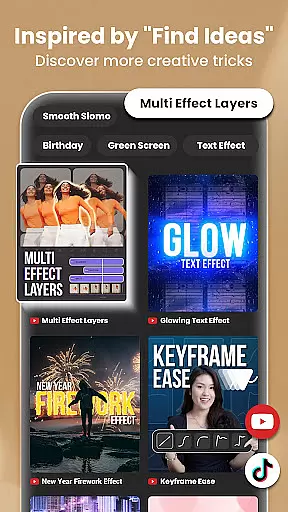
Video Editor & Maker is a comprehensive mobile application designed for both amateur and professional content creators. This app provides an all-in-one solution for video editing, offering features such as trimming, merging clips, adding music, text, and transition effects. With capabilities to create smooth slow motion, video collages, and blur backgrounds, it caters to a wide range of creative needs.
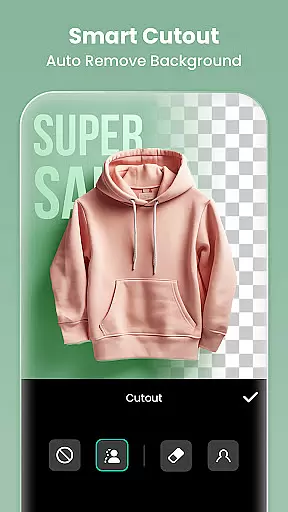
The app stands out with its AI-powered tools that simplify complex tasks like auto captions, background removal, and smart tracking. It also includes full-featured photo editing and collage making functionalities, allowing users to enhance images with filters, adjust HSL, and remove unwanted objects effortlessly. Whether you're looking to produce engaging vlogs or stylish Instagram posts, Video Editor & Maker equips you with the necessary tools to succeed on platforms like YouTube, Instagram, TikTok, and more.
Designed for ease of use, this app helps influencers and everyday users alike to craft high-quality multimedia content. Its intuitive interface and powerful features make it an invaluable tool for anyone looking to enhance their digital storytelling capabilities.
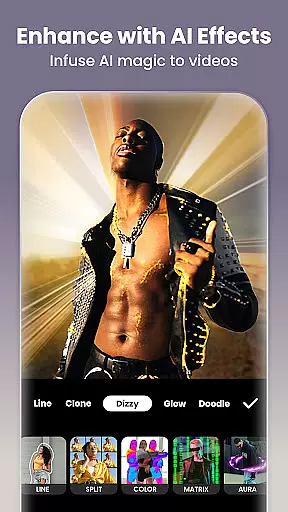
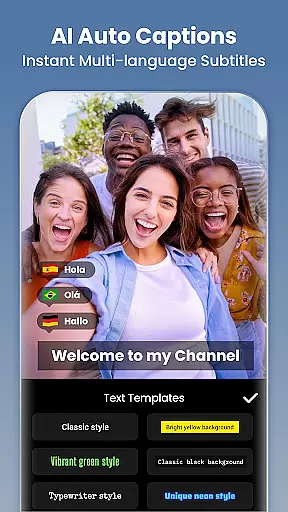
Video Editor & Maker boasts an impressive array of features tailored to meet diverse editing needs. One of its standout aspects is the integration of AI tools, which include body effects, auto captions, background removal, smart tracking, and smooth slow-motion effects. These innovations allow users to elevate their content with minimal effort, providing dynamic flair and professional polish to videos and images.
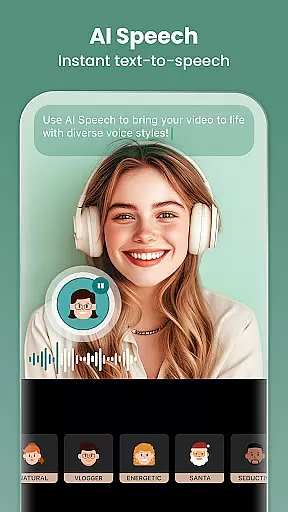
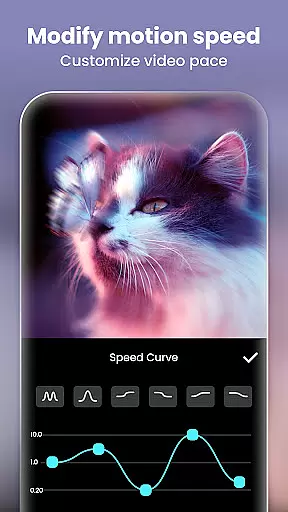
In addition to AI enhancements, the app offers extensive video editing capabilities. Users can trim and merge clips, reverse videos, add various styles of voice effects, adjust aspect ratios, control playback speed, and utilize keyframe animations. Advanced options like chromakey for green screen editing, picture-in-picture for multi-layered compositions, and blend modes for creative overlays further expand the creative possibilities.
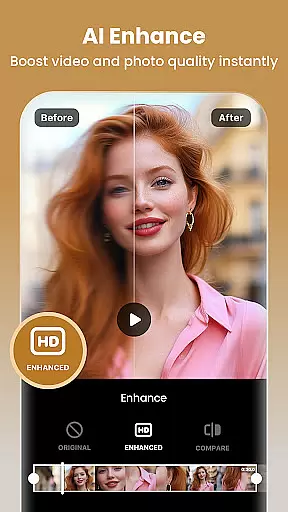
The app also excels in aesthetic enhancements with a rich selection of cinematic filters, customizable video effects, and unique glitch and retro effects. For photo editing, it provides robust tools for blurring backgrounds, removing unwanted objects, and enhancing image quality with AI technology. The easy-to-use collage maker and canvas options ensure that users can create visually appealing compositions suitable for any social media platform.
Real-time capture and preview functionality is essential for any photography or video editing application. This feature allows users to see exactly what their camera is capturing, ensuring that the framing, lighting, and composition are perfect before they take a shot or start recording.
InShot - Video Editor & Maker provides an intuitive real-time capture interface that ensures users can record high-quality videos with precision. The app's live preview capabilities allow creators to adjust settings on the fly, experiment with different angles, and make sure every frame meets their creative vision.
The value of this feature lies in its ability to save time and enhance creativity. Users no longer need to reshoot clips due to unforeseen issues; instead, they can rely on the accuracy of the preview to get it right the first time. This seamless experience empowers content creators to focus more on storytelling and less on technical adjustments.
With InShot's real-time capture and preview, users gain confidence in their shooting skills, knowing that what they see is what they get. This assurance leads to higher-quality content production, which is crucial for influencers and professionals aiming to grow their audience on platforms like YouTube, Instagram, TikTok, and others.
AI beauty and enhancement features have become a cornerstone of modern photo and video editing applications. These tools leverage advanced algorithms to improve the visual appeal of images and videos while maintaining a natural look that doesn't appear overly processed or artificial.
InShot offers a comprehensive suite of AI-powered enhancements that cater to both novice and experienced editors. From smoothing skin tones to brightening eyes, these intelligent features automatically detect facial features and apply enhancements that complement the subjectu2019s natural beauty without distorting their appearance.
The true advantage of using AI for beauty enhancements lies in its precision and adaptability. Unlike manual editing, which requires skill and time, AI-driven tools provide instant results that are consistently high-quality. Users benefit from professional-grade edits at their fingertips, enabling them to produce stunning visuals effortlessly.
Moreover, InShot's commitment to natural-looking enhancements ensures that edited photos and videos retain authenticity. This balance between enhancement and realism is particularly important for social media influencers and content creators who wish to maintain credibility while presenting polished visuals across platforms such as Instagram, TikTok, and YouTube.
User-friendly interface
Extensive AI tools
Versatile editing options
High-quality export
Regular updates
Some features require purchase
Occasional ads
Advanced tools may overwhelm beginners
Consumes device resources
Limited free export resolution

Photo Album Watch Face shows your favorite pictures as a Watchface.
 1.90
1.90
Safe & smart flight with Go Fly drone controller for 40+ drone camera, zone map
4.50
Virtual makeup, hair filters & body tuner—edit from face to full body!
4.20
Gallery Slideshow is slideshow maker app for slideshow from your gallery photos.
3.90
Easily create custom gifts, cards, photo books & more on the Shutterfly app!
4.60
RAW video capture with advanced controls
4.40
Discover & download millions of art for The Frame TV or Hisense CanvasTV
4.60
Unlock the full potential of your DJI drone with Litchi
4.50
Try an anime version, cartoon yourself, and generate AI hug or aging videos!
3.70
Pro version: AR sun/moon tracker for any date. Tool for photographers & planners
4.90
Gallery show photo, video, slideshow, is perfect 3D effect private photo albums.
4.80
Easily view, share, delete photos with Gallery.
4.70
Your personal guide to the sun and moon. Plan ahead, visualize and predict!
4.70
Take videos and pictures with the popular TikTok TIME WARP SCAN filter.
4.60
Create AI Photos, Improve and restore quality of blurry, old or damaged pics.
4.20
Luminar: Photo Editor - easy picture editing with AI
4.20
What celebrity do you look like? Celebs will find your celebrity match!
4.10
Turn photos into cartoons & avatars! - Photo Editor, Cartoon Face!
3.90
An interval timer to automate photo taking process for timelapse
2.90


User Reviews