
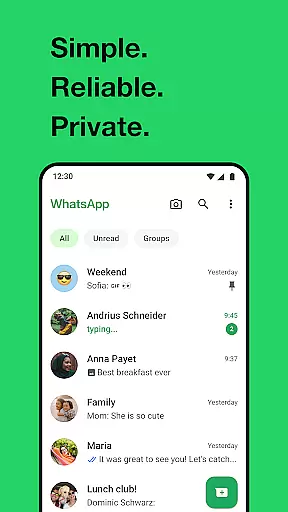
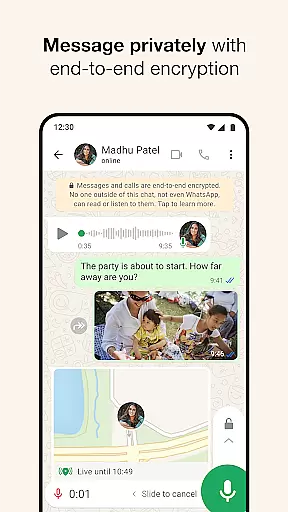
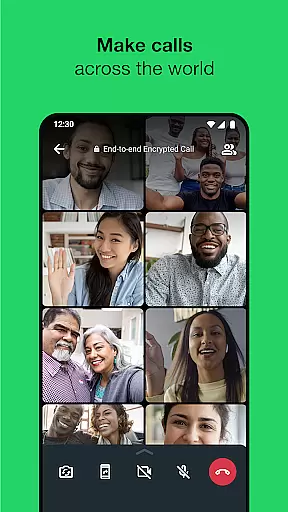
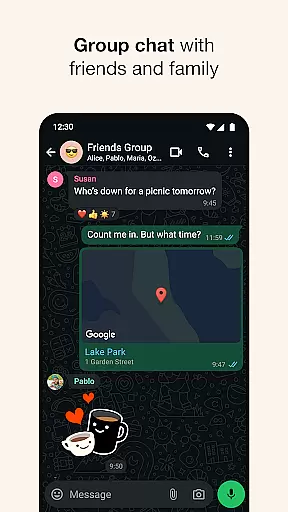
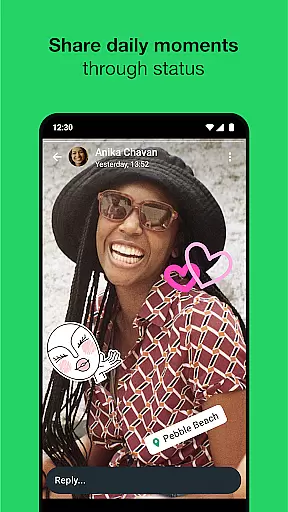
WhatsApp Messenger is a leading communication app that allows users to send messages, make voice and video calls, and share media across mobile and desktop platforms. Its core functionality lies in providing secure, end-to-end encrypted conversations, ensuring privacy for personal and group chats. The app also supports features like status updates that disappear after 24 hours and real-time location sharing.
Designed for seamless usability, WhatsApp requires only a phone number for login, eliminating the need for usernames. It works efficiently even on slower internet connections, making it accessible worldwide. With over 2 billion users globally, it's an essential tool for staying connected with friends and family while maintaining high security standards.
WhatsApp stands out due to its robust feature set tailored for modern communication needs. One of its key aspects is end-to-end encryption, which ensures that all messages, calls, and shared content remain private between sender and recipient. This makes it ideal for both personal and professional use where data security is critical.
The app supports high-quality voice and video calls for up to 32 participants, alongside group chats that allow file sharing such as photos, videos, and documents. Additionally, its Status feature lets users post ephemeral updates visible for 24 hours. Another notable capability is cross-platform syncing, enabling uninterrupted messaging from mobile devices or Wear OS smartwatches.
These features collectively enhance user convenience while prioritizing safety and reliability, setting WhatsApp apart as a versatile communication solution.
Companion app integration is essential for a seamless user experience across multiple devices. WhatsApp Messenger excels in this area by ensuring that your conversations, media, and settings are synchronized between your mobile device and Wear OS watch.
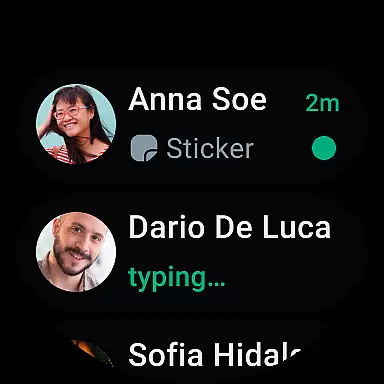
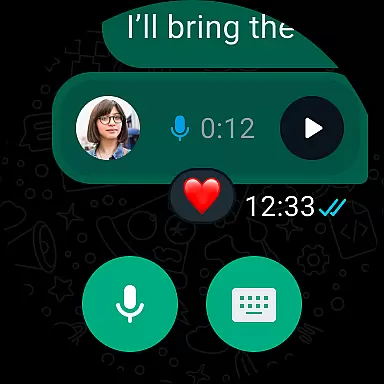
The integration allows users to receive notifications, read messages, and even respond directly from their smartwatch. This means you can stay connected without needing to take out your phone, providing convenience and saving time.
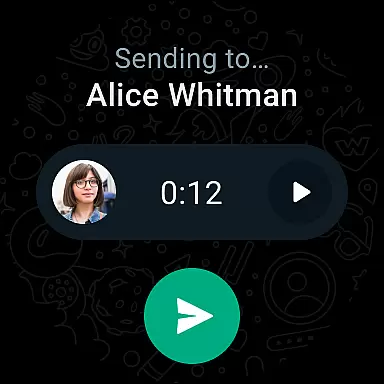
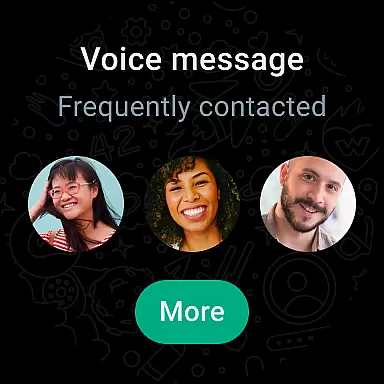
WhatsApp's companion app support extends the functionality of its mobile application, enabling features like voice messages and quick replies right from your wrist. This ensures that you never miss an important message, regardless of where you are or what you are doing.
By leveraging the capabilities of Wear OS, WhatsApp offers a fluid and intuitive user interface on your smartwatch. The design is optimized for smaller screens, making it easy to navigate through chats and access key features with just a few taps.
Device compatibility is crucial for ensuring that applications run smoothly across different platforms. WhatsApp Messenger supports a wide range of Wear OS devices, allowing users to enjoy a consistent experience whether they are using a smartwatch or their mobile phone.
The app is designed to work efficiently even on slower connections, which enhances its usability on wearable devices that may have limited processing power. This ensures that users can send and receive messages without experiencing significant delays or performance issues.
WhatsApp's compatibility with Wear OS includes features such as viewing contacts, starting new conversations, and managing existing chats directly from the watch interface. These functionalities provide users with the flexibility to interact with the app in ways that best suit their lifestyle.
In addition to basic messaging, WhatsApp also supports voice and video calls on compatible devices. This comprehensive integration enriches the overall user experience, making it easier than ever to stay connected with friends and family, no matter where you are.
End-to-end encryption
Cross-platform support
High-quality calling
User-friendly interface
Global accessibility
Limited customization options
No built-in GIF library
Dependent on internet connection
Heavy battery usage
Status limited to 24 hours

an Analog Watch Face for winter season with freeze winter background for Wear OS
 4.1
4.1
Deck out your Wear OS Watch face with a beautifully decorated pine wreath!
4.50
Wear Os Watch Face - Animated Snow Effect & Magic Spark - 6 Scenes
4.10
To-Do List: daily schedule planner, task organizer, to do reminder app, calendar
4.60
Get helpful reminders, take progress photos and find answers to your questions.
3.90
A modern hybrid informative watch face for Wear OS designed by BALLOZI
4.80
Connect, create, and collaborate with Gmail, part of Google Workspace.
4.10
Track airplanes and follow flights with our real-time flight tracker
4.50
Back up your contacts & access them anywhere
4.30
Period, ovulation & pregnancy tracker. Fertility insights & menstrual calendar.
4.90
Simple, helpful messaging by Google
4.60
Fast and smart typing with Emojis, GIFs, and more
4.50
Calming & relaxing sounds for sleeping and stress relief. Stay focused all day!
4.20
Let's celebrate Thanksgiving - Wear Os watch face
4.20
Animated video-game inspired “secret agent” simulation, right on your wrist!
4.20
Embrace the festive spirit with our Christmas Countdown watchface for Wear OS
4.10
Wear Os Watch Face - Animated Snow Effect & Christmas Lights
4.0
Simple Analog-Digital Watchface For Wear OS 3.0 and Up Smartwatches
4.0
Hybrid Vibrant Health Watch Face for Wear OS
4.3


User Reviews