
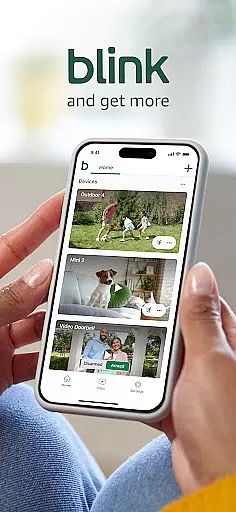
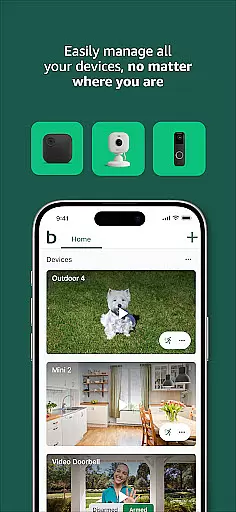

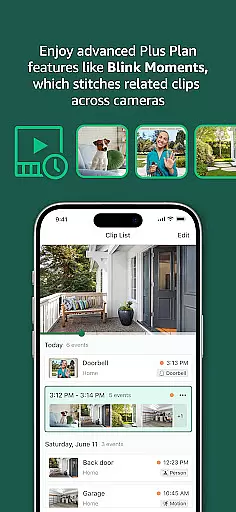
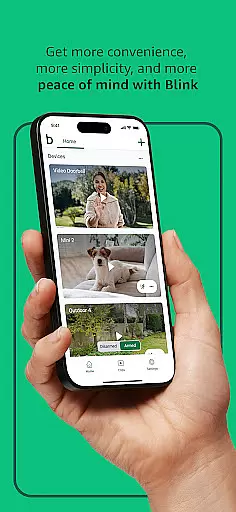
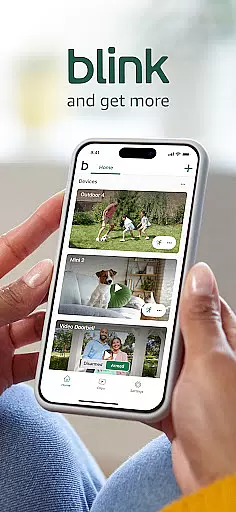
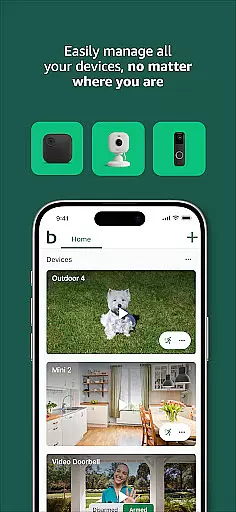

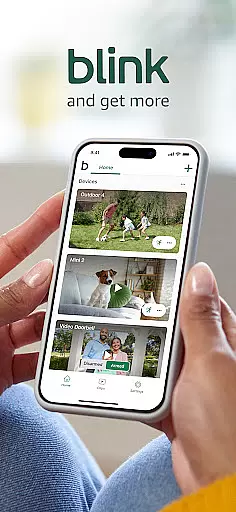
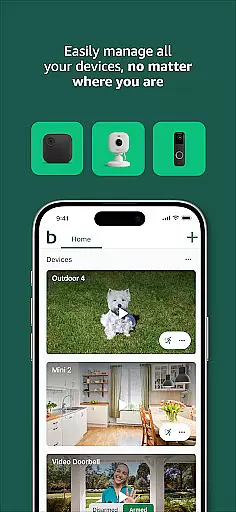

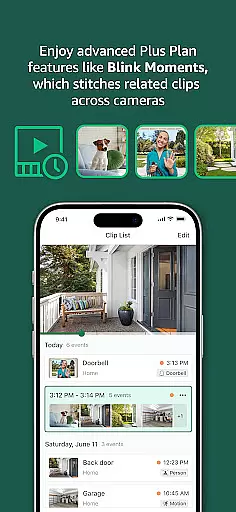
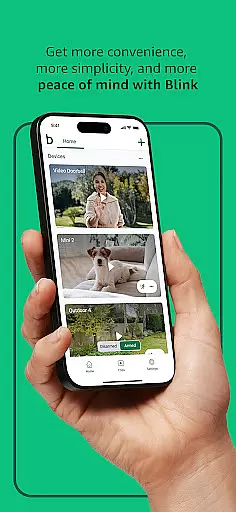
Blink Home Monitor is a comprehensive smart home security application that allows users to remotely monitor their homes using Blink cameras. The app provides HD live view, infrared night vision, and two-way audio communication, enabling users to see and speak to people and pets in real-time. Integration with Alexa-enabled devices adds voice control functionality, allowing users to activate live view or manage their security system hands-free.
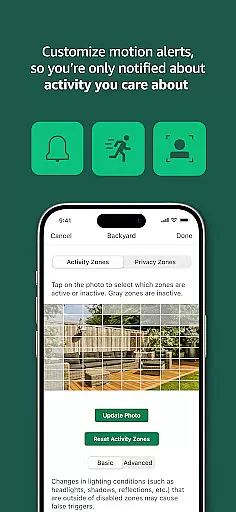
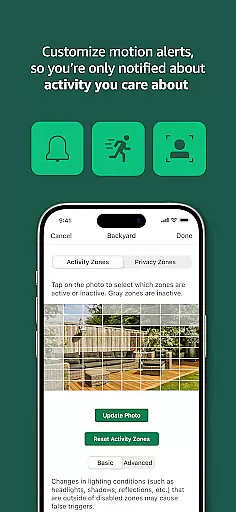
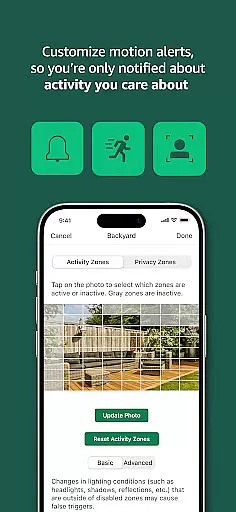
The app's customizable features include motion alerts, activity zones, and privacy settings, ensuring users receive notifications only for relevant activity. Supporting a range of Blink cameras - including wired, plug-in, and battery-operated models - the app offers versatile monitoring solutions adaptable to various home environments. With options like floodlight cameras and pan-tilt capabilities, Blink delivers enhanced security coverage both indoors and outdoors.
Blink Home Monitor stands out through its diverse feature set tailored for home security needs. The app supports multiple camera types, each with specialized functions such as two-way audio, motion-triggered LED lighting, and computer vision-based person detection. These features work together to provide users with flexible monitoring options that can be customized to their specific requirements.
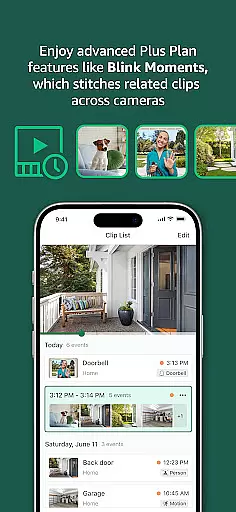
A key innovation is the dual-zone enhanced motion detection system, which enables faster and more accurate alerts. The integration with Alexa voice services demonstrates technical excellence, while the optional subscription plan offers advanced capabilities like continuous live view streaming and cloud clip storage. These features collectively create a robust security ecosystem that balances convenience with comprehensive protection.
The app's technical implementation ensures reliable performance across different network conditions. Features like infrared night vision and weather-resistant designs showcase attention to detail in both hardware and software development. By providing these sophisticated yet user-friendly tools, Blink Home Monitor establishes itself as a technically advanced solution in the smart home security market.
When it comes to smart home security, the core function accuracy and effectiveness of the Blink Home Monitor app are paramount. This app offers users HD live view, infrared night vision, and crisp two-way audio, ensuring that every interaction with your home environment is clear and reliable.
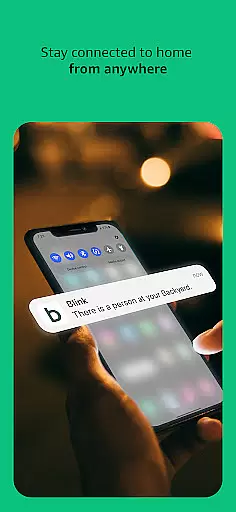
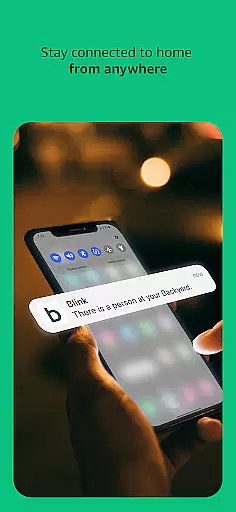
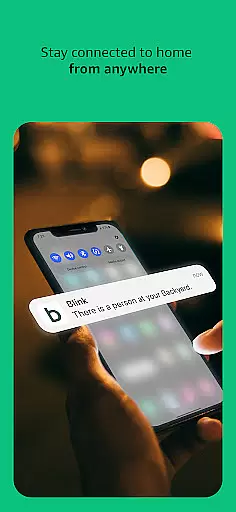
The Blink Home Monitor app provides enhanced motion detection and real-time alerts, which means you're notified immediately when any movement is detected around your property. With features like customizable motion alerts and privacy zones, the app ensures that you only receive notifications for events that matter to you, reducing unnecessary interruptions.
Another aspect of its effectiveness is the ease of integration with Alexa-enabled devices. Users can engage live views, arm or disarm their systems, and control other functions using simple voice commands. This seamless connectivity adds a layer of convenience and accessibility, making home monitoring an effortless task.
Overall, the precision in detecting motion and providing timely alerts, coupled with the ability to customize settings to suit individual preferences, makes the Blink Home Monitor app a reliable tool for maintaining home security. Its robust functionality empowers users to monitor their homes accurately and effectively, delivering peace of mind.
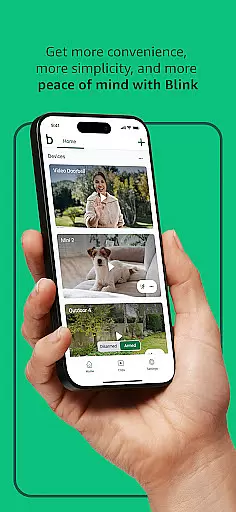
A user-friendly interface is crucial for any smart home security application, and the Blink Home Monitor excels in providing an intuitive experience. The app's design emphasizes simplicity, allowing users to quickly access essential features such as live view, motion alerts, and two-way audio without navigating through complex menus.
Setting up the Blink cameras is straightforward, thanks to the appu2019s guided instructions. Whether placing wired, plug-in, or wireless cameras, users can complete installation within minutes. Additionally, the app supports various camera models, including the Blink Outdoor 4 and Mini series, each designed for easy placement almost anywhere around the home.
Customization options further enhance the intuitiveness of the Blink Home Monitor. Users can define activity zones, adjust motion sensitivity, and set privacy areas directly from the app interface. These capabilities ensure that the app caters to specific user needs while maintaining an uncluttered and manageable layout.
In summary, the Blink Home Monitor combines a clean design with powerful yet accessible features, offering an interface that is both simple and highly functional. This balance ensures that even those new to smart home technology can efficiently manage their security systems with minimal learning curve.
User-friendly interface
Customizable alert system
Versatile camera options
Long battery life
Alexa integration
Subscription required
Limited free features
Occasional connectivity issues
Cloud storage costs
Advanced features locked

Connect instantly to a fast, encrypted VPN with one tap
 4.60
4.60
Head tracking for PC sim games such as MSFS 2024 or Elite:Dangerous. No headset!
4.50
Keep track of your Palia friendships, tasks, and inventory with Palia Notebook
4.60
WiFi Signal Strength Meter help you detect WiFi Signal Strength in real time.
4.80
The Ultimate Bluetooth Keyboard & Mouse. Securely control your PC, Mac, and more
4.50
Powerful collection of electronics tools and reference.A must for any enthusiast
4.90
Create your own custom widget with endless possibilities
3.90
Mobile Security with Scam Protection | Malware & Virus Cleaner | Safe Browser
4.70
Enhance your Beats
3.70
Small and simple app to Verify Root Access and BusyBox Install!
4.70
The Ultimate Flex Drivers Utility App - Convenient Tapping & Block Filters
4.70
App to pay for FUTO Keyboard
4.60
Planner and Tracker for Stardew Valley
4.60 4.50
4.50
Quickly switch to an encrypted DNS server on Android TV
4.50
Mirror your screen to Fire TV - Super fast and simple
4.40
Screen Mirroring with sound for Samsung TV, LG TV, Sony TV, Smart TV and Browser
4.20
Unlock your Essential Key. Create custom shortcuts to your favorite apps!
4.3
Download any file easily and quickly with Downloader
4.5
Honest Scratch app review—is it actually good for teaching kids to code? Real user insights on features, limitations, and learning outcomes.



User Reviews