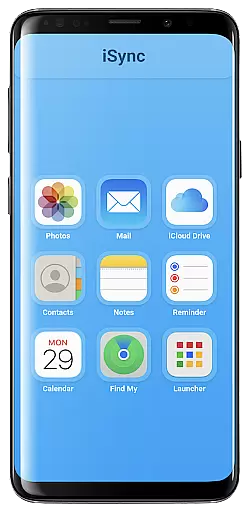
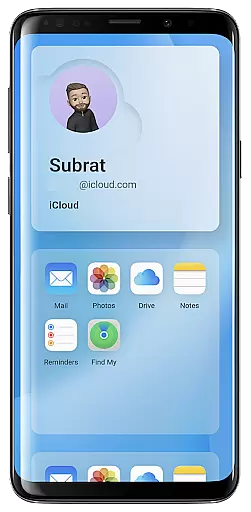
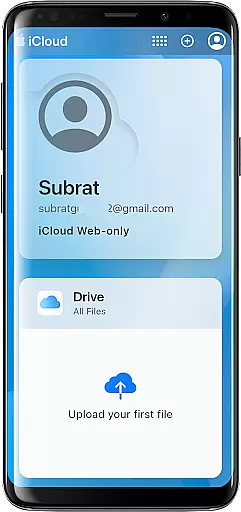
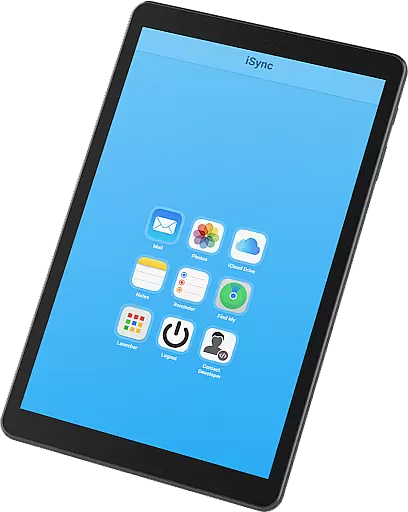
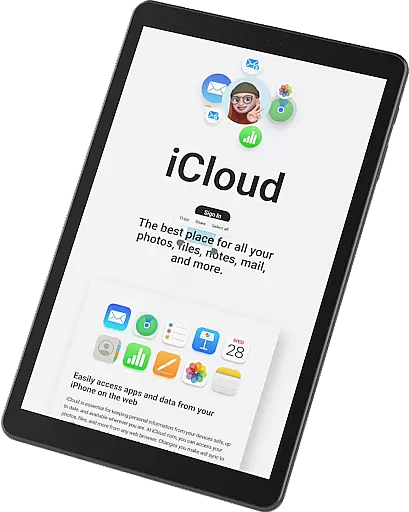
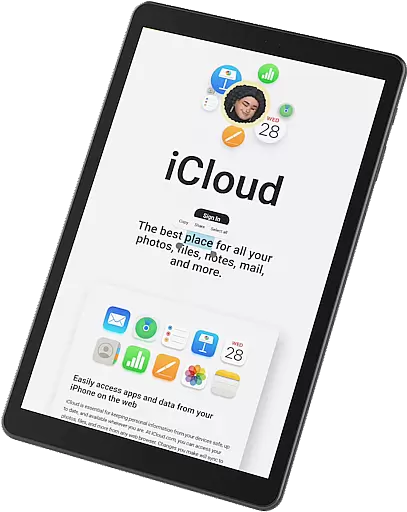
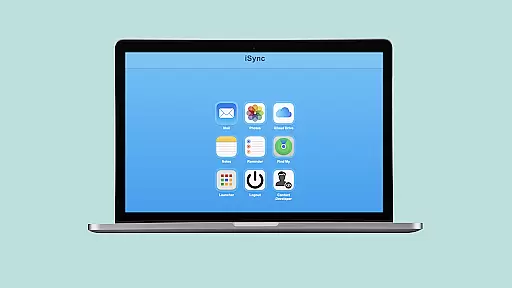
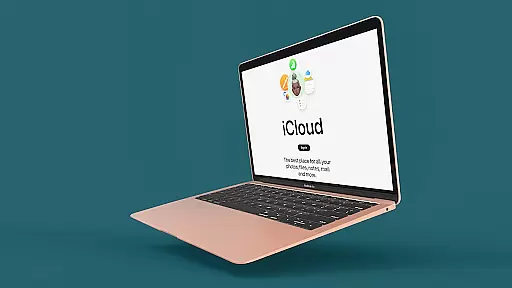
iSync Premium is a productivity-focused application that bridges the gap between Android and Apple ecosystems. It allows users to access their iCloud account and its applications directly from an Android device.
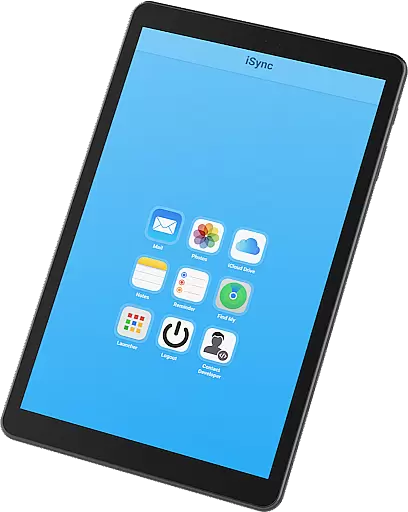
With core features like Mail, Photos, iCloud Drive, Notes, Reminders, and Find My, iSync Premium ensures seamless connectivity and data management across devices. Whether you need to manage emails, view photos, or locate a lost device, this app provides a user-friendly interface for all your iCloud needs.
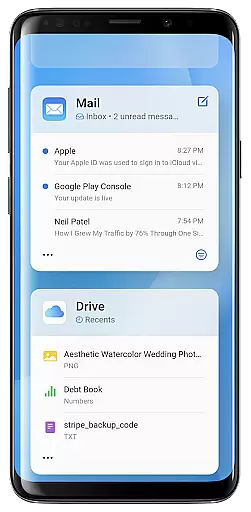
The app's standout feature is its Launcher, which offers one-touch access to favorite iCloud apps. This functionality enhances productivity by streamlining access to essential tools, making it ideal for users who rely on both Android and Apple services.
iSync Premium stands out with its comprehensive suite of features tailored for productivity. The app includes functionalities such as Mail, Photos, iCloud Drive, Notes, Reminders, and Find My, each designed to enhance user efficiency.
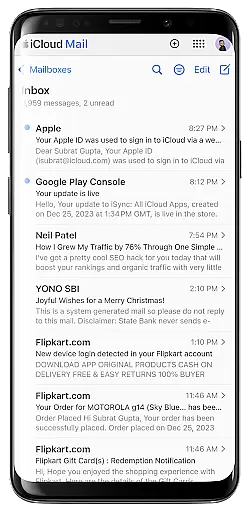
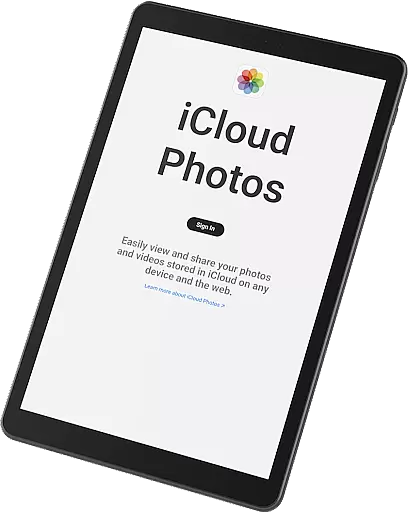
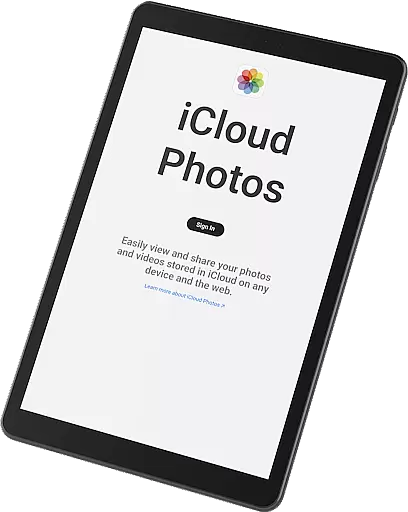
One notable implementation is the Mail feature, allowing users to send, receive, and manage emails directly from their Android devices. Similarly, the Photos feature lets users carry their memories by viewing, downloading, and sharing iCloud photos effortlessly.
Each feature is crafted to provide tangible value, ensuring users can stay organized and connected. The app's secure and reliable design prioritizes privacy, safeguarding personal data while offering seamless access to the Apple ecosystem.
Task management is a cornerstone of productivity applications, and iSync Premium excels in this area by integrating multiple iCloud services into one platform. The app allows users to manage their emails, notes, reminders, and files from iCloud directly on an Android device.
The seamless integration of these services ensures that users can efficiently handle their daily tasks without needing to switch between different apps or devices. For instance, the Mail feature lets users send, receive, and organize emails, while the Notes and Reminders sections help keep track of important information and to-do lists.
By centralizing these functions, iSync Premium enhances user efficiency, allowing them to stay organized and focused. This consolidation of services not only saves time but also reduces the cognitive load associated with managing multiple platforms, making it easier for users to maintain productivity throughout their day.
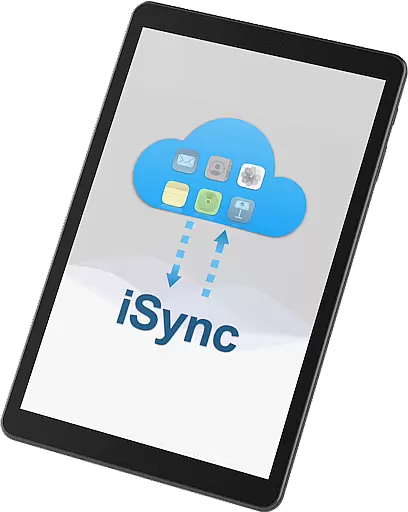
Cross-device synchronization is crucial for users who operate within both the Apple and Android ecosystems. iSync Premium offers reliable synchronization capabilities, ensuring that all data across iCloud services such as Mail, Photos, iCloud Drive, Notes, and Reminders are consistently updated and accessible from an Android device.
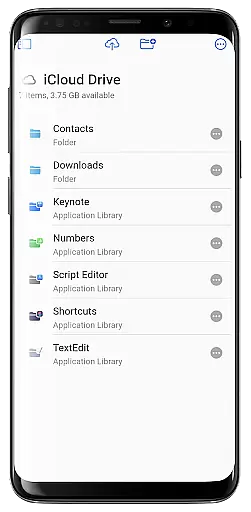
This synchronization reliability is achieved through secure and stable connections that keep data up-to-date in real-time. Whether it's viewing the latest photos uploaded to iCloud or accessing recently edited documents on iCloud Drive, users can trust that their data will be current and accurate.
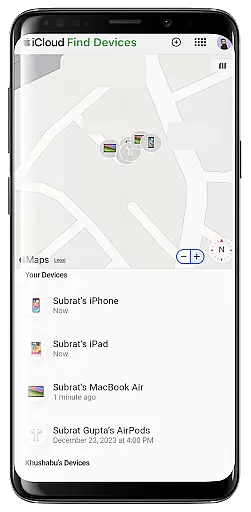
Moreover, the Find My feature adds an extra layer of security by helping users locate lost Apple devices. This comprehensive approach to synchronization not only boosts convenience but also provides peace of mind, knowing that personal data remains secure and accessible no matter where you are.
User-friendly interface
Comprehensive feature set
Enhanced productivity tools
Secure and reliable
Seamless cross-platform access
Limited to iCloud services
Requires stable internet
Premium features may cost extra
Occasional sync delays
Device compatibility issues

Unlock AutoNotification
 4.00
4.00
The upgraded version of Name Wheel with AI and the power to add your own wheels.
4.4
A lightweight JSON & XML files creator, editor and viewer (Premium Version)
4.40
We're working to become the best machining app on the market! www.cncdirt.com
4.80
Customizable calendar widget for seamless event sync, planning & scheduling.
4.00
CalenGoo is a very flexible and feature-rich calendar app
4.40
App Lock with fingerprint, password: Lock apps & hide photos with lock screens
4.60
Subscribe to Webcal & .ics calendars and keep them up-to-date!
4.50
Lightweight PDF, Word, Excel reader.
4.60
Secure, fast, open-source, VNC and SSH Remote Desktop for Windows, Linux and Mac
4.70
The AI assistant that thinks with you - write, code, and solve complex tasks
4.60
Translate text/voice/photos in 150+ languages. Offline & fast translator app.
4.50
A Pixel Art watchface inspired by other iconic 90s designs for Wear OS devices!
4.40
Share files & memories safely. Keep your photos and videos secure.
4.40
Todo reminder
4.10
Wake up & get tasks done! Add alarms & reminders on the Clock Launcher.
4.00
Create and edit presentations with Google Slides, part of Google Workspace.
4.00
Remotely view listen control and record cameras.
3.70
A comprehensive suite of tools designed specifically for Lactation Consultants
4.5


User Reviews