



Picsart AI Photo Editor, Video is a comprehensive design studio that combines professional-grade tools with artificial intelligence to revolutionize your creative process. This all-in-one platform offers an extensive suite of features including advanced photo and video editing capabilities, AI-powered enhancements, and intuitive graphic design tools.
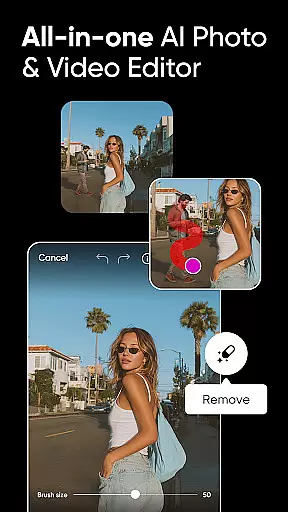
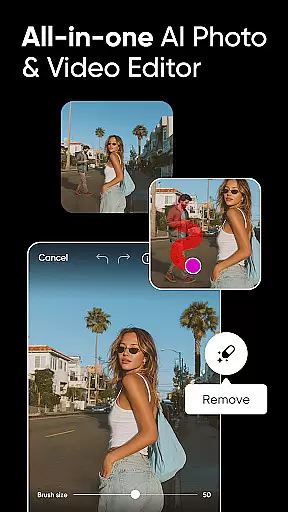
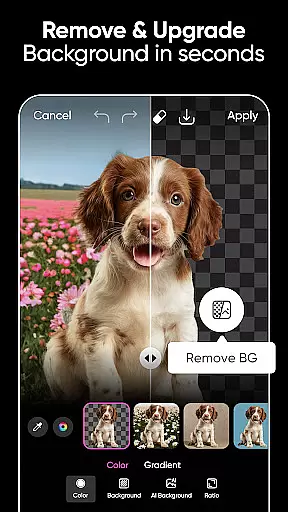
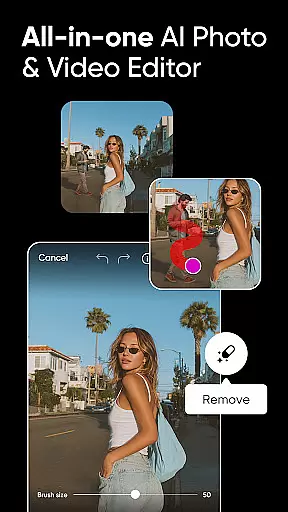
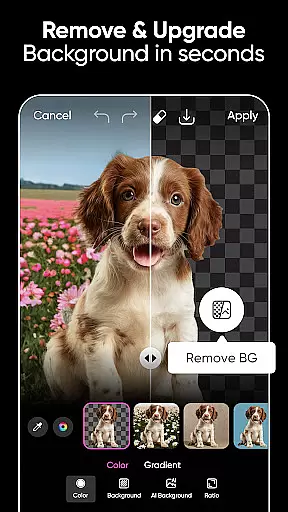
The application stands out with its AI-driven solutions like Background Remover, Object Remover, and AI Image Generator, enabling users to produce high-quality content effortlessly. Whether you're a social media enthusiast, a small business owner, or a creative professional, Picsart provides the tools necessary to create stunning visuals, from logo designs to engaging video content.
With customizable templates, powerful editing tools, and innovative AI features, Picsart empowers users to transform their creative visions into reality quickly and efficiently, making it an essential tool for modern digital creators.
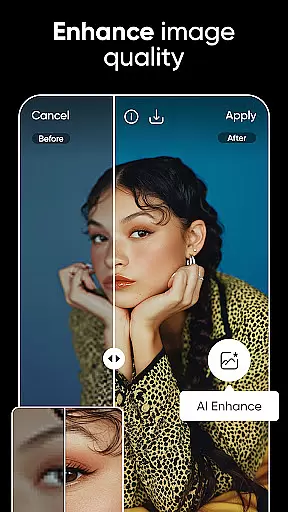
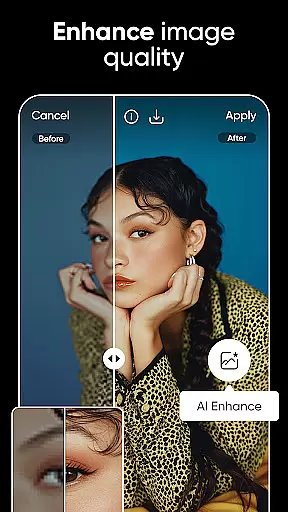
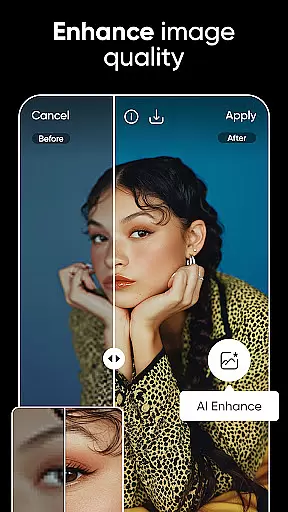
Picsart distinguishes itself through its robust feature set designed to cater to diverse creative needs. The app's AI-powered tools such as AI Enhance, AI Replace, and AI Expand enable users to elevate low-quality images, perform complex transformations, and extend image boundaries seamlessly.
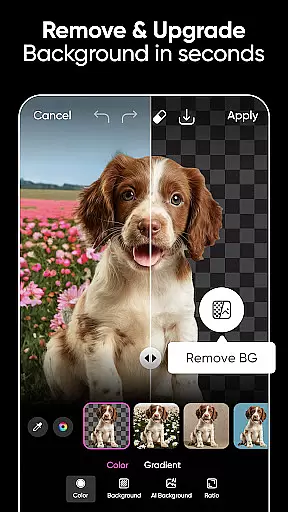
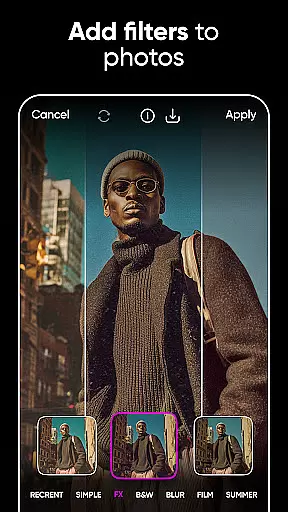
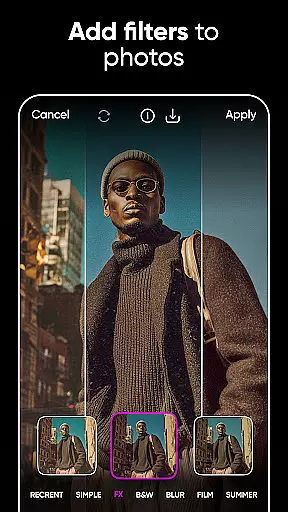
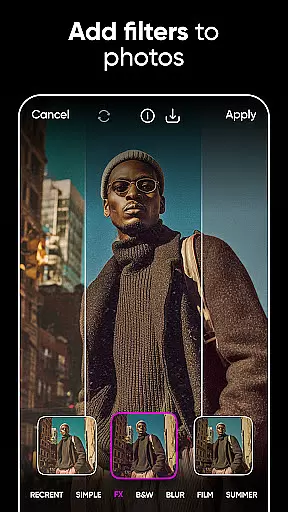
The platform offers specialized tools for professional-grade results, including advanced background removal and replacement features perfect for e-commerce and marketing materials. Its video editing capabilities allow users to create professional-looking videos with effects, filters, and music integration, while the Text Editor provides hundreds of font options for creating impactful visual messages.
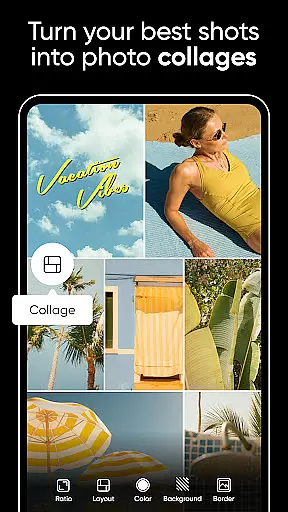
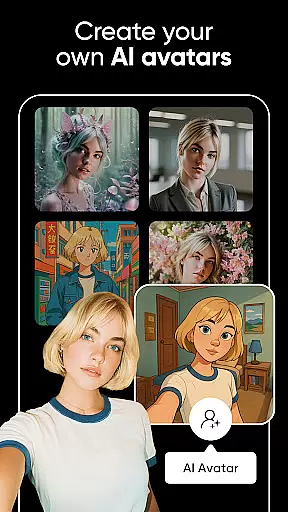
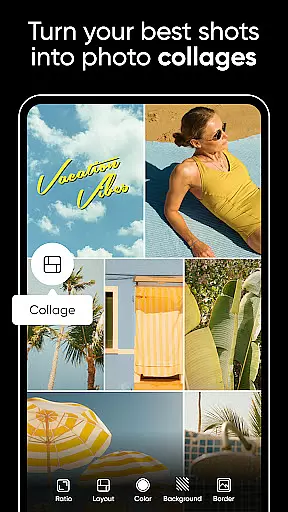
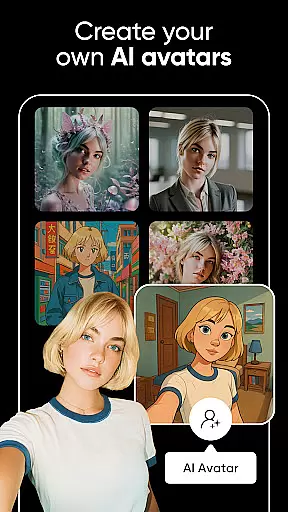
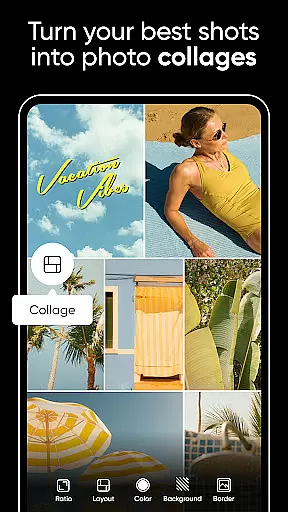
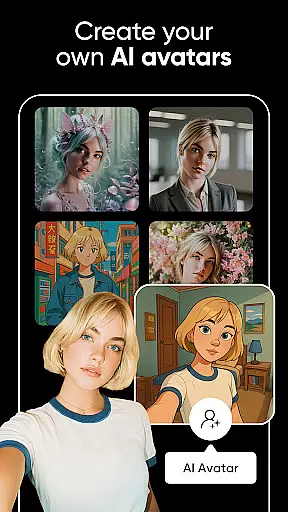
Additional features include a vast library of 60+ million stickers, customizable collage templates, and AI-generated avatars. These comprehensive tools, combined with user-friendly interfaces and regular updates, make Picsart a versatile solution for both casual users and professional designers seeking to enhance their creative workflow.
Real-time capture and preview functionality is essential for ensuring that every photo or video taken meets the desired quality standards. Picsart AI Photo Editor offers a seamless experience by allowing users to see exactly what their camera sees, with real-time effects applied.
This feature ensures that creators can make instant adjustments to lighting, filters, and other settings before capturing an image or starting a video recording. The immediacy of feedback empowers users to fine-tune their compositions on-the-fly, which is particularly beneficial for content creators who need to produce high-quality visuals quickly.
With Picsart's advanced AI integration, the real-time preview goes beyond basic functionalities by offering intelligent suggestions for improvements. Whether it's adjusting the background or enhancing specific elements within the frame, this tool helps in crafting professional-grade content without requiring extensive post-production work.
Ultimately, the real-time capture and preview capabilities of Picsart not only save time but also enhance creativity. By providing immediate visual feedback, users can experiment more freely, knowing they have precise control over the final output, thus elevating their photography and videography projects significantly.
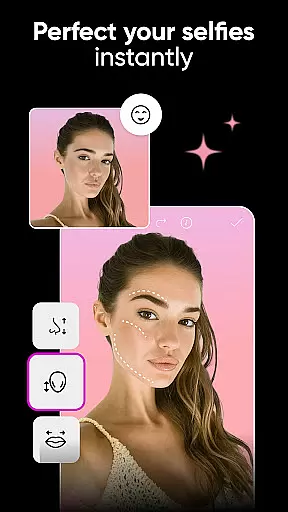
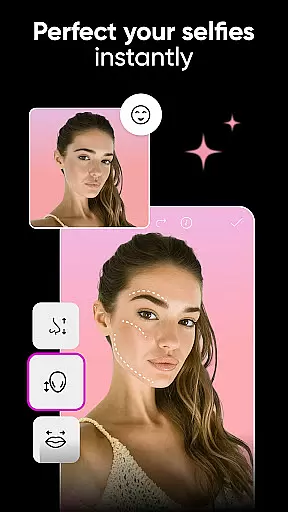
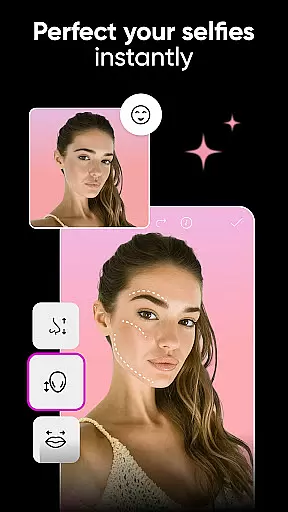
The AI Beauty & Enhancement features in Picsart focus on delivering natural-looking results while allowing users to enhance their photos with ease. This tool leverages artificial intelligence to automatically detect facial features and apply enhancements that look genuine rather than overly processed.
Users can expect a range of beautification options from skin smoothing to teeth whitening, all designed to maintain the authenticity of the original image. Unlike traditional filters that may distort reality, Picsartu2019s AI-driven approach ensures subtlety and precision, making each edit appear as if it were done by a professional retoucher.
Beyond simple touch-ups, the enhancement tools extend to body reshaping and makeup application, giving users comprehensive control over their edits. These features are especially valuable for social media influencers and online sellers who rely on visually appealing content to engage their audience.
By prioritizing naturalness, Picsart enables creators to produce stunning yet believable images. This commitment to realistic enhancement not only boosts user confidence in their digital presence but also sets a new standard for photo editing applications aiming to balance aesthetics with authenticity.
User-friendly interface
Extensive AI features
Versatile editing tools
Rich template library
Cross-platform support
Premium features locked
Occasional lag
Learning curve
Ads in free version
Large app size

Cut and paste photo editor & eraser to customize photos easy and swap faces fun
 4.50
4.50
Create collages easily! Nice pic collage maker & background eraser for Instagram
4.50
Transform photos into videos! Create realistic or anime-style images easily!
4.50
Create amazing frames with up to five photos. Rounded corners, effects and more!
3.60
GCamera allows all GCam features on all phone models! Better photos with GCamera
3.30
Smart, light, and fast photo and video gallery
4.30
The original Rarevision VHS look seen everywhere!
4.70
Solocator stamps photos you take with GPS location, Compass Direction, Date/Time
3.80
Your Family Calendar + Photos. Manage your Skylight Calendar and Skylight Frame.
4.40
Collage your moments in one tap: 1000+ layouts, filters, stickers, and texts.
4.90
Light-weight Media Gallery app for Android made with Jetpack Compose
4.60
Viewfinder, Light meter, Reciprocity failure time, DOF & Bellows Extension
4.60
Create Business Headshots, Polaroid Filter, Retake Photos,Profile Pics,AI Photos
4.50
Create AI photos & videos with Enhancer; restore, fix, beautify, enhance photos
4.50
Shooting photos and records video easily and efficient with professional Camera
4.30
Create & Edit with AI: AI Remove, Enhance, Retouch, Filter
4.10
Photo editor: face & body editor, beauty cam, filters and quality enhancer.
4.00
Astrophotography with your smartphone, photo live stacking and much more!
3.90
Photo Album Watch Face shows your favorite pictures as a Watchface.
1.90


User Reviews