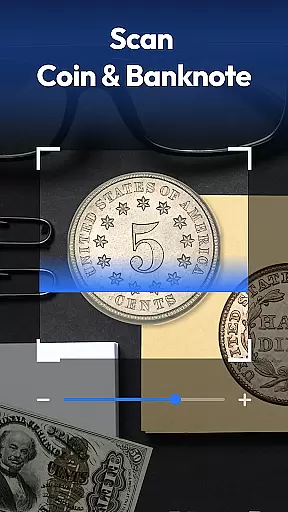
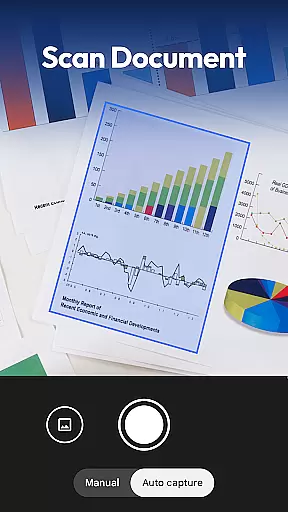
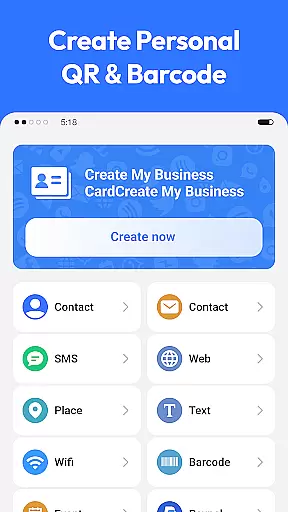
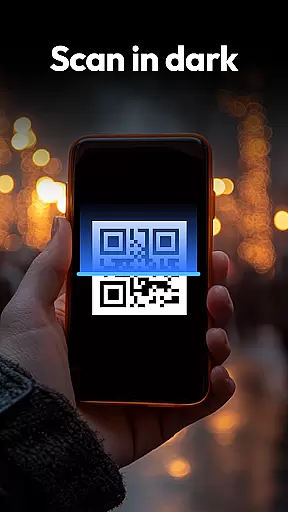
QR & Barcode Scanner is a versatile productivity tool designed to streamline various scanning tasks on Android devices. This all-in-one application combines multiple scanning capabilities in a single, user-friendly interface.
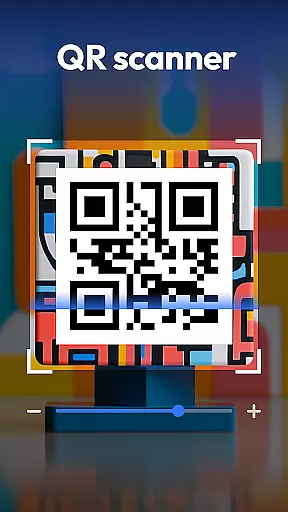
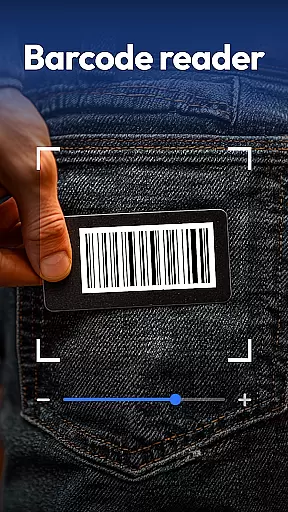
The app's core functionality revolves around its powerful scanning engine that supports QR codes, barcodes, coins, banknotes, food labels, and documents. Its advanced features include auto-zoom, flashlight support for low-light conditions, and a comprehensive scan history. The inclusion of specialized scanning modes for currency recognition and nutritional information makes it particularly valuable for collectors and health-conscious users.
This application proves especially useful in retail environments where users can compare product prices across major online platforms. Additionally, its document scanning feature enables efficient digital archiving of physical documents, making it an essential tool for both personal and professional use.
QR & Barcode Scanner distinguishes itself through its comprehensive feature set and specialized scanning capabilities. The application supports an extensive range of code formats including QR, Data Matrix, UPC, EAN, and Code 39, ensuring compatibility with virtually all standard codes.
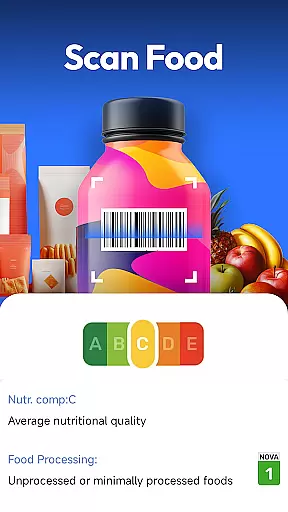
One of the app's standout features is its dedicated coin and banknote recognition system. This functionality caters specifically to collectors and travelers who need to identify currency from different regions. The integrated food scanner provides detailed nutritional information, allergen warnings, and health ratings, empowering users to make informed dietary choices.
The document scanning feature incorporates Optical Character Recognition (OCR) technology, allowing users to create searchable PDFs from physical documents. Additional notable features include a built-in QR code generator, automatic format detection, and privacy-focused design that requires only camera access. These characteristics make the application particularly appealing to users seeking both versatility and security in their scanning tools.
In the realm of productivity applications, core task management is pivotal for organizing and prioritizing daily activities. QR & Barcode Scanner excels in this area by integrating versatile scanning capabilities with practical organization tools.
The app supports a wide array of formats including QR codes, barcodes, and even document scanning, which streamlines task management by digitizing physical items and information into manageable digital formats. This functionality not only declutters physical spaces but also consolidates important data into one accessible location.
Users benefit from features like scan history and document to PDF conversion, which enhance productivity by ensuring that critical information is never lost and always available for future reference. The ability to generate QR codes adds another layer of utility, allowing users to create quick access points for frequently used resources or contacts.
Ultimately, QR & Barcode Scanner transforms routine scanning tasks into powerful productivity tools, offering an all-in-one solution that simplifies task management while maintaining privacy and ease of use.
Cross-device synchronization is essential for maintaining workflow continuity across multiple devices. QR & Barcode Scanner addresses this need by providing reliable and consistent access to scanned data regardless of the device in use.
With its cloud-based infrastructure, the app ensures that every scan, whether it's a barcode, QR code, or document, is securely stored and instantly accessible from any authorized device. This seamless synchronization empowers users to start a task on one device and continue on another without missing a beat.
The application's smart scanner functionalities, such as auto-zoom and flashlight support, are mirrored across devices, delivering a uniform experience that adapts to various environments and lighting conditions. Moreover, privacy-first policies ensure that sensitive information remains protected during transfers.
By focusing on synchronization reliability, QR & Barcode Scanner delivers a robust platform for users who demand high availability and consistency in their productivity tools, making it an indispensable asset for both personal and professional task management.
Fast scanning speed
Multi-format support
Privacy-focused design
Coin recognition feature
Food nutrition scanner
Limited iOS availability
Occasional scan errors
Ads in free version
Large app size
Complex interface

Create study competitions, track your hours, and stay consistent with friends
 4.5
4.5
All in one sketching tool. Technical and General drawing. Online Maps support.
3.70
Direct Chat without saving contacts & Dual WA Account on Single Device
4.70
We're working to become the best machining app on the market! www.cncdirt.com
4.80
CalenGoo is a very flexible and feature-rich calendar app
4.40
Font maker keyboard with your own handwriting
4.10
PDF scanner & converter for files, photos, lottery, QR codes. One swipe away!
4.50
Enjoy classic gameplay with customizable features and retro-style graphics.
4.30
Translate text/voice/photos in 150+ languages. Offline & fast translator app.
4.50
8 custom complications. Custom Time Fonts. Beautiful color schemes. A++ Design.
5.00
Best Tool for the professionals Electrician, Electrical contractors, etc.
4.90
The Pro Version of Android's tiniest Notepad app. Just 0.3MB but feature-packed!
4.60
Planet Free VPN - The best Fast Unlimited and Secure VPN Without Logs
4.50
Automates browsing any website and notifies you of important changes or events
4.30
Easily read and manage all your PDF files
4.10
Unlock AutoNotification
4.00
Ultimate Virtual AI Character for immersive Roleplay Chat. Perfect Companion
3.90
Find and delete junk files & block unwanted notifications & manage files
3.70
Auto-shutoff Alarm with Sunrise, Sunset & Fixed Options.
3.50


User Reviews