
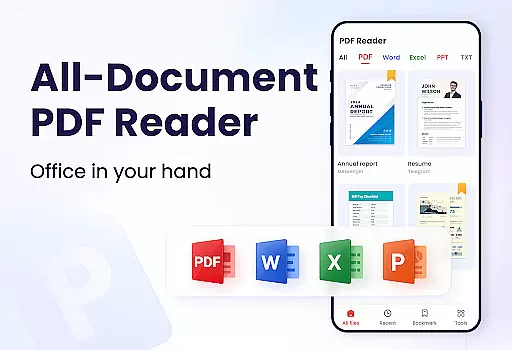
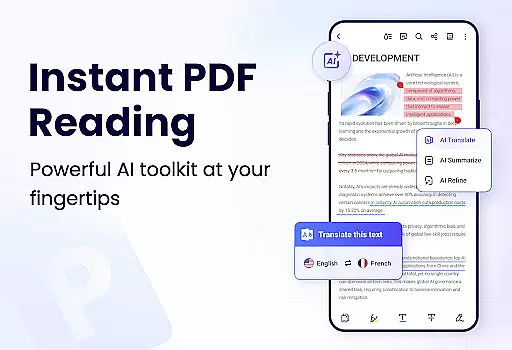
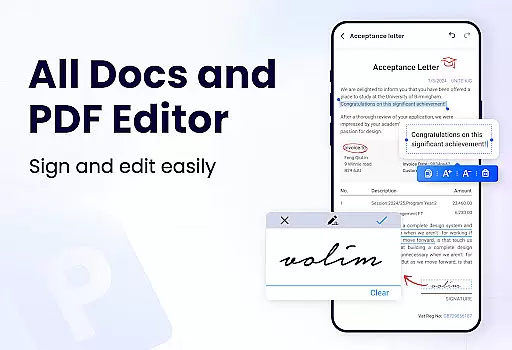
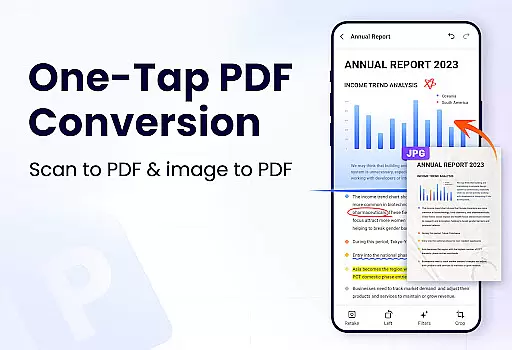
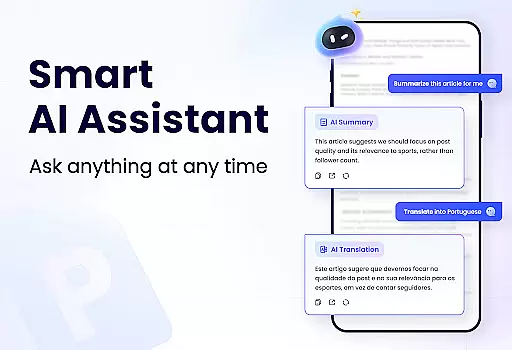
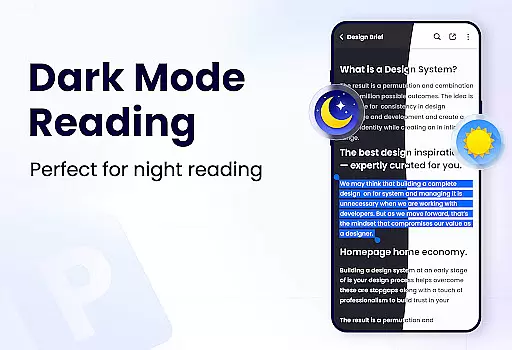
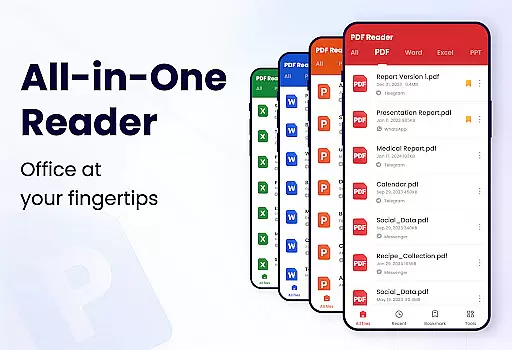
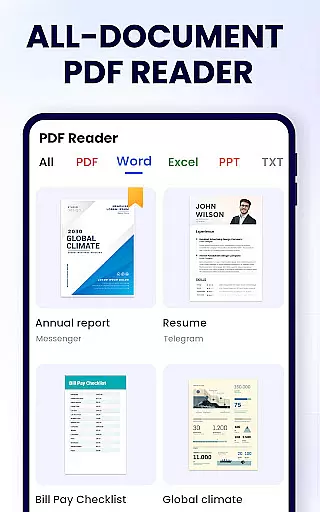
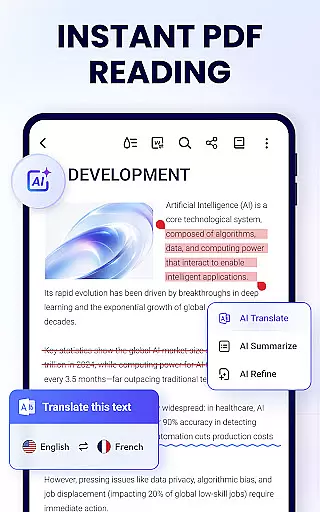
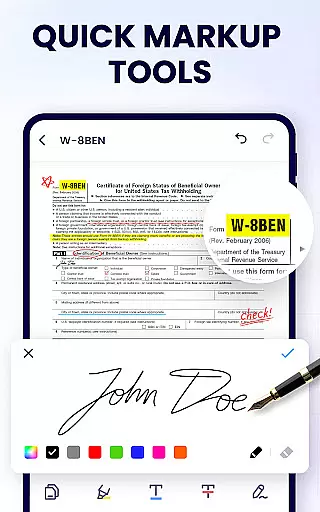
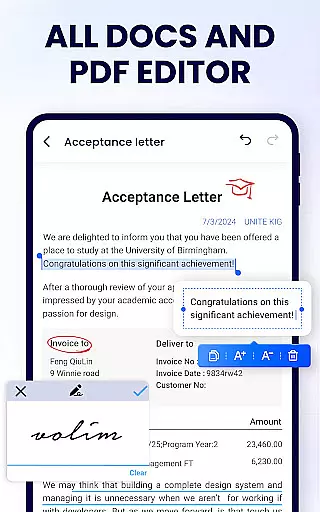
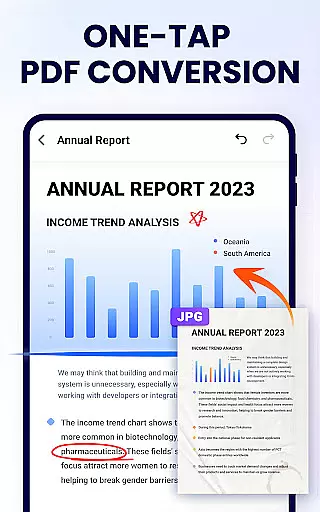
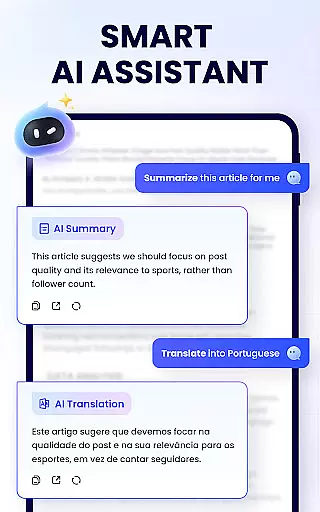
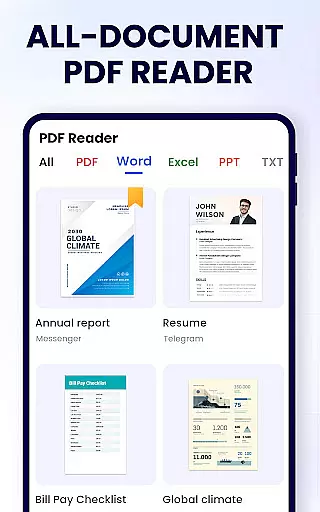
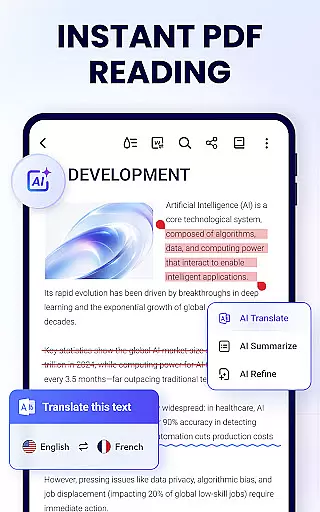
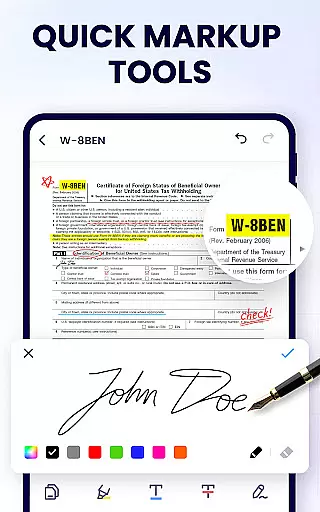
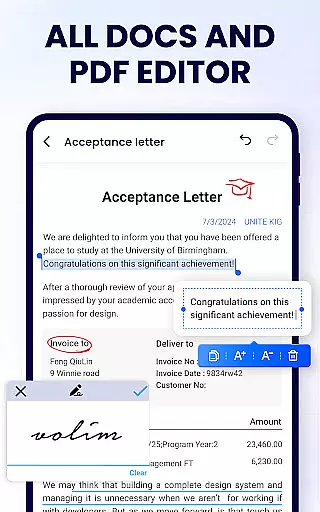
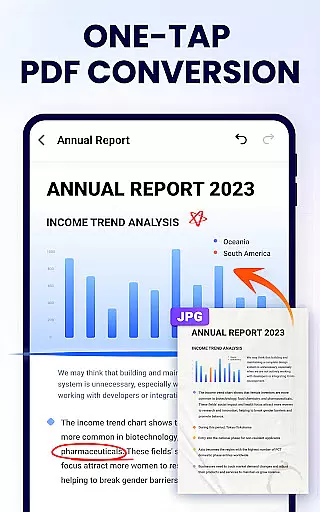
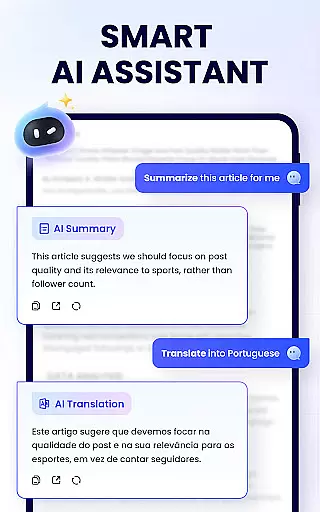
PDF Reader - PDF Viewer is a comprehensive productivity tool designed for Android users who need to manage, edit, and view PDF documents efficiently. This free app, A+ Read, offers an all-in-one solution for handling PDF files with features such as reading, editing, merging, splitting, and securing documents with passwords.
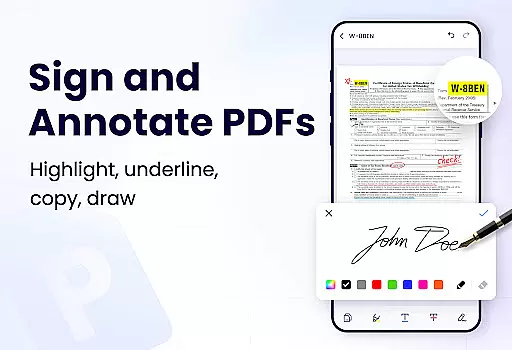
The app stands out with its user-friendly interface that supports both work and study needs. It provides convenient auto-search functionality, displaying all your PDFs in a clear list format. Users can enjoy advanced viewing options like page-by-page or continuous scrolling, multiple viewing modes, and full-screen reading. Additionally, the efficient PDF editor allows annotations, highlighting, underlining, and even doodling on documents.
With its lightweight design of only 12MB, this app ensures smooth performance without compromising device storage. Whether you're a student managing lecture notes or a professional handling business reports, PDF Reader - PDF Viewer enhances your document management experience significantly.
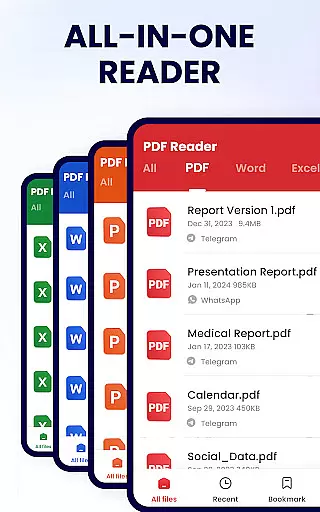
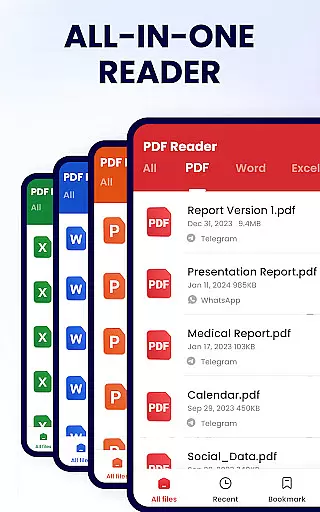
PDF Reader - PDF Viewer boasts an impressive array of features tailored to optimize document management. The app's convenient PDF viewer automatically searches and displays all PDF files on your device, allowing quick access and easy navigation through a simple list format. Users can add bookmarks for future reference and utilize various viewing modes including horizontal, vertical, and full-screen options.
As a smart PDF reader, it offers flexible reading experiences with page-by-page or continuous scrolling modes. You can zoom in and out as needed and directly jump to specific pages by entering the page number. These features ensure a seamless reading experience tailored to individual preferences.
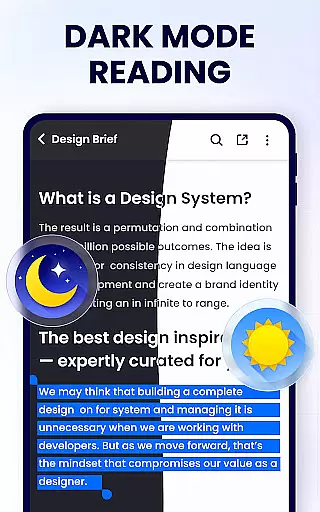
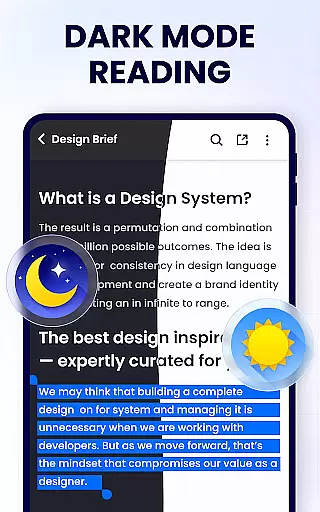
Moreover, the app functions as a powerful PDF editor and manager. It enables users to annotate documents, highlight text, underline, strikethrough, and doodle freely. Practical management features include merging and splitting PDFs, setting passwords for document protection, renaming files, and sharing via social media platforms. With upcoming features like dark mode and PDF compression, PDF Reader - PDF Viewer continues to evolve, promising even more functionality for enhanced productivity.
In the realm of productivity, managing tasks efficiently is paramount. The PDF Reader - PDF Viewer app excels in this area by offering a comprehensive suite of tools designed to streamline your document handling tasks. This app goes beyond simple viewing by integrating editing and management features that cater to the needs of students and professionals alike.
With functionalities such as merging and splitting PDF files, setting passwords for document protection, and adding bookmarks for easy navigation, users can handle complex tasks with ease. These features ensure that you can organize, secure, and retrieve information swiftly, which is crucial for effective task management.
The benefits of using PDF Reader - PDF Viewer for task management are manifold. Users can expect an increase in productivity as they can perform multiple operations like annotation, text marking, and even doodling without switching between different applications. This consolidation of functions into one app reduces the time spent on task-switching and enhances focus.
Ultimately, the value derived from this app's task management capabilities lies in its ability to simplify workflows. Whether it's through quickly searching and copying text or sharing documents via social media platforms, every feature is geared towards making document-related tasks less cumbersome. This efficiency not only saves time but also allows users to dedicate more energy to the content of their work rather than the process.
Cross-device synchronization is a critical feature for users who operate across multiple devices. The PDF Reader - PDF Viewer app ensures that your documents are reliably synced, allowing seamless transitions between your phone, tablet, or any other connected device. This means you can start reading or editing a document on one device and continue exactly where you left off on another.
This app achieves synchronization reliability through its cloud-based infrastructure, which automatically updates your document library whenever changes are made. Whether you're adding bookmarks, editing text, or managing files, all modifications are reflected instantly across all your devices. This real-time update capability ensures that no matter where you access your documents, you're always working with the most current version.
For users, this translates into unparalleled convenience and peace of mind. Knowing that your documents are up-to-date and accessible from any location provides a safety net against data loss and ensures continuity in your workflow. It eliminates the need for manual transfers or worrying about version control issues.
The true innovation of the PDF Reader - PDF Viewer app lies in its commitment to providing a consistent user experience. By prioritizing synchronization reliability, it empowers users to be more agile and responsive in their professional and personal lives. This level of integration across devices represents a significant advancement in how we interact with digital documents today.
User-friendly interface
Comprehensive PDF editing tools
Lightweight app size
Secure document management
Versatile file sharing options
Limited advanced features in free version
Occasional ads may appear
Some features still under development
Requires storage permissions
Interface could be overwhelming for beginners

Device's storage information in a simple and clear graphical form (infographics)
 4.10
4.10
We're working to become the best machining app on the market! www.cncdirt.com
4.80
Absolutely the best CNC machinist speed and feed calculator around. fswizard.com
4.60
⏰ Finally a timer app which can run multiple timers simultaneously on your watch
3.90
Pwnagotchi companion app
4.20
Easiest event planning, volunteer signups & parent teacher conference scheduling
2.20
Stay on top of your to-dos with Google Tasks, part of Google Workspace.
4.60
Scan paperwork into PDF/JPG, generate your own e-signature and send fax or email
4.70
Put a lock on your cloud: Take the security of your data into your own hands
3.70
Multilingual translator for text, voice, and image translation!
4.90
Protect and view your important info on your phone and tablet with eWallet®
4.80
Secure, fast, open-source, VNC and SSH Remote Desktop for Windows, Linux and Mac
4.70
Calendar 2023 widget for Android. Appointment scheduler, planner, and reminder
4.60
Enjoy classic gameplay with customizable features and retro-style graphics.
4.30
Professional calendar app for Google Calendar, MS Outlook & Exchange
4.20
Easily read and manage all your PDF files
4.10
* block pre-roll ads, pop-up and forced redirect ads * Samsung certification app
4.00
Auto-shutoff Alarm with Sunrise, Sunset & Fixed Options.
3.50
AI Video AI Image Private LLM AI Browser Llama Gemma Ollama Connect LLM Studio
4.3


User Reviews