
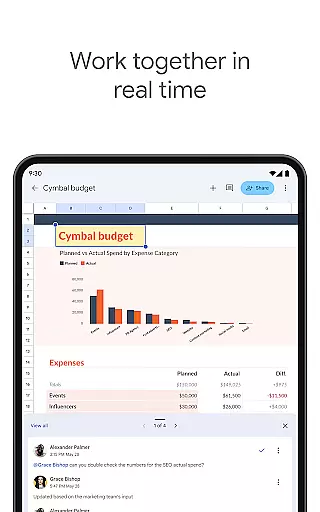
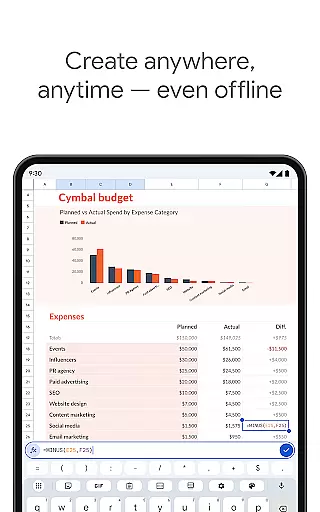
Google Sheets is a powerful productivity application that allows users to create, edit, and collaborate on spreadsheets directly from their Android devices. The app provides a comprehensive set of features including real-time collaboration, offline access, and automatic saving. Whether you need to manage business data or organize personal information, Google Sheets offers the flexibility to work anytime, anywhere.
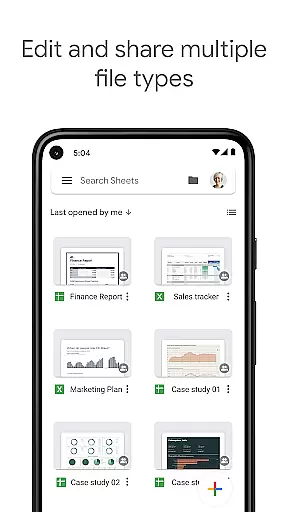
The application supports advanced functionalities such as smart suggestions for quick insights, seamless integration with Excel files, and enterprise-grade security for Google Workspace subscribers. With its intuitive interface and robust feature set, Google Sheets has become an essential tool for individuals and teams looking to streamline their spreadsheet management.
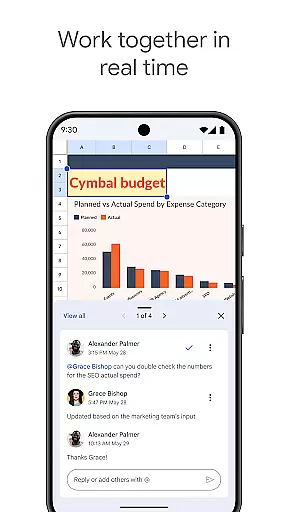
Google Sheets stands out with its rich feature set tailored for productivity. The app allows users to create new spreadsheets or edit existing ones with ease. It supports real-time collaboration, enabling multiple users to work on the same document simultaneously. Advanced formatting options, formula support, and chart creation provide professional-grade tools for data management.
For Google Workspace subscribers, the app offers enhanced capabilities like AI-powered insights, seamless cross-platform functionality between Sheets and Excel, and enterprise-level security controls. The ability to work offline ensures uninterrupted productivity, while smart suggestions help users quickly analyze data and apply formatting. These features make Google Sheets a versatile solution for both individual and team-based spreadsheet projects.
Task management is a cornerstone of productivity applications, and Google Sheets excels in this area by offering users the ability to organize and prioritize their work efficiently. With features such as real-time collaboration, automatic saving, and seamless integration with other Google Workspace tools, it ensures that teams can manage tasks without missing a beat.
The app allows users to create new spreadsheets or edit existing ones, providing a flexible platform for task tracking and project management. Users can share spreadsheets and collaborate with team members simultaneously, ensuring everyone is on the same page. This collaborative environment fosters transparency and accountability within teams, making task management more dynamic and responsive.
Google Sheets goes beyond basic task lists by enabling advanced functionalities like adding and responding to comments, formatting cells, entering or sorting data, and using formulas. These capabilities allow for sophisticated task management systems that can adapt to the needs of any project or team, regardless of size or complexity.
Cross-device synchronization is vital for maintaining workflow continuity in today's mobile-first world. Google Sheets addresses this need by providing reliable and consistent synchronization across all devices. Whether you're working on your Android phone, tablet, or desktop, you can expect your changes to be updated in real-time, ensuring that your data is always current and accessible.
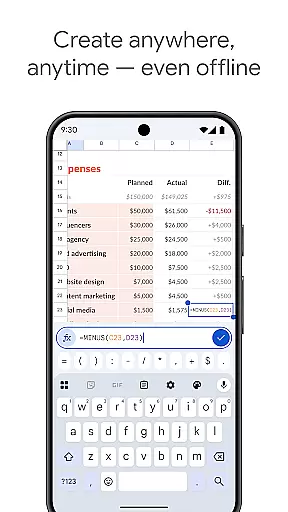
This reliability extends to offline access as well. Google Sheets allows users to create, view, and edit files even without an internet connection. Once online, all changes are synced automatically, so you never have to worry about losing your work or dealing with version control issues.
For Google Workspace subscribers, the synchronization experience is further enhanced with additional features like smart suggestions, which provide quick insights and help apply formatting effortlessly. This ensures that whether you're analyzing data, building custom solutions, or collaborating with colleagues, your experience remains smooth and uninterrupted across all your devices.
User-friendly interface
Real-time collaboration
Automatic saving
Offline access
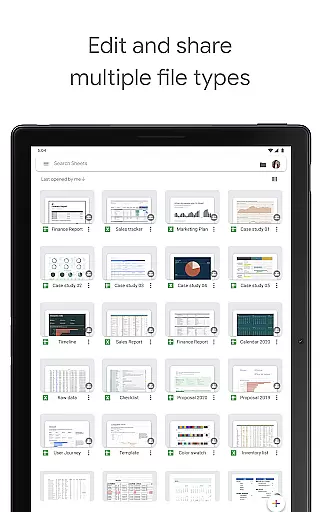
Seamless Excel integration
Limited advanced features for free users
Requires internet for full functionality
Occasional sync issues
Basic chart options
Ads in free version

QuickBooks Workforce lets teams view pay info and track time in one place.
 4.70
4.70
Seamlessly integrate data and reports to build your presentation to impress
4.80
Create study competitions, track your hours, and stay consistent with friends
4.5
Send files, sync SMS, notifications & clipboard across devices via local network
4.40
IP Camera Viewer - Android TV : RTSP Surveillance camera viewer for Android TV
4.2
Easiest event planning, volunteer signups & parent teacher conference scheduling
2.20
ID.me Authenticator is a simple and free Two Factor Authentication solution
3.50
Translate text/voice/photos in 150+ languages. Offline & fast translator app.
4.50
Scientific calculator for Android - looks and operates like the real thing!
4.90
Best Tool for the professionals Electrician, Electrical contractors, etc.
4.90
Use powerful, industry-leading AI tools to generate visual charts from any data
4.80
Quickly and easily keep track of your work shifts
4.70
Planet Free VPN - The best Fast Unlimited and Secure VPN Without Logs
4.50
This small app MUST BE INSTALLED after purchase, else license won't work
4.40
Easily read and manage all your PDF files
4.10
Take control of your clipboard with Clipper!
3.90
Access your phone's notifications, calls, apps, photos & texts on your PC
3.90
A Revolutionary All-in-One Artificial Intelligence Tools
3.80
Find and delete junk files & block unwanted notifications & manage files
3.70


User Reviews