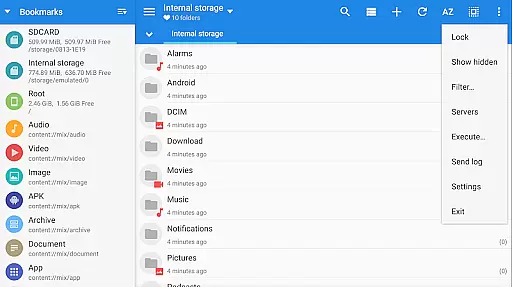
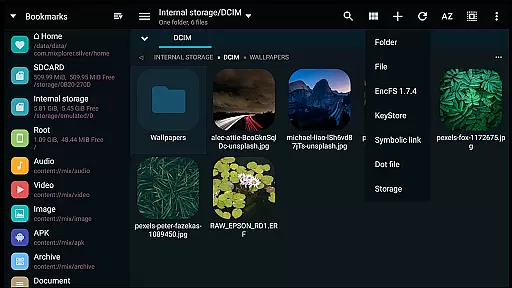
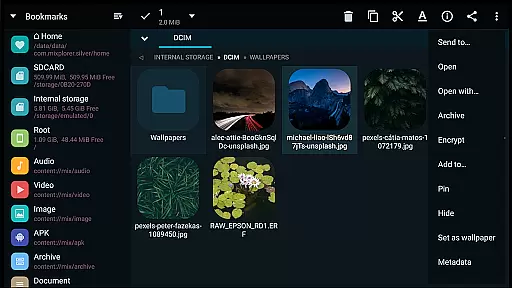
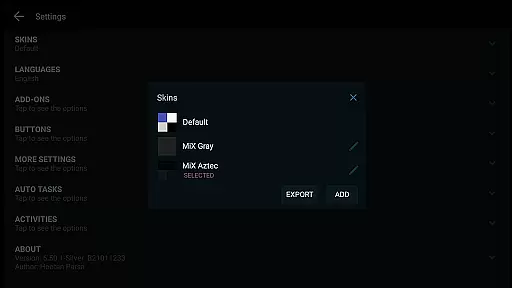
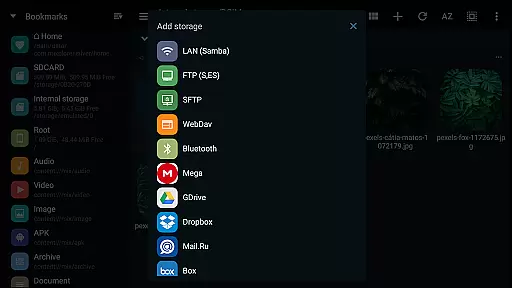
MiXplorer Silver is a comprehensive file management solution that combines the core MiXplorer file manager with powerful add-ons including Archiver, Image viewer, Tagger, and PDF reader. Designed as a paid app to support ongoing development, it offers an all-in-one productivity tool for Android users. The app features extensive customization options, cloud storage integration, and advanced file handling capabilities.
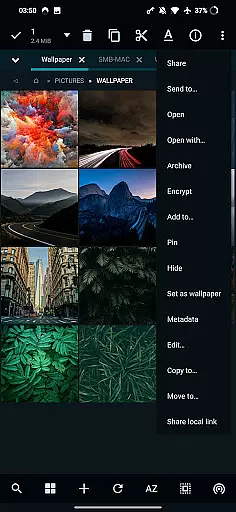
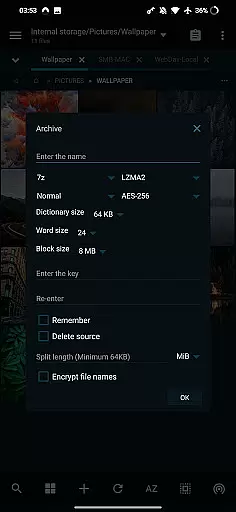
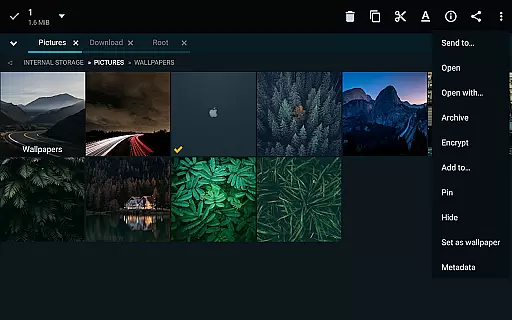
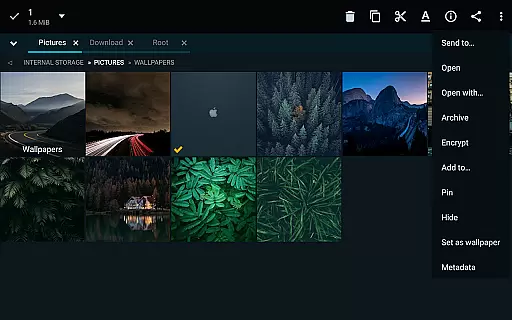
With its themable interface, users can personalize the appearance while enjoying features like tabbed browsing, dual panels in landscape mode, and drag-and-drop functionality. The app supports various file operations such as multitasking copy/move tasks, packing/unpacking multiple archive formats, and modifying zip files. It also provides seamless access to major cloud services, making it an essential tool for power users who need efficient file management.
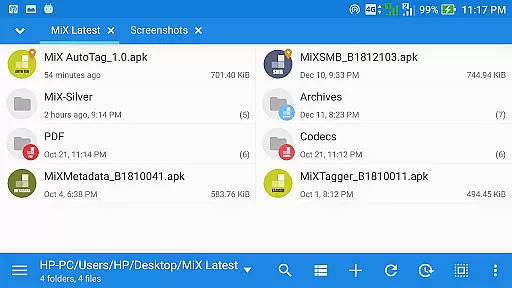
The app stands out with its extensive feature set tailored for productivity enthusiasts. MiXplorer Silver allows complete UI customization through its skin editor and theme packages, giving users control over menu options and action buttons. The app supports unlimited tabbed browsing and offers dual-panel view in landscape mode, enabling efficient file transfers between locations.
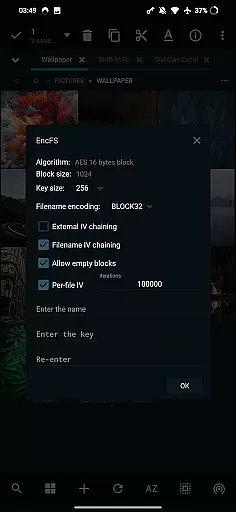
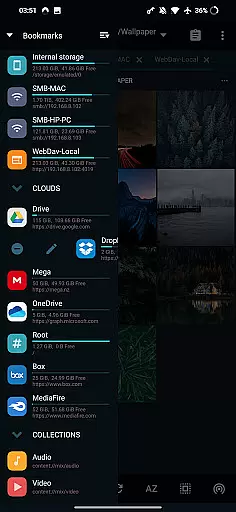
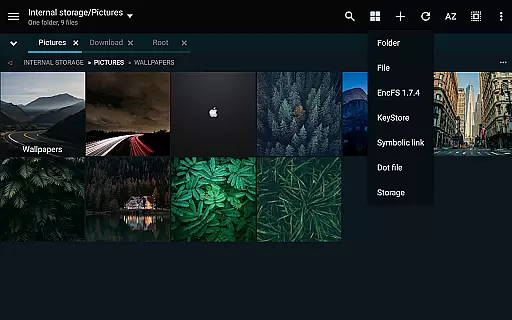
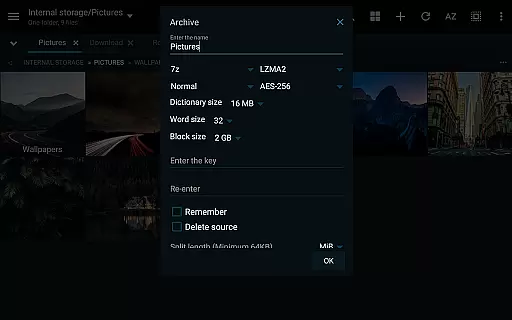
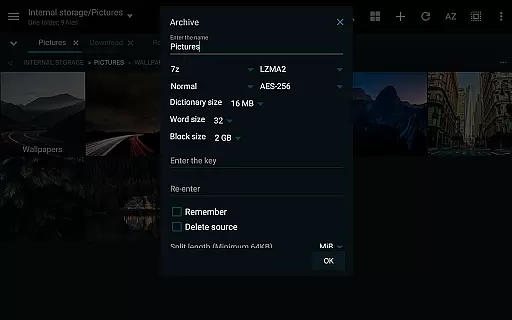
Advanced functionalities include creating multitasking operations for file management, supporting numerous archive formats for packing/unpacking, and providing read-only access to many others. Cloud storage integration covers major providers like Google Drive, Dropbox, and OneDrive, plus WebDAV-compatible services. Additional features encompass root access for advanced operations, EncFS volume support, built-in servers (FTP/HTTP/WebDAV/DLNA), and comprehensive file viewers for various formats including EPUB, MOBI, and PDF documents.
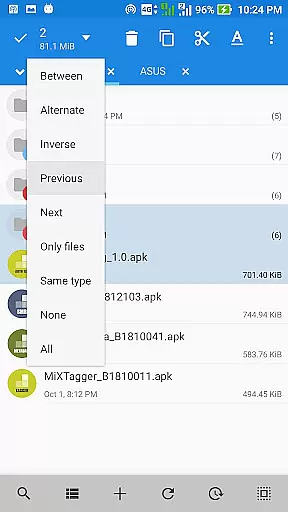
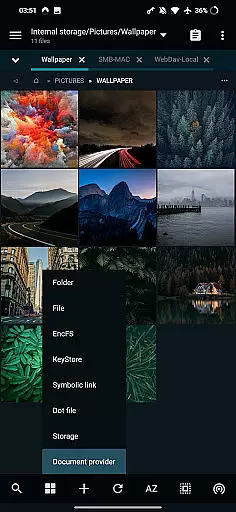
In the realm of file management, MiXplorer Silver excels with its robust core task management capabilities. This feature allows users to handle multiple operations such as copying, moving, and other file manipulations simultaneously through an intuitive task creation system.
Users can easily create and manage tasks, ensuring that complex file operations are executed smoothly and efficiently. The ability to multitask is essential for productivity, allowing seamless transitions between different activities without losing track of ongoing processes.
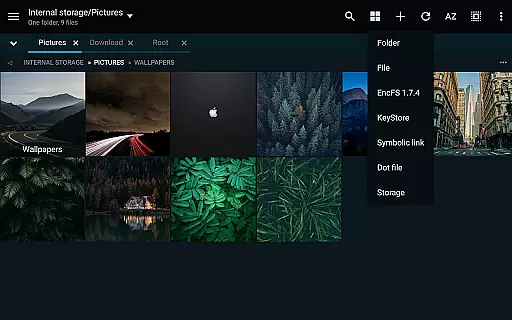
The app's task management extends to its tabbed browsing interface, which supports unlimited tabs. This means users can work on several directories at once, streamlining navigation and file handling. Additionally, in landscape mode, a dual-panel view enhances multitasking by enabling drag-and-drop actions between panels.
Overall, MiXplorer Silver's approach to task management significantly boosts productivity by providing tools that make file operations not only manageable but also efficient and user-friendly.
Cross-device synchronization is a pivotal feature for users who operate across multiple platforms. MiXplorer Silver ensures reliable synchronization, allowing users to maintain consistency and access their files seamlessly from any device.
The app supports various cloud storage services including Google Drive, Dropbox, and OneDrive, among others. This extensive cloud integration guarantees that files are always up-to-date and accessible, regardless of the device being used. Users can sync preferences, bookmarks, and customized skins, ensuring a uniform experience across devices.
Furthermore, MiXplorer Silver provides options to export and import all settings, which enhances backup and restore processes. This means users can effortlessly transfer their personalized setup to a new device without losing any customizations or data.
By focusing on reliable cross-device synchronization, MiXplorer Silver addresses the needs of modern users who demand flexibility and continuity in their digital workflows, making it an indispensable tool for productivity.
Highly customizable UI
Extensive format support
Powerful multitasking
Cloud integration
Root access support
Paid application
Complex for beginners
No iOS version
Feature overload
Requires learning

A Revolutionary All-in-One Artificial Intelligence Tools
 3.80
3.80
When you Focus, so will your Bean in this cozy focus timer
4.30
Auto-shutoff Alarm with Sunrise, Sunset & Fixed Options.
3.50
Protect and view your important info on your phone and tablet with eWallet®
4.80
aCalendar+ makes your day, week and month
4.70
Create and edit presentations with Google Slides, part of Google Workspace.
4.00
Experience and share your SolidWorks designs on your Android® phone and tablet.
2.50
Simple notepad & memo. Take notes, to-do list, shopping list with reminders.
4.80
Seamlessly read, manage, and organize all your PDF files solution in one place
4.40
8 custom complications. Custom Time Fonts. Beautiful color schemes. A++ Design.
5.00
App lock - lock apps with fingerprint, password, pin or pattern, protect privacy
4.70
The AI assistant that thinks with you - write, code, and solve complex tasks
4.60
Docker, Kubernetes management over Portainer Mobile
4.40
Access, manage and transfer files on Android, PC, Mac, NAS and cloud storages.
4.30
Professional calendar app for Google Calendar, MS Outlook & Exchange
4.20
Todo reminder
4.10
Intelligent AI Assistant
4.10
Remotely view listen control and record cameras.
3.70
A comprehensive suite of tools designed specifically for Lactation Consultants
4.4


User Reviews