
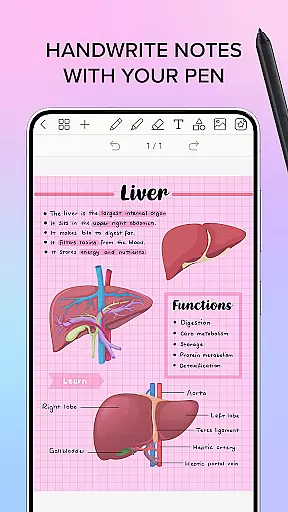
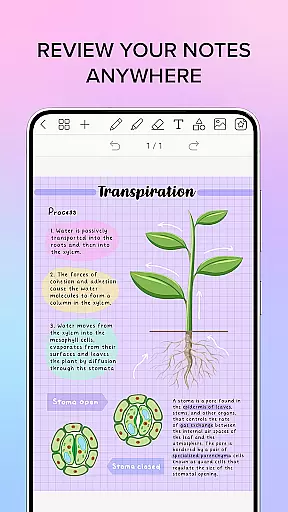
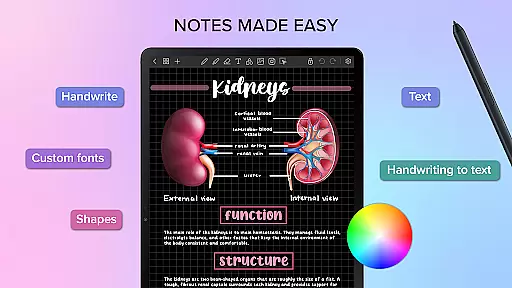
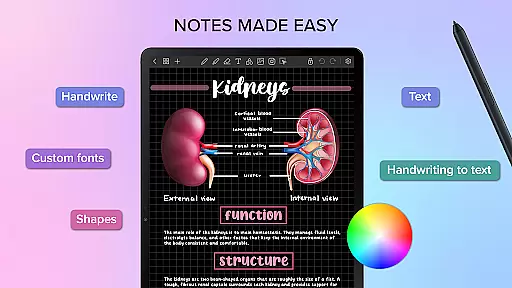
Penly is a comprehensive digital planner, journal, and note-taking application designed to enhance both creativity and productivity. The app features an intuitive interface with smooth handwriting recognition and smart eraser functionality, alongside tools for text, image, and shape manipulation.
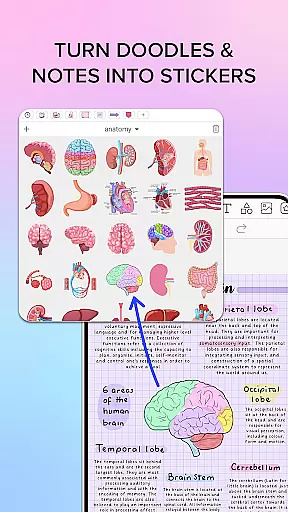
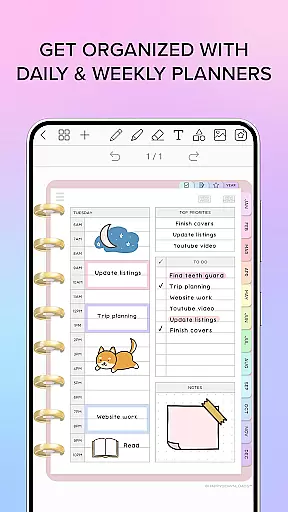
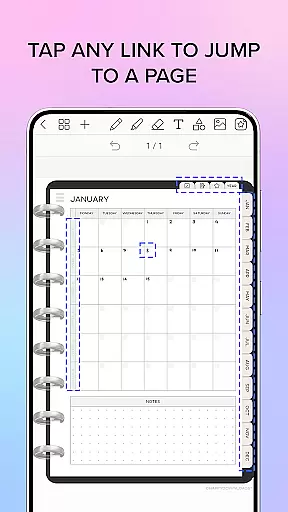
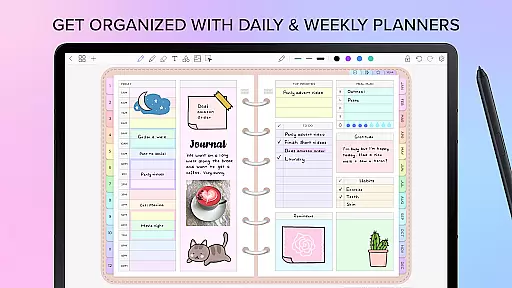
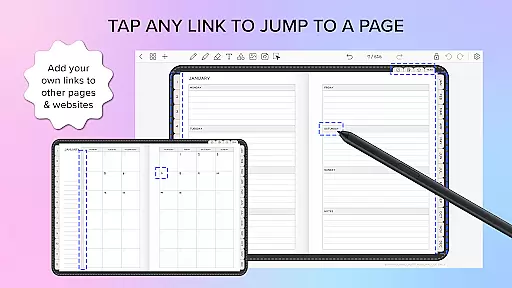
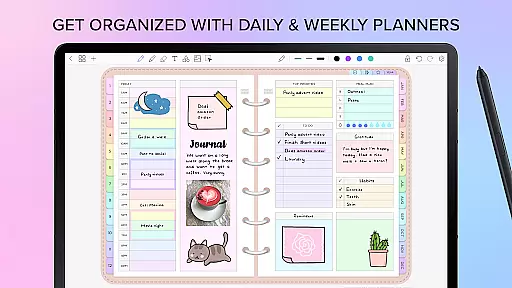
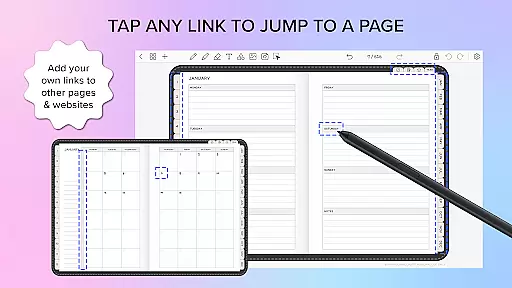
One of Penly's standout features is its inclusion of four digital planners, offering hyperlinked monthly, weekly, and daily pages that are undated and reusable. Users can import any PDF file, create custom hyperlinks, and utilize sticker and image tools to organize and personalize their notes effectively.
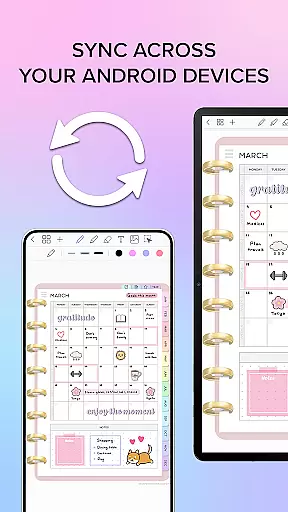
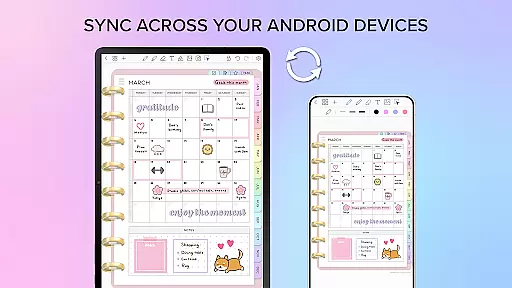
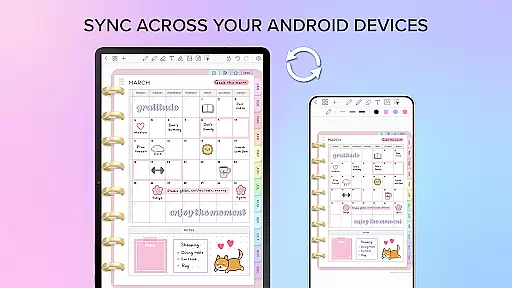
The app also supports syncing between Android devices via Google Drive, ensuring users can access their documents from multiple devices seamlessly. With English language support, Penly is ideal for individuals seeking an all-in-one solution for digital planning and note-taking.
Penly offers a rich set of features tailored for productivity enthusiasts. Its smooth handwriting and smart eraser capabilities allow for natural note-taking, while the automatic handwriting-to-text function streamlines the process further.
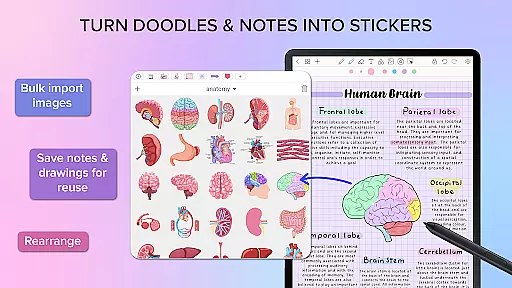
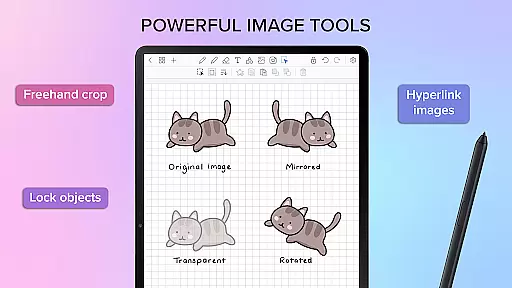
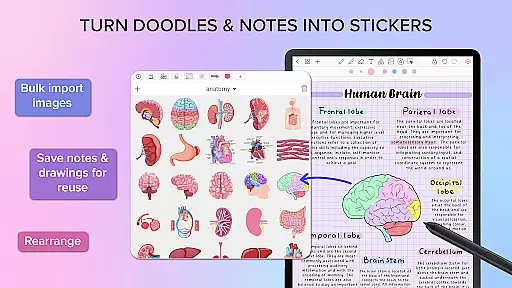
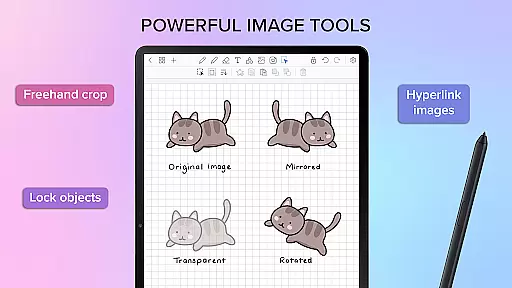
The app includes extensive organizational tools such as the ability to transform, group, and lock objects, as well as undo and redo actions. Users can import custom fonts, create sticker collections, and utilize various image editing options like mirroring, flipping, and adjusting opacity.
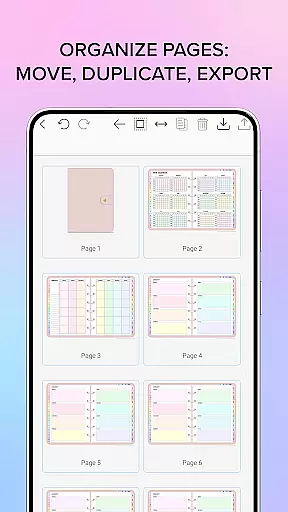
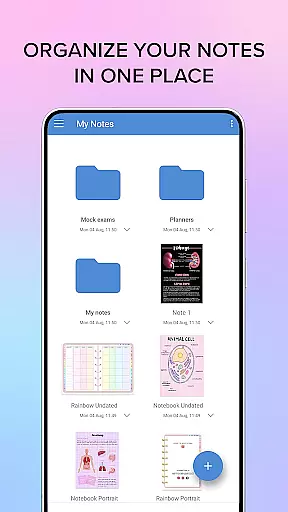
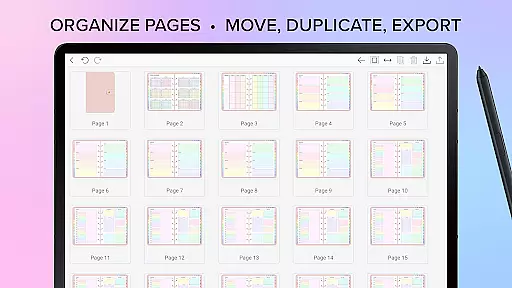
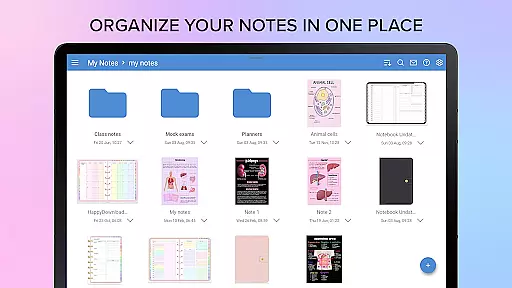
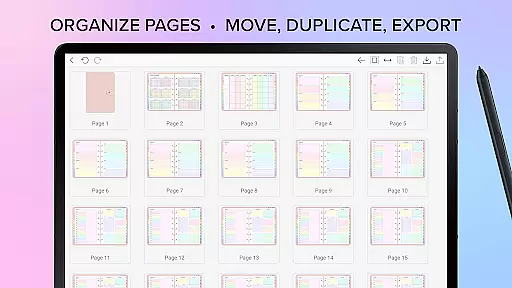
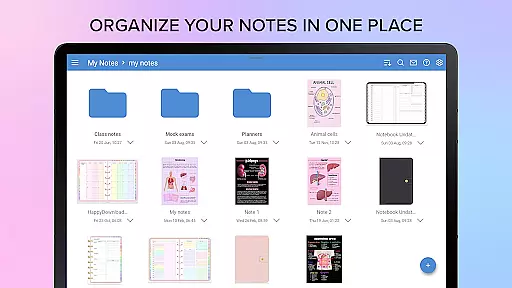
Additionally, Penly provides robust document management through folders and sub-folders, along with easy navigation using hyperlinks within PDF files. These features collectively ensure a versatile and efficient user experience, making Penly a valuable tool for both personal and professional use.
Task management is a cornerstone of productivity applications, and Penly excels in providing users with robust tools to manage their daily tasks efficiently. The app includes features such as hyperlinked monthly, weekly, and daily pages which allow for easy navigation and organization of one's schedule.
Penly offers undated and reusable planners, giving users the flexibility to customize their planning experience according to personal needs. With landscape and portrait modes along with various styles, it caters to different preferences ensuring that every user can tailor their digital planner just right for them.
The inclusion of to-do list templates within Penly not only simplifies task entry but also enhances focus on priority activities. Users benefit from an intuitive interface where they can transform, group, lock objects, or even undo redo actions thus maintaining full control over their workflow while boosting overall productivity.
Cross-device synchronization is vital for users who operate across multiple platforms. Penly addresses this need by integrating Google Drive, enabling seamless sync between Android devices. This ensures that whether at home or on the go, your data remains consistent and up-to-date wherever you access it.
Users have the option to sync manually or set up automatic syncing whenever the app is opened or closed. Such flexibility empowers individuals to choose a method that best fits their working style while guaranteeing reliable access to their documents anytime anywhere.
By prioritizing synchronization reliability, Penly not only secures user information against loss but also enhances collaborative opportunities. Whether managing folders sub-folders or reopening documents precisely where one left off, these capabilities underscore Penlys commitment to delivering a dependable cross-device experience enhancing both individual efficiency and team collaboration potential.
User-friendly interface
Handwriting recognition
Versatile PDF tools
Customizable stickers
Seamless syncing
Limited language support
No iOS version
Premium pricing
Learning curve
Occasional bugs

Automates browsing any website and notifies you of important changes or events
 4.30
4.30
Stay on top of your to-dos with Google Tasks, part of Google Workspace.
4.60
Secure, open-source, SPICE and SSH Remote Desktop for QEMU KVM virtual machines
4.00
Calendar 2023 widget for Android. Appointment scheduler, planner, and reminder
4.60
Code on-the-go with VScode for Android. Edit,debug and collaborate from mobile!!
3.10
Tally and goal counter for Wear OS & mobile
4.50
Quickly and easily keep track of your work shifts
4.70
Intelligent AI Assistant
4.10
Set up, print, and get support—in one place
4.20
Scientific calculator for Android - looks and operates like the real thing!
4.90
Direct Chat without saving contacts & Dual WA Account on Single Device
4.70
A beautiful digital clock with autostart and many other functions
4.70
All document reader, all in one file viewer read PDF, DOCX, XLS, PPT, TXT files.
4.60
This small app MUST BE INSTALLED after purchase, else license won't work
4.40 4.20
4.20
Take control of your clipboard with Clipper!
3.90
All in one sketching tool. Technical and General drawing. Online Maps support.
3.70
Find and delete junk files & block unwanted notifications & manage files
3.70
Ads Free App! Editor, Hide File, Copy, Move, Delete and Rename.. all facility av
1.70


User Reviews