
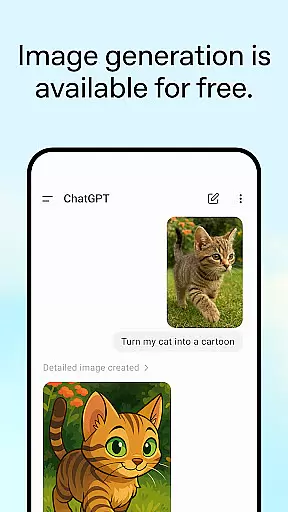
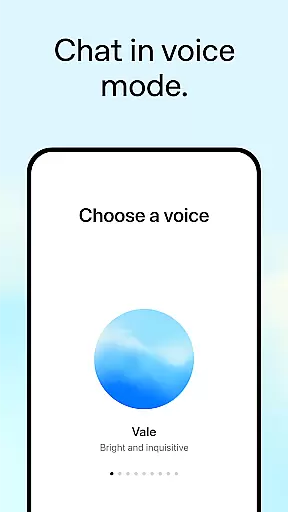
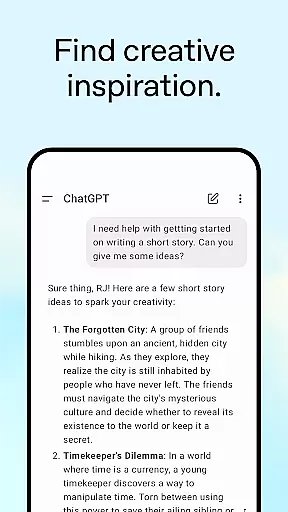
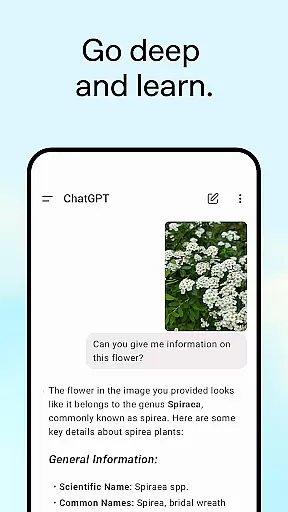
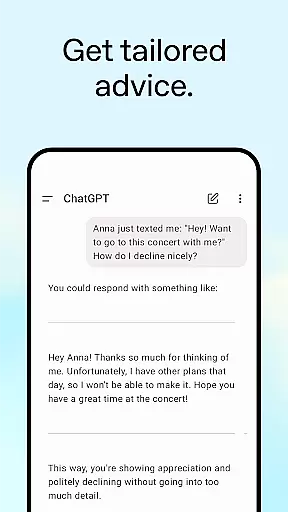
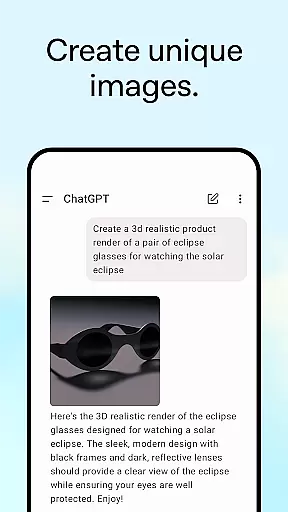
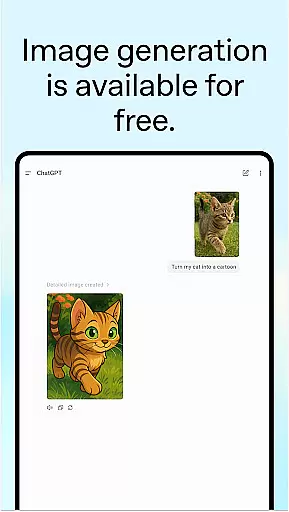
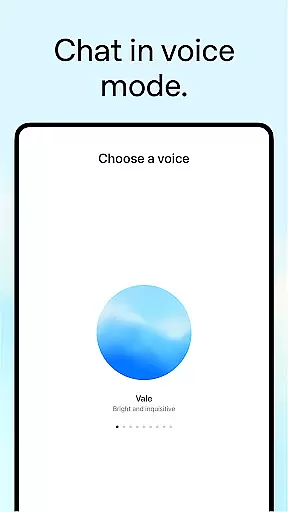
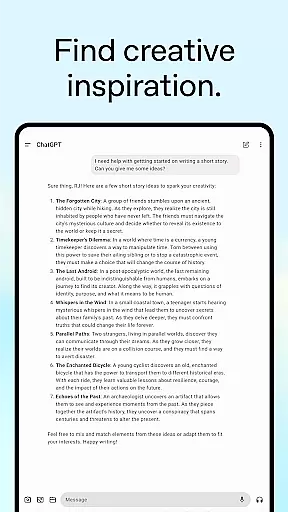
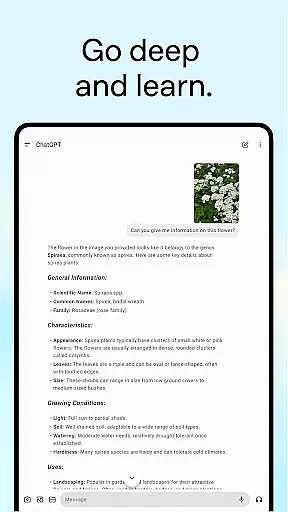
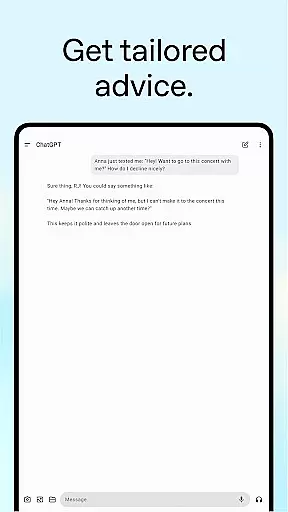
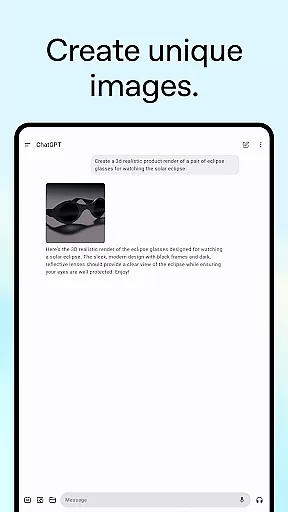
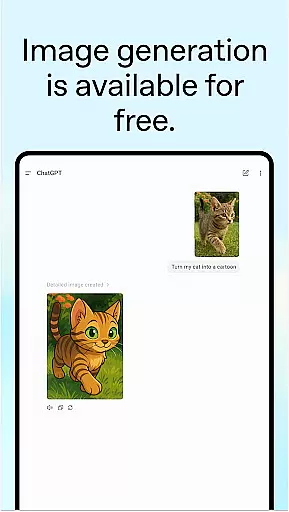
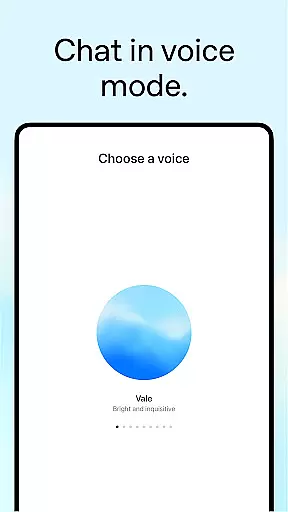
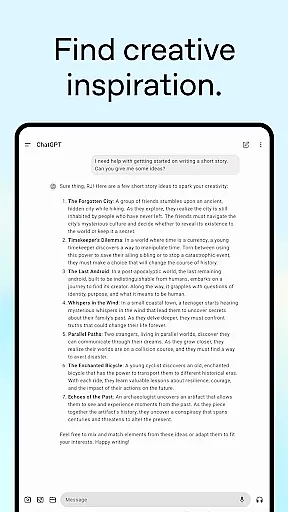
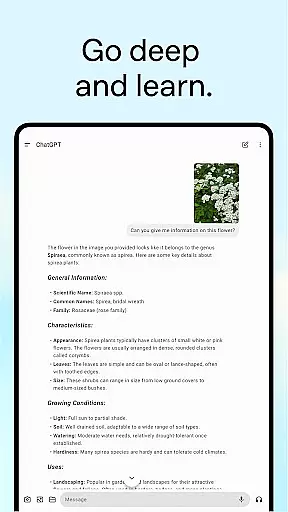
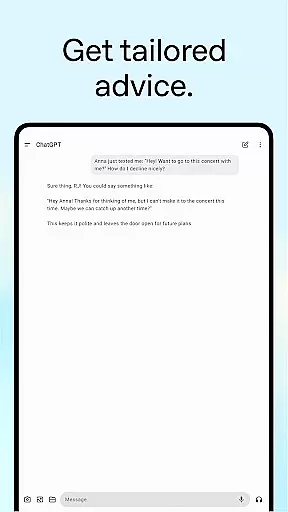
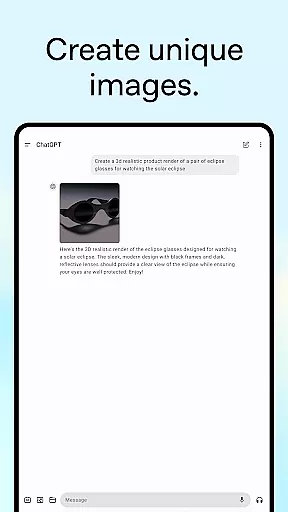
ChatGPT is a powerful productivity app that brings OpenAI's cutting-edge language model to your Android device. This official application allows users to generate original content, obtain tailored advice, and access instant answers across various topics. With advanced features like image generation, voice mode, and photo upload capabilities, it serves as an all-in-one tool for creative inspiration, personalized learning, and professional input.
The app seamlessly syncs conversation history across devices, ensuring continuity in user experience. Whether you need help crafting detailed travel itineraries, generating marketing copy, or explaining complex concepts in simple terms, ChatGPT delivers accurate and context-aware responses. Its versatility makes it suitable for both personal and professional use, empowering users to accomplish tasks efficiently while on the go.
ChatGPT stands out with its diverse feature set designed to enhance productivity. The app includes advanced Voice Mode, allowing real-time conversations to settle debates or practice new languages. Users can upload photos to transcribe handwritten notes or identify landmarks, making information retrieval effortless.
Creative professionals will appreciate the image generation tool that creates original visuals from text descriptions. Additionally, the app provides tailored advice for tough situations, generates custom gift ideas, and assists in drafting business plans. These features collectively ensure that ChatGPT is not just an AI chatbot but a comprehensive productivity suite adaptable to various user needs.
Moreover, the personalized learning feature helps explain intricate topics in an easily digestible manner, catering to different educational levels. From generating recipe suggestions based on available ingredients to offering detailed explanations of historical events, ChatGPT proves to be an indispensable companion for users seeking efficiency and innovation in their daily tasks.
Task management is a cornerstone of productivity applications, and ChatGPT excels in providing users with tools to organize their work efficiently. The app allows for the creation and tracking of various tasks, from simple reminders to complex projects requiring detailed planning.
ChatGPT's advanced features enable users to settle debates, practice languages, and even transcribe handwritten notes through photo uploads. This versatility ensures that whether you're crafting a personalized greeting card or mapping out a business plan, your workflow remains uninterrupted and efficient.
The true value lies in its seamless integration across devices, ensuring that your task history and progress are always up-to-date, no matter where you access the app. This cross-device synchronization means you can start a task on your phone and continue working on it from your computer without missing a beat.
Cross-device synchronization is essential for maintaining productivity in today's fast-paced world. ChatGPT offers reliable syncing capabilities that ensure all user data, including conversation histories and generated content, is consistently updated across all linked devices.
This reliability is further enhanced by the app's ability to generate original images, provide tailored advice, and offer personalized learning experiences. Whether you're asking for a detailed travel itinerary or brushing up on historical events, the information is instantly accessible wherever you go.
Moreover, the instant answers feature provides recipe suggestions and other useful tips based on minimal input, making it an indispensable tool for both personal and professional use. With ChatGPT, users can trust that their data will be there when they need it, enhancing overall productivity and convenience.
User-friendly interface
Advanced AI capabilities
Versatile functionality
Seamless cross-device syncing
Comprehensive privacy policy
Limited offline functionality
Requires stable internet
Premium features may cost extra
Occasional response latency
Privacy concerns with data sharing

When you Focus, so will your Bean in this cozy focus timer
 4.30
4.30
Professional calendar app for Google Calendar, MS Outlook & Exchange
4.20
Secure, fast, open-source, Remote Desktop Client for Windows and Linux with SSH
4.60
Find and delete junk files & block unwanted notifications & manage files
3.70
Cloud storage, automatic phone backup, and more.
4.10
Activate Two Factor Authentication (2FA or Multi OTP), Password manager and more
4.10
Quickly and easily keep track of your work shifts
4.70
Experience and share your SolidWorks designs on your Android® phone and tablet.
2.50
Intelligent AI Assistant
4.10
8 custom complications. Custom Time Fonts. Beautiful color schemes. A++ Design.
5.00
Android Wallet Password Manager
4.80
Client for Nextcloud Deck
4.60
All document reader, all in one file viewer read PDF, DOCX, XLS, PPT, TXT files.
4.60
Access, manage and transfer files on Android, PC, Mac, NAS and cloud storages.
4.30
The ultimate file manager for rooted devices. The original and still the best.
4.00
Take control of your clipboard with Clipper!
3.90
⏰ Finally a timer app which can run multiple timers simultaneously on your watch
3.90
Smart PDF reader & editor to view, organize and manage PDF documents easily.
3.70
Simple and reliable communication between inmates, friends and family
3.20


User Reviews