
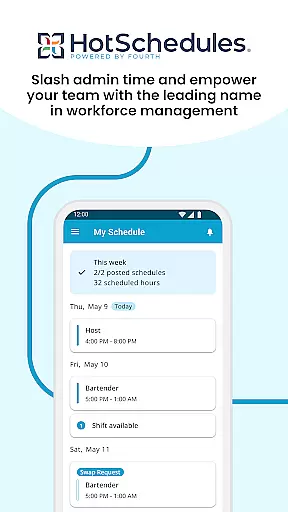
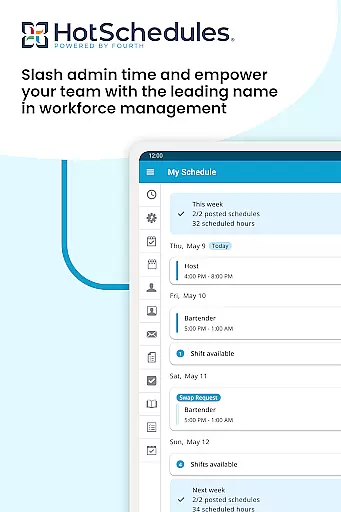
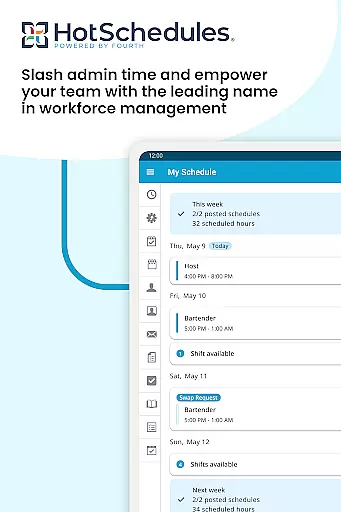
HotSchedules is a leading productivity app designed specifically for workforce management in businesses. The app's core functionality revolves around employee scheduling, enabling both team members and managers to efficiently manage work shifts. For employees, it offers one-click shift swapping, automatic shift pickups, and time-off requests, ensuring optimal work-life balance. Managers benefit from features like 75% faster schedule creation, one-click shift change approvals, and real-time business performance monitoring through sales and labor snapshots.
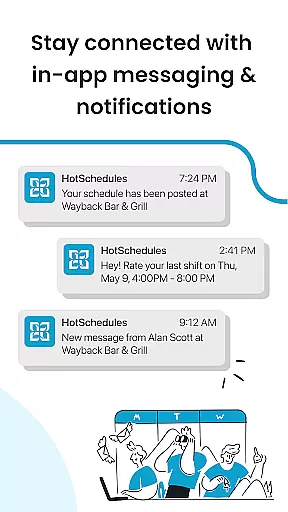
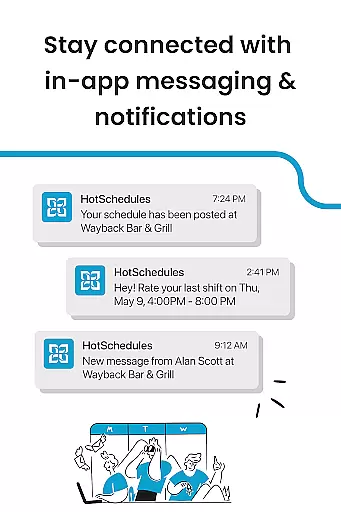
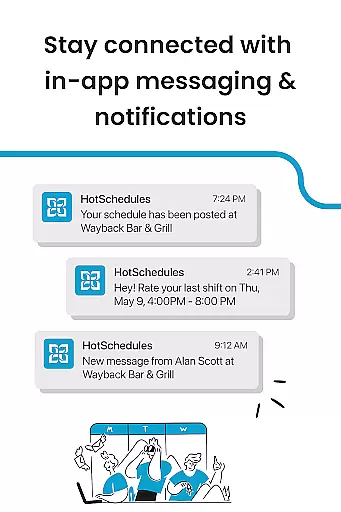
The app also provides seamless communication tools including broadcast messaging and one-to-one conversations, helping maintain a connected and productive team culture. With calendar sync and instant notifications for manager-approved changes, HotSchedules ensures everyone stays updated with the latest schedules. This makes it an invaluable tool for businesses looking to streamline their scheduling process while maintaining strong team dynamics.
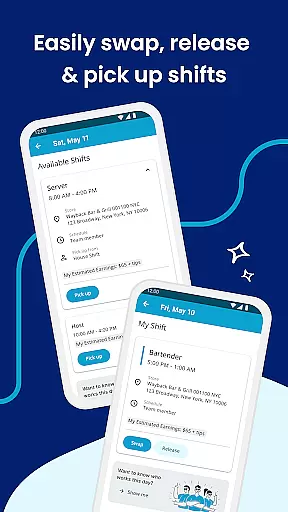
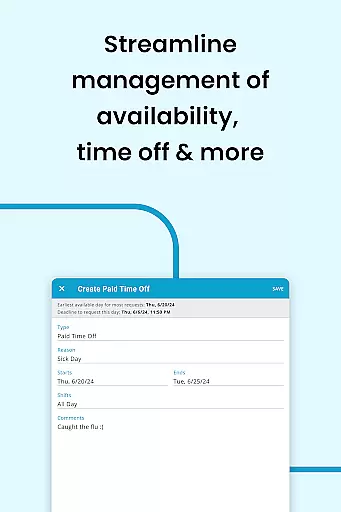
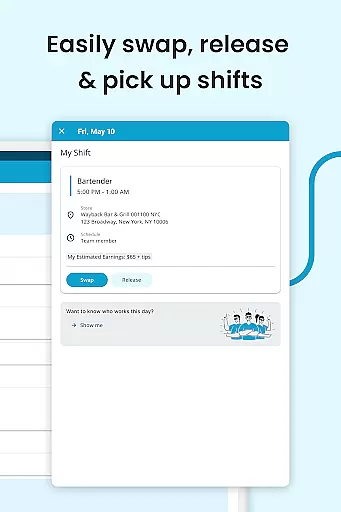
HotSchedules stands out with its comprehensive feature set tailored for both employees and managers. Key features include automated shift management where employees can easily swap, pick up, or release shifts with a single click. The app's calendar integration automatically updates schedules across devices, providing real-time notifications for any approved changes. Time-off requests and automatic shift pickups help employees maintain better control over their work-life balance.
For managers, the app offers significant time savings in schedule creation—up to 75% faster—and simplifies shift change approvals with one-click options. The ability to monitor business performance remotely through sales and labor snapshots allows managers to stay informed without being tied to the office. Additionally, the app's robust communication tools support both broadcast messaging for company-wide announcements and private messaging for individual conversations, fostering a cohesive and informed team environment.
Effective task management is crucial for productivity applications, serving as the backbone for organizing and executing work efficiently. HotSchedules excels in this area by providing tools that significantly reduce the time needed to manage employee schedules.
The app allows managers to build schedules quickly, offering features like one-click approvals for shift changes, which saves up to 75% of their time. This streamlined process ensures that managers can focus more on team performance rather than getting bogged down with scheduling logistics.
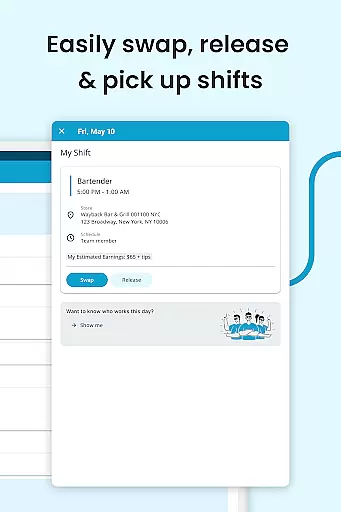
For team members, the ability to swap, pick-up, or release shifts with a single click enhances their work-life balance. The automatic updates and notifications ensure everyone is always informed about their current schedule status, promoting better personal time management.
In today's fast-paced work environment, reliable cross-device synchronization is essential for maintaining productivity and ensuring all team members have access to the most current information. HotSchedules addresses this need by offering seamless calendar sync and real-time notifications across devices.
With automatic updates, any manager-approved changes to schedules or rosters are immediately reflected on the team member's phone. This feature ensures that whether employees are using their smartphones or other devices, they are always working with the latest schedule information.
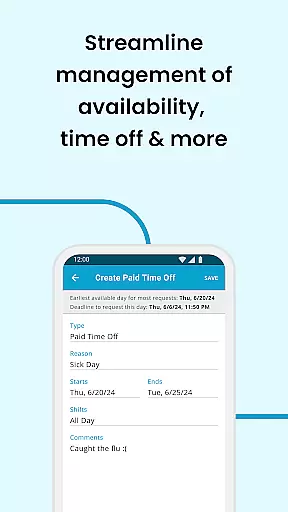
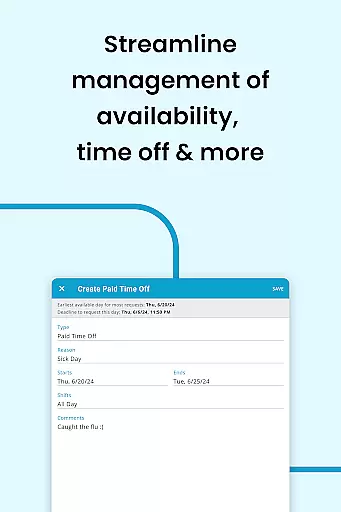
This synchronization extends to time-off requests and shift pickups, allowing for effortless management of work preferences. As a result, users can maintain an optimal work-life balance without worrying about missing important updates or changes to their schedules.
User-friendly interface
Efficient scheduling system
Real-time updates
Comprehensive reporting
Strong communication tools
Requires employer account
Limited to business use
No standalone version
Premium features may cost extra
Dependent on internet connectivity

Secure, fast, open-source, VNC and SSH Remote Desktop for Windows, Linux and Mac
 4.70
4.70
Seamlessly integrate data and reports to build your presentation to impress
4.80
Total remote control for your Android device, PC and cloud services (IFTTT)!
4.20
Professional calendar app for Google Calendar, MS Outlook & Exchange
4.20
Smart PDF reader & editor to view, organize and manage PDF documents easily.
3.70
Mind Map and brainstorm, note taking and idea collection
4.80
Code on-the-go with VScode for Android. Edit,debug and collaborate from mobile!!
3.10
Experience and share your SolidWorks designs on your Android® phone and tablet.
2.50
Seamlessly read, manage, and organize all your PDF files solution in one place
4.40
Great calculator for Android named one of USA TODAY's "25 Essential Apps".
4.90
We're working to become the best machining app on the market! www.cncdirt.com
4.80
Direct Chat without saving contacts & Dual WA Account on Single Device
4.70
App Lock with fingerprint, password: Lock apps & hide photos with lock screens
4.60
Experience Reading - Night Mode for Documents
4.40 4.20
4.20
Unlock AutoNotification
4.00
Wake up & get tasks done! Add alarms & reminders on the Clock Launcher.
4.00
Access your phone's notifications, calls, apps, photos & texts on your PC
3.90
ID.me Authenticator is a simple and free Two Factor Authentication solution
3.50


User Reviews