
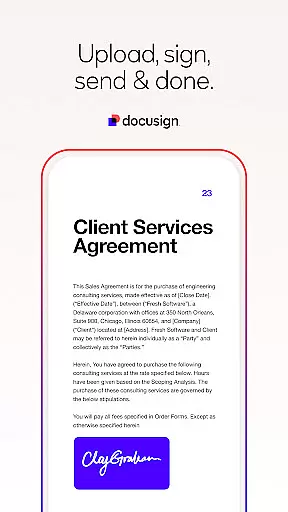

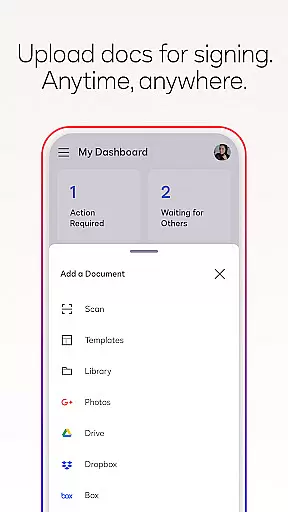
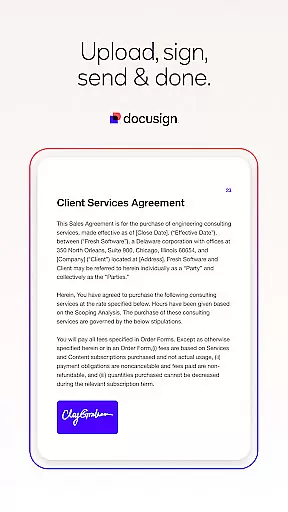

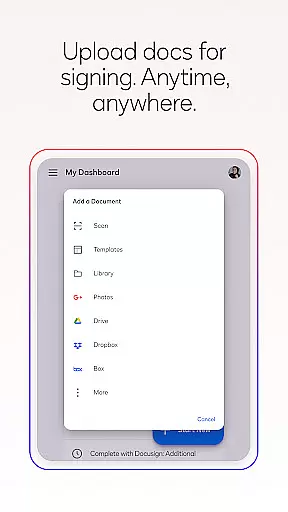
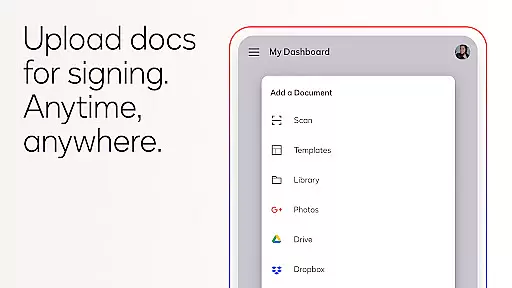
Docusign is the leading Intelligent Agreement Management platform that revolutionizes how businesses and individuals handle agreements. The app enables secure e-signatures from virtually anywhere, at any time, across multiple devices. With its user-friendly interface, Docusign makes it easy to upload documents via email, Google Drive, Dropbox, or even photo scanning, and supports various file formats including PDFs, Word documents, and images.
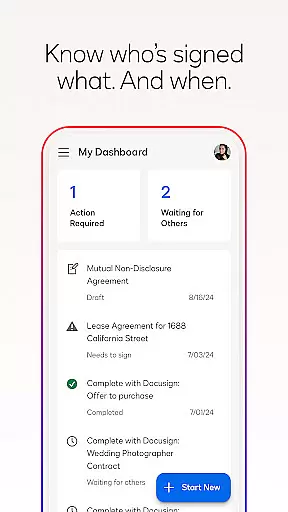
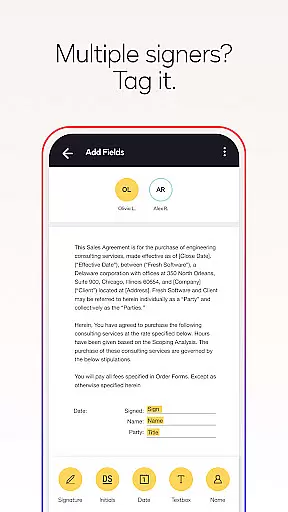
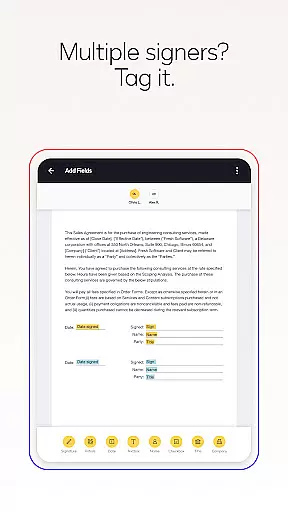
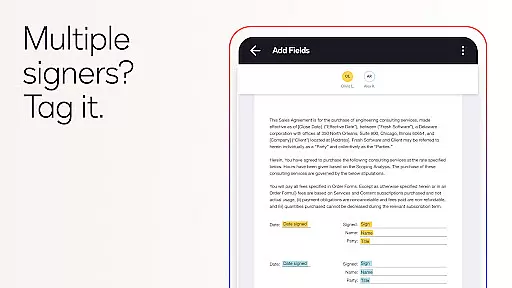
One of the standout features of Docusign is its streamlined agreement management system. Users can prepare documents with specific tags indicating where to sign or add information, set signing orders for multiple parties, and receive real-time notifications when documents are signed. This functionality not only simplifies workflows but also ensures legal compliance and document security through encryption and adherence to the eSign Act.
Docusign offers a comprehensive suite of features designed to simplify and secure the agreement process. The app allows users to create customized digital signatures directly on their devices and upload documents easily from various sources such as email, cloud storage services, or by scanning physical documents. Its responsive signing functionality automatically adapts documents for optimal viewing on any device, ensuring a seamless experience for all parties involved.
In addition to basic e-signature capabilities, Docusign provides advanced tools through its subscription plans. These include options for sending documents out for signature, managing signing workflows on-the-go, setting reminders, voiding documents, and creating reusable templates. The app also supports both in-person and remote signing, making it versatile for different use cases like NDAs, sales contracts, healthcare documents, and more.
In the realm of productivity, core task management is pivotal for organizing and executing work efficiently. DocuSign revolutionizes this aspect by streamlining the agreement process through its eSignature solution.
DocuSign's platform allows users to create customized digital signatures directly on their devices, upload documents from various sources like Google Drive or DropBox, and prepare these documents with specific tags that indicate where to sign or add information. This simplifies the entire workflow, making it intuitive for users to manage tasks related to document signing.
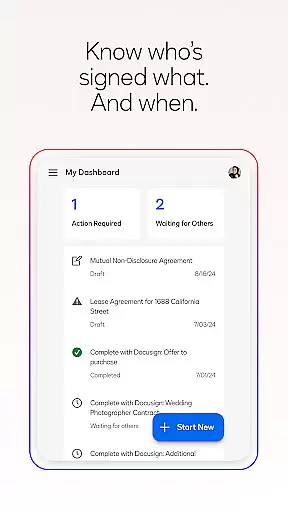
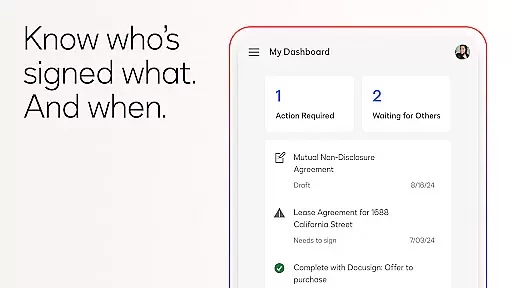
The real value for users lies in the ability to send, monitor, and receive real-time notifications about the status of documents. With just a tap, users can remind signers or void sent documents, ensuring that the task management process remains agile and responsive to the dynamic nature of business operations.
This comprehensive approach not only enhances productivity but also ensures that all parties involved are consistently updated, thus maintaining a smooth and efficient task management system that adapts to the needs of modern businesses.
Cross-device synchronization is essential for productivity tools, ensuring that user data is accessible and consistent across all devices. DocuSign addresses this need by providing reliable synchronization capabilities that support users in managing their agreements from practically anywhere.
With DocuSign, users experience seamless transitions between devices without any loss of functionality or data integrity. Whether they start drafting an agreement on their mobile phone during a commute and later switch to a desktop at the office, the transition is smooth, and all changes are accurately reflected across platforms.
This reliability is further enhanced by DocuSign's responsive signing functionality, which automatically adapts documents for optimal viewing and interaction regardless of the device's size or orientation. Users can trust that every interaction with a document will be preserved, allowing them to engage with their agreements confidently and without interruption.
Ultimately, DocuSign's commitment to secure and dependable cross-device synchronization empowers users to maintain high levels of productivity and collaboration, knowing their critical documents are always up-to-date and readily available wherever they go.
User-friendly interface
Secure document handling
Wide format compatibility
Real-time notifications
Compliance with eSign Act
Limited free features
Subscription costs
Advanced tools require paid plan
No offline functionality
Occasional connectivity issues

Native client for Forgejo and Gitea
 5.00
5.00
Planet Free VPN - The best Fast Unlimited and Secure VPN Without Logs
4.50
The Pro Version of Android's tiniest Notepad app. Just 0.3MB but feature-packed!
4.60
App Lock with fingerprint, password: Lock apps & hide photos with lock screens
4.60
Make apps & sites with natural language prompts
4.10
A Pixel Art watchface inspired by other iconic 90s designs for Wear OS devices!
4.40
This small app MUST BE INSTALLED after purchase, else license won't work
4.40
Intelligent AI Assistant
4.10
AT&T Internet customers can use this app to personalize their Wi-Fi network.
4.40
Understand anything with a personalized AI research assistant
4.80
QuickBooks Workforce lets teams view pay info and track time in one place.
4.70
Secure, fast, open-source, Remote Desktop Client for Windows and Linux with SSH
4.60
All document reader, all in one file viewer read PDF, DOCX, XLS, PPT, TXT files.
4.60
Lightweight PDF, Word, Excel reader.
4.60
When you Focus, so will your Bean in this cozy focus timer
4.30
A customizable calendar for your Wear OS watch
4.20
Todo reminder
4.10
All in one sketching tool. Technical and General drawing. Online Maps support.
3.70
Create study competitions, track your hours, and stay consistent with friends
4.5


User Reviews