
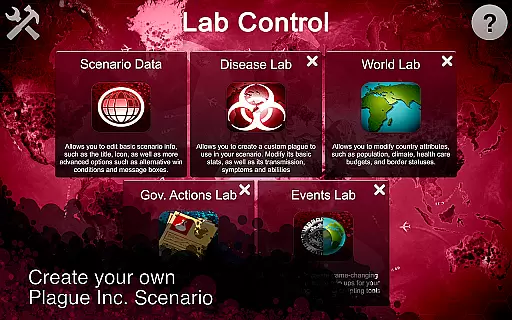
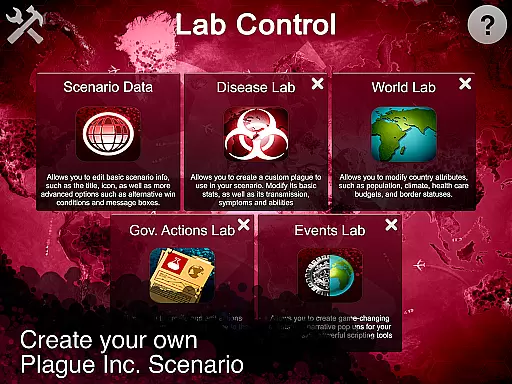
Plague Inc: Scenario Creator is a powerful content creation tool that allows users to develop custom scenarios for the popular strategy game Plague Inc. With this app, players can create new plague types, modify world attributes, and design unique events, offering an unprecedented level of customization. The application provides five specialized labs, including Core, Disease, World, Government, and Events lab, each enabling different aspects of scenario development. These features make it an essential tool for creative gamers who want to expand their Plague Inc experience by crafting personalized gameplay scenarios.
The app's standout feature is its ability to let users share their creations with a vast community of over 85 million players. Whether you're interested in modeling realistic disease outbreaks or exploring imaginative concepts like alien parasites, this tool supports diverse creative ideas. By integrating seamlessly with the main game, Plague Inc: Scenario Creator enhances replayability and engagement, making it valuable for both casual players and dedicated fans looking to push the boundaries of the original game.
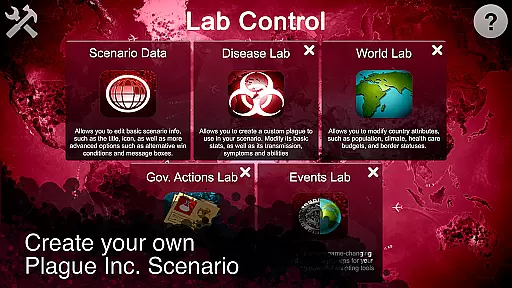
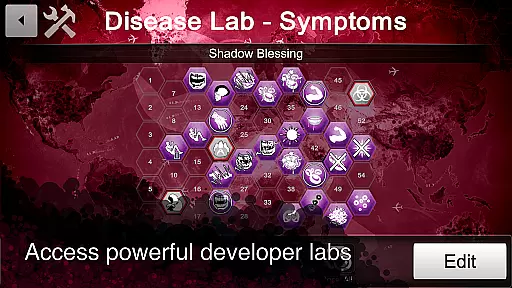
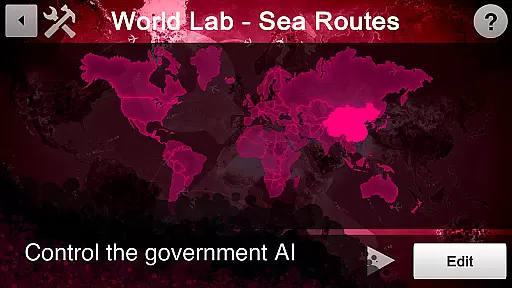
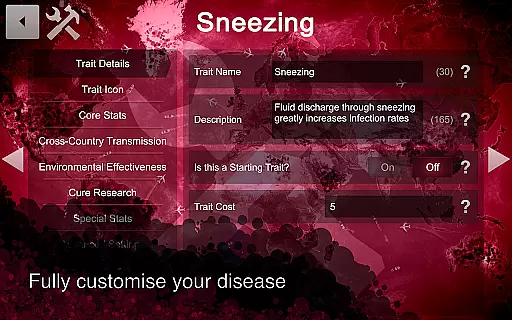
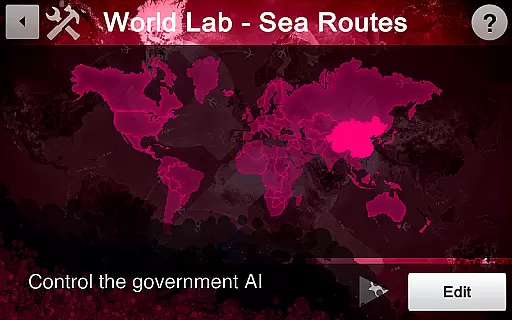
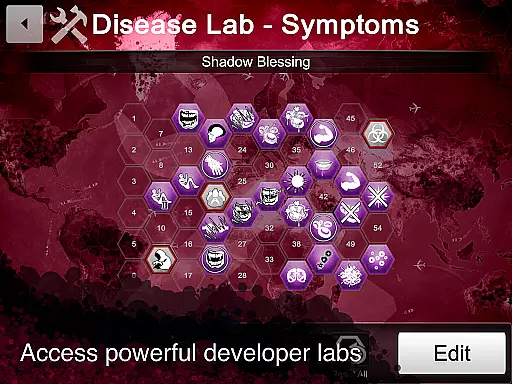
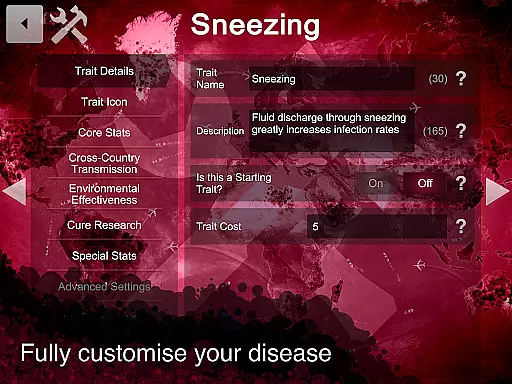
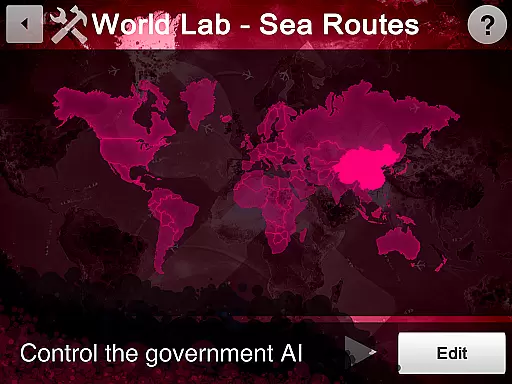
Plague Inc: Scenario Creator offers a comprehensive suite of tools for designing custom scenarios. The Core lab lets users define basic scenario information and write background narratives, while the Disease lab enables the creation of bespoke pathogens with tailored symptoms and transmission methods. In the World lab, users can adjust country-specific attributes such as population size, climate, and healthcare budgets, allowing for detailed world-building. The Government lab adds another layer of complexity by letting creators dictate how governments respond to outbreaks, modifying existing actions or inventing new ones.
For advanced users, the Events lab provides powerful scripting tools to introduce game-changing events and narrative pop-ups. Once a scenario is complete, sharing it is straightforward. Users can distribute their creations directly via email or social media links, or publish them globally to the entire Plague Inc player base with a single click. This robust set of features ensures that users have all the tools they need to bring their creative visions to life and share them with a large, engaged community.
Core task management in the Plague Inc: Scenario Creator involves organizing and overseeing the various elements required to develop custom scenarios effectively. This powerful tool allows users to create new plague types, worlds, events, and more, offering a comprehensive platform for creativity.
The application provides five specialized labs, each focusing on different aspects of scenario creation. The Core lab lets you edit fundamental scenario information and set win conditions, while the Disease lab enables the development of unique plagues with customized symptoms. This structured approach ensures that users can manage their tasks efficiently without losing sight of the bigger picture.
For users, this means an intuitive pathway to bring their creative ideas to life. Whether aiming to model real-life disease spread or inventing a scenario where cats become a global threat, the app's task management features support intricate designs and seamless integration of new elements into the game world.
Ultimately, effective core task management empowers users to fully exploit the potential of the Scenario Creator, making the process of developing complex and engaging scenarios both manageable and enjoyable. This functionality is crucial for leveraging the app's capabilities to craft high-quality content for the vast community of Plague Inc. players.
Cross-device synchronization reliability refers to the consistent and accurate updating of data across multiple devices, ensuring that all changes are reflected in real-time. For the Plague Inc: Scenario Creator, this feature would be essential for users who work on their custom scenarios from different locations or devices.
Although primarily a single-device application focused on creating detailed and personalized game scenarios, reliable synchronization could enhance its utility. Users often need to pause their work and continue from another device, expecting their latest updates to be intact. This reliability prevents data loss and maintains the integrity of the creative process.
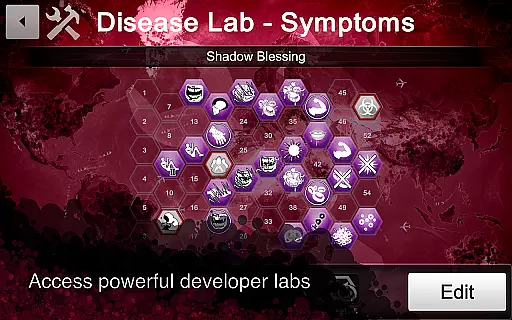
For creators, dependable cross-device synchronization translates to flexibility and peace of mind. Knowing that every tweak made to a government's response strategy or newly added symptom in the Disease lab is safely updated across all devices allows users to focus on their creative process without concern for technical inconsistencies.
In summary, while the current emphasis of the Plague Inc: Scenario Creator is on powerful content creation tools, incorporating robust cross-device synchronization would significantly enhance user experience by providing seamless transitions and safeguarding creative work across different platforms.
Highly customizable
User-friendly interface
Extensive toolset
Large active community
Seamless integration
Requires base game
Complex for beginners
Limited standalone use
No direct gameplay
Premium price tag

Android Wallet Password Manager
 4.80
4.80
⏰ Finally a timer app which can run multiple timers simultaneously on your watch
3.90
PDF scanner & converter for files, photos, lottery, QR codes. One swipe away!
4.50
Simple and reliable communication between inmates, friends and family
3.20
Intelligent AI Assistant
4.10
Okta MFA
4.70
Seamlessly read, manage, and organize all your PDF files solution in one place
4.40
Set up, print, and get support—in one place
4.20
Browse and view your photos and videos from the phone with photo & video hide.
4.10
Use powerful, industry-leading AI tools to generate visual charts from any data
4.80
aCalendar+ makes your day, week and month
4.70
Secure, fast, open-source, Remote Desktop Client for Windows and Linux with SSH
4.60
Functional QR scanner and barcode reader that requires little storage space.
4.60
Docker, Kubernetes management over Portainer Mobile
4.40
A Pixel Art watchface inspired by other iconic 90s designs for Wear OS devices!
4.40
Enjoy classic gameplay with customizable features and retro-style graphics.
4.30
Todo reminder
4.10
Auto-shutoff Alarm with Sunrise, Sunset & Fixed Options.
3.50
IP Camera Viewer - Android TV : RTSP Surveillance camera viewer for Android TV
4.2


User Reviews