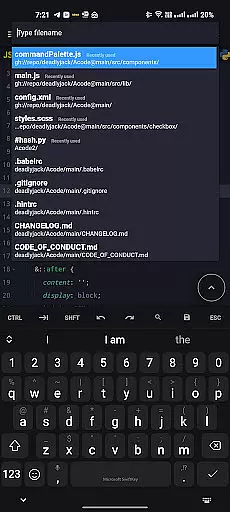
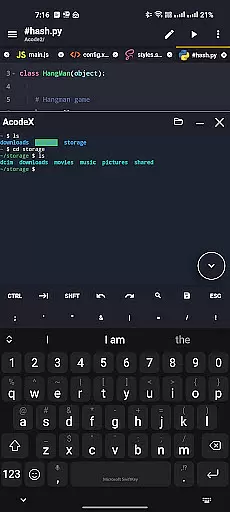
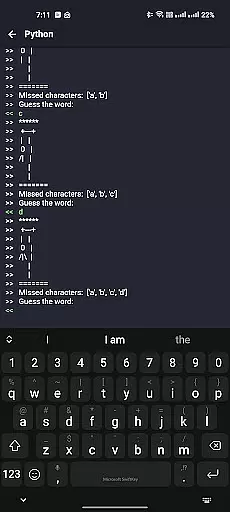
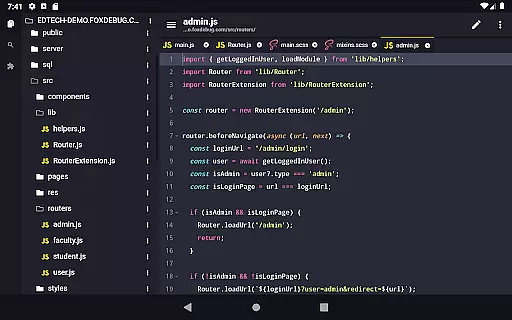
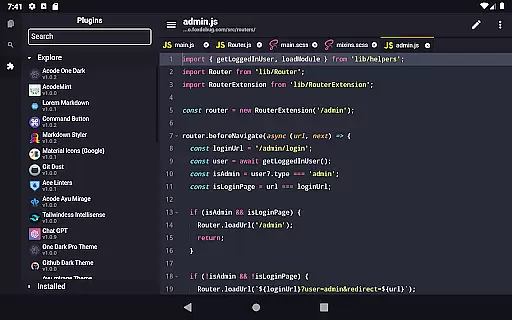
Acode is a powerful and lightweight code editor designed specifically for Android users. This productivity-focused app transforms your mobile device into a fully functional coding environment, enabling developers to write, edit, and debug code on the go.
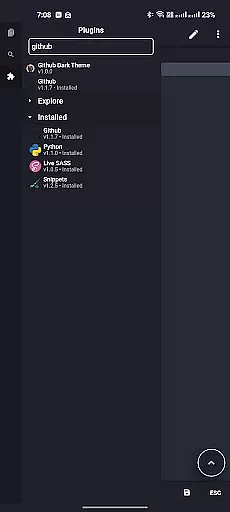
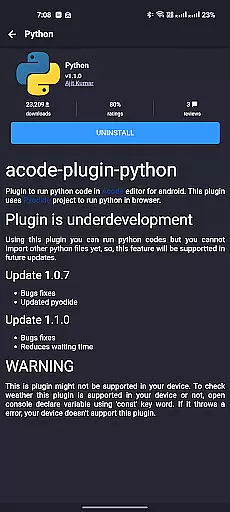
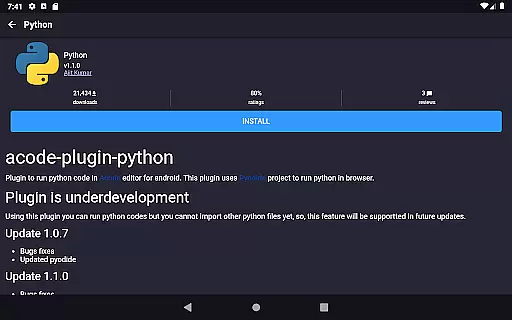
The app supports over 100 programming languages with extensive syntax highlighting and includes advanced features such as GitHub integration, FTP/SFTP support, and an interactive JavaScript console. Its innovative Plugin System offers more than 30 plugins to enhance functionality, while the enhanced Ace Editor ensures efficient editing.
Whether you're building websites, debugging scripts, or managing large codebases, Acode provides a seamless experience through its customizable interface, multi-file support, and high-performance engine capable of handling files with over 50,000 lines.
Acode stands out with its comprehensive feature set tailored for developers. The app's Plugin System allows users to extend its capabilities by integrating various plugins from the Plugin Store, making it adaptable to different development needs.
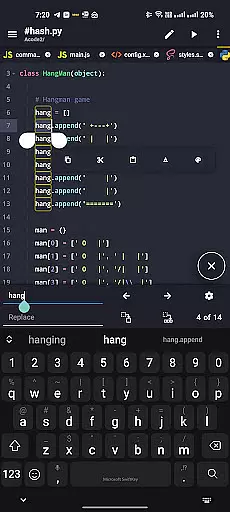
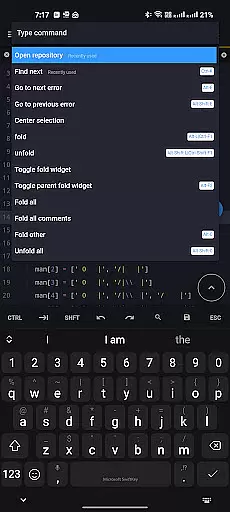
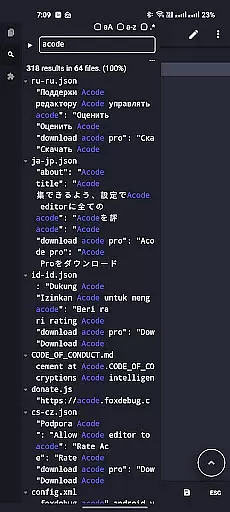
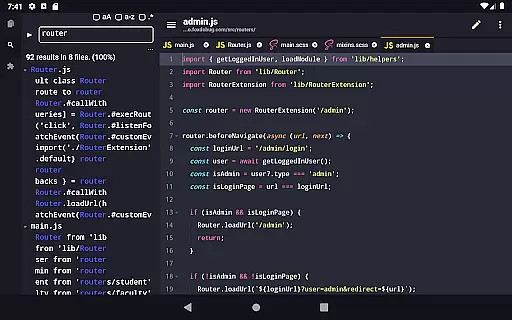
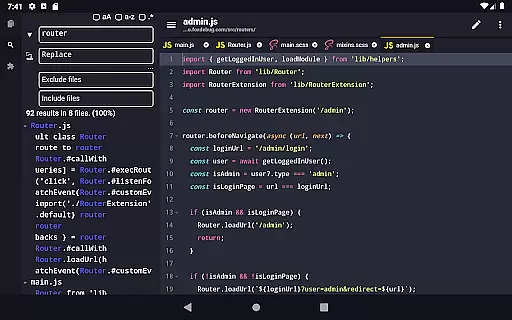
Key features include an enhanced Ace Editor (updated to version 1.22.0), which provides faster and more efficient code editing. The beta feature 'Search in All Files' enables developers to search and replace text across multiple files within their projects. Additionally, customizable quick tools and keyboard shortcuts help streamline workflows.
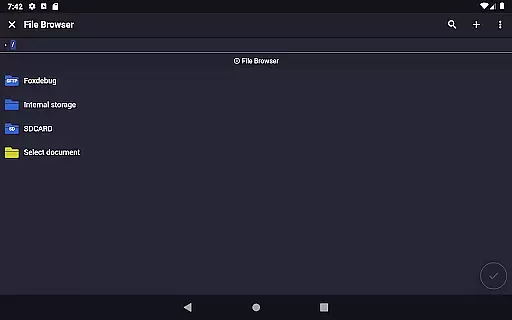
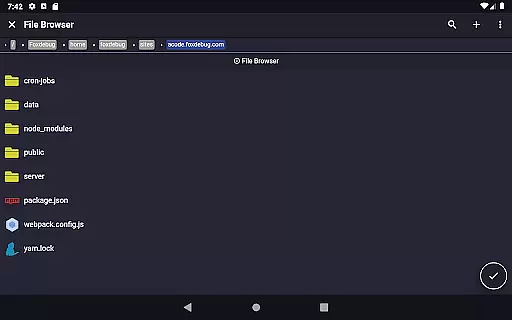
Other notable features are the in-app file browser, GitHub and FTP/SFTP integration, personalized themes, and reliable file recovery options. These functionalities ensure that Acode delivers both power and flexibility, catering to the diverse requirements of modern developers.
Task management is a critical aspect of productivity applications, especially for coding and development tools like Acode. This feature ensures that users can efficiently handle multiple tasks without losing track of their progress.
Acode provides an intuitive interface where developers can manage various files and projects simultaneously. The app supports multi-file editing, allowing coders to work on several scripts at once, which significantly boosts productivity. Additionally, the enhanced Ace Editor version 1.22.0 offers more efficient code editing capabilities, ensuring smoother task transitions.
Users benefit from customizable quick tools and keyboard shortcuts, which streamline repetitive tasks and speed up the overall workflow. These features help maintain focus and reduce the time spent on navigating through different sections of the project.
The ability to search and replace text across all files within opened projects further enhances task management by simplifying complex modifications. With these robust task management features, Acode empowers developers to maintain high levels of efficiency and organization in their coding endeavors.
Cross-device synchronization is essential for modern productivity apps, enabling seamless transitions between devices while maintaining data integrity and consistency. For Acode, this means that developers can start coding on one device and continue on another without missing a beat.
Acode ensures reliable cross-device synchronization through its GitHub integration and FTP/SFTP support. By syncing projects with GitHub, users can access their repositories from any device, ensuring that their latest code changes are always available. The FTP/SFTP support allows for efficient file management across different systems, keeping everything up-to-date.
Moreover, Acode's file recovery feature adds an extra layer of reliability. In case of unexpected interruptions or device switches, users can rest assured that their work is saved and recoverable. This feature is particularly useful when working on large projects with files containing over 50,000 lines of code.
With fast file listing during startup and cached files for quicker access, Acode guarantees a smooth and dependable experience across devices. This reliability in synchronization makes Acode a powerful tool for developers who require flexibility and consistency in their workflows.
Lightweight and fast
Extensive plugin support
Multi-language compatibility
GitHub and FTP integration
Customizable interface
Limited iOS availability
Advanced features require learning
Occasional beta bugs
Not ideal for beginners
Some plugins may need purchase
All in one sketching tool. Technical and General drawing. Online Maps support.
 3.70
3.70
IP Camera Viewer - Android TV : RTSP Surveillance camera viewer for Android TV
4.1
App Lock with fingerprint, password: Lock apps & hide photos with lock screens
4.60
Stay on top of your to-dos with Google Tasks, part of Google Workspace.
4.60
ID.me Authenticator is a simple and free Two Factor Authentication solution
3.50
All document reader, all in one file viewer read PDF, DOCX, XLS, PPT, TXT files.
4.60
Great calculator for Android named one of USA TODAY's "25 Essential Apps".
4.90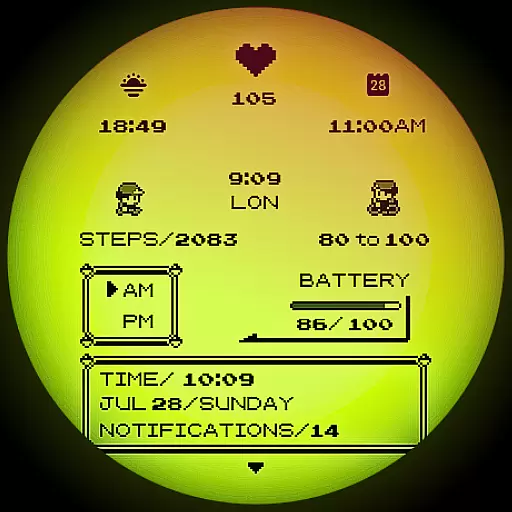
A Pixel Art watchface inspired by other iconic 90s designs for Wear OS devices!
4.40
Browse and view your photos and videos from the phone with photo & video hide.
4.10
We're working to become the best machining app on the market! www.cncdirt.com
4.80
Calendar 2023 widget for Android. Appointment scheduler, planner, and reminder
4.60
Send files, sync SMS, notifications & clipboard across devices via local network
4.40
Automates browsing any website and notifies you of important changes or events
4.30
Access, manage and transfer files on Android, PC, Mac, NAS and cloud storages.
4.30
Experience real multitasking on your Android!
4.00
Unlock AutoNotification
4.00
Wake up & get tasks done! Add alarms & reminders on the Clock Launcher.
4.00
⏰ Finally a timer app which can run multiple timers simultaneously on your watch
3.90
Code on-the-go with VScode for Android. Edit,debug and collaborate from mobile!!
3.10


User Reviews