
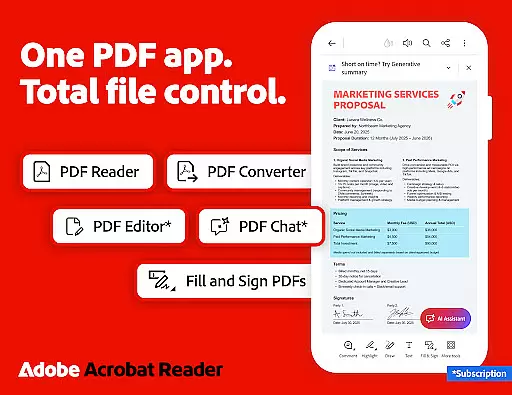

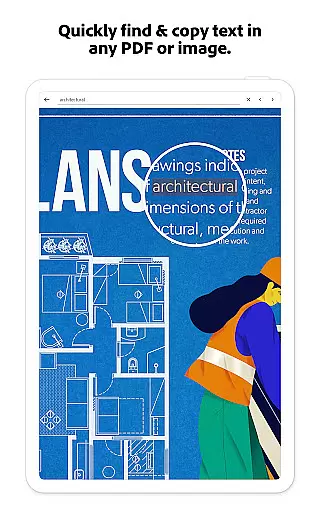
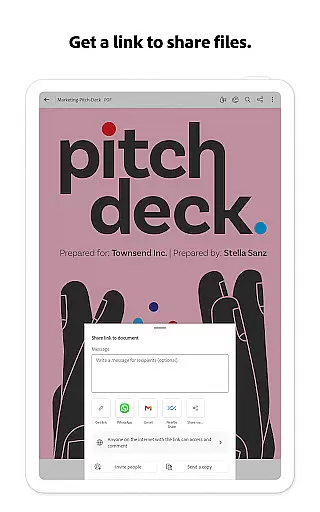
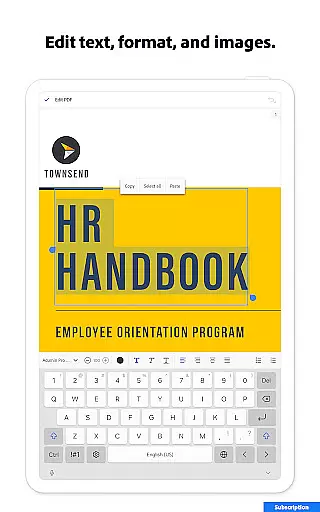
Adobe Acrobat Reader is a comprehensive productivity tool that serves as the world's most trusted PDF reader, editor, and maker. With over 635 million installs, it allows users to view, share, annotate, comment, and sign documents seamlessly within a single application. The app's recent major update introduces the Adobe Acrobat AI Assistant, which revolutionizes PDF interactions through advanced AI capabilities.
The core functionalities include editing text and images directly in PDFs, Optical Character Recognition (OCR) for scanned documents, merging and organizing PDFs, creating and converting file types, compressing files, and adding password protection. These features are complemented by collaboration tools like PDF Spaces, cited answers from document content, and voice support for hands-free operation. Whether you're managing documents on-the-go or need an efficient way to handle PDFs across multiple platforms, Adobe Acrobat Reader provides a complete solution for both individual and enterprise users.
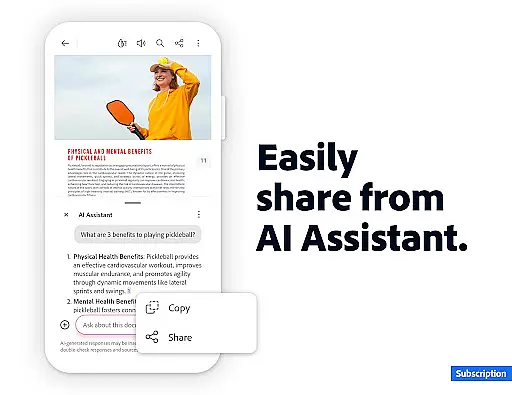
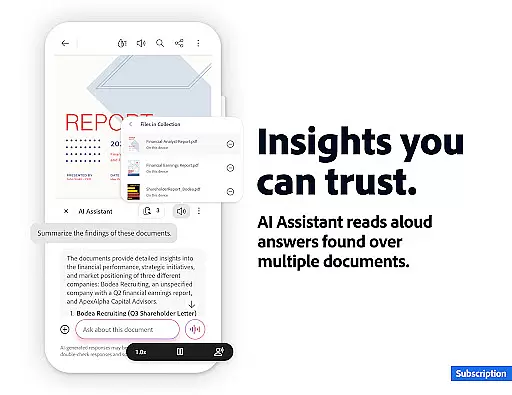
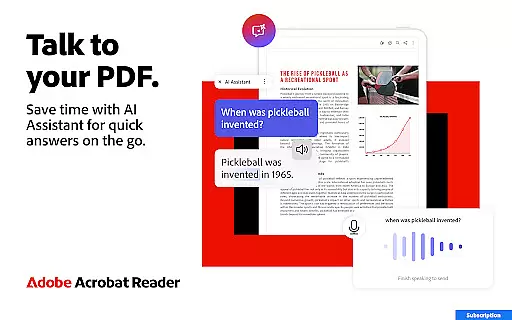
Adobe Acrobat Reader stands out with its rich feature set tailored for productivity enthusiasts. The introduction of Adobe Acrobat AI Assistant marks a significant advancement, enabling users to work across multiple files using PDF Spaces, where they can collaborate, store, and utilize AI-powered assistance. This includes asking questions about document details such as charts and graphs, generating instant summaries, and sharing responses effortlessly.
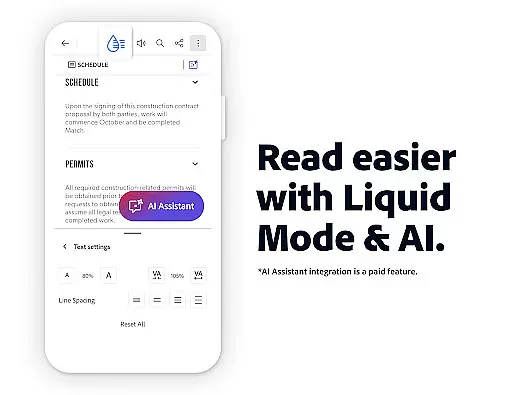
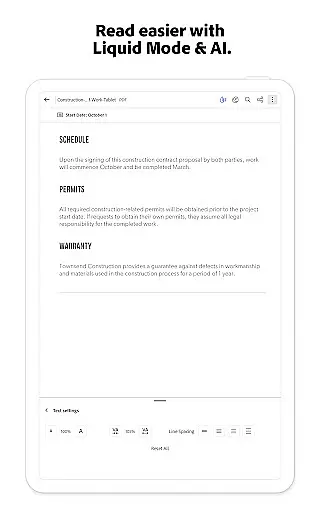
Specific implementations include a robust PDF editor for mobile use, allowing direct edits to text and images, fixing typos, and manipulating images. The OCR functionality transforms scanned PDFs into editable and searchable content, while the PDF converter merges or splits files. Users can also convert various file types to and from PDF, compress files for easier sharing, and secure documents with passwords. Additionally, the Liquid Mode optimizes PDF viewing experiences by adjusting font sizes and spacing, making it ideal for different screen sizes.
Task management is essential for productivity applications, and Adobe Acrobat Reader excels in this area. The app provides a comprehensive suite of tools that allow users to efficiently handle PDF documents across multiple workflows.
With features like PDF Spaces, users can now collaborate on documents in a unified environment. This includes the ability to store files, use the AI Assistant across multiple documents, and manage various tasks within a single interface. The AI Assistant enables users to ask questions about document details, including charts and graphs, making information retrieval seamless.
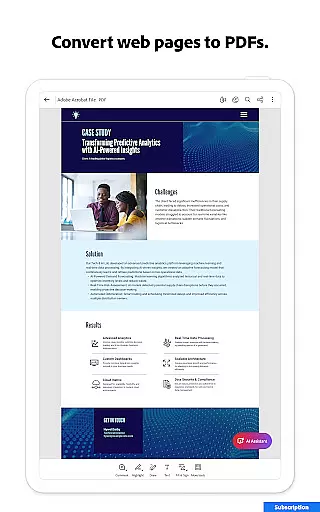
Users benefit from advanced functionalities such as Generative AI Summaries, which instantly create summaries from PDFs. Additionally, the app supports converting web pages to PDFs, exporting PDFs to other formats, and compressing files for easier sharing. These capabilities ensure that users can complete their tasks quickly and accurately.
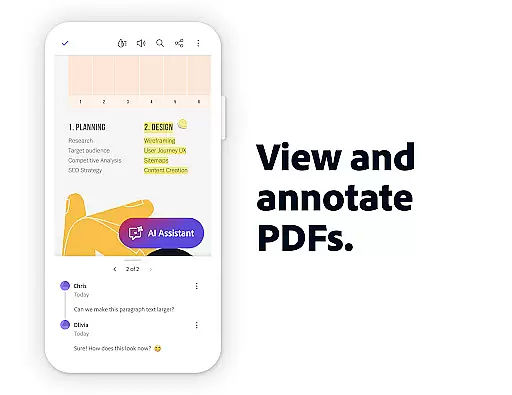
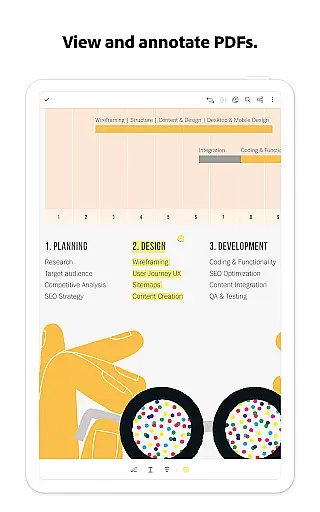
The application's task management extends to annotation tools, allowing users to add comments, highlight text, and insert notes. Sharing files for collaborative work is also simplified with activity notifications and centralized comment management. This robust feature set makes Adobe Acrobat Reader an indispensable tool for managing document-related tasks.
Cross-device synchronization is crucial for users who need consistent access to their documents regardless of the device they are using. Adobe Acrobat Reader ensures reliable synchronization across mobile and web platforms, providing uninterrupted access to important files.
The app integrates seamlessly with popular cloud storage services like Microsoft OneDrive, Dropbox, and Google Drive. This connectivity allows users to link their online accounts and access stored PDFs from any device. Starred files provide quick access to frequently used documents, ensuring that critical resources are always at hand.
Reliability is further enhanced through real-time updates and automatic saving features. Users can start editing a document on their mobile device and continue working on it via the web interface without losing any progress. The app's subscription model ensures that all devices receive the latest updates and features simultaneously.
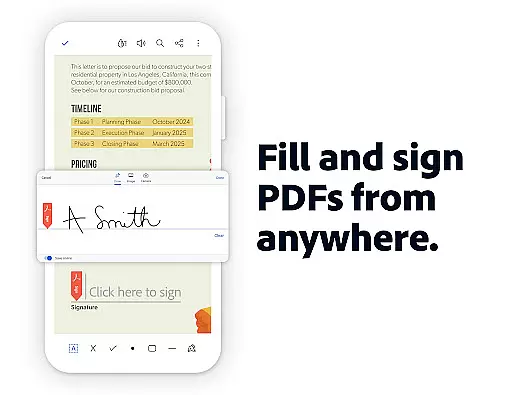
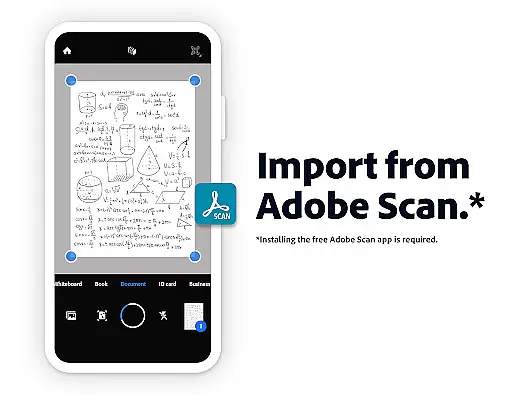
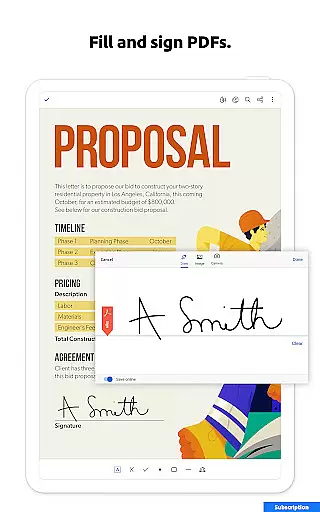
This synchronization capability extends to scanned documents accessed through Adobe Scan. Users can fill, sign, and share these documents directly from Acrobat Reader, maintaining consistency across different file types and sources. Such dependable cross-device functionality establishes Adobe Acrobat Reader as a leader in document management solutions.
User-friendly interface
Advanced AI capabilities
Comprehensive PDF editing
Robust security features
Seamless cloud integration
Paid features can be expensive
Some features require subscription
Occasional performance issues
Limited free AI functionalities
Complexity for new users

Take control of your clipboard with Clipper!
 3.90
3.90
Native client for Forgejo and Gitea
5.00
Professional calendar app for Google Calendar, MS Outlook & Exchange
4.20
Pwnagotchi companion app
4.20
Make apps & sites with natural language prompts
4.10
Activate Two Factor Authentication (2FA or Multi OTP), Password manager and more
4.10
To do list widget with a notebook organizer, checklist, simple shopping list
4.60
Quickly and easily keep track of your work shifts
4.70
Share files & memories safely. Keep your photos and videos secure.
4.40
Android Wallet Password Manager
4.80
Stay on top of your to-dos with Google Tasks, part of Google Workspace.
4.60
Planet Free VPN - The best Fast Unlimited and Secure VPN Without Logs
4.50
Subscribe to Webcal & .ics calendars and keep them up-to-date!
4.50
A lightweight JSON & XML files creator, editor and viewer (Premium Version)
4.40
Device's storage information in a simple and clear graphical form (infographics)
4.10
All in one sketching tool. Technical and General drawing. Online Maps support.
3.70
Simple and reliable communication between inmates, friends and family
3.20
Create study competitions, track your hours, and stay consistent with friends
4.0
A comprehensive suite of tools designed specifically for Lactation Consultants
4.1


User Reviews