
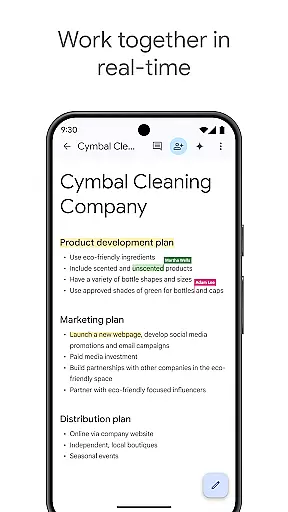
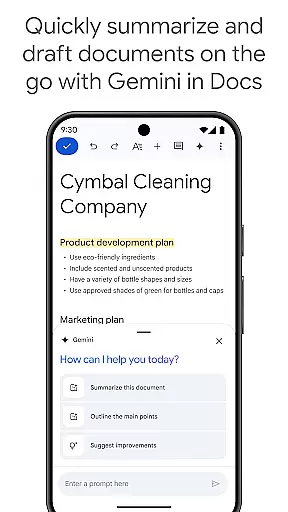
Google Docs is a powerful productivity application that enables users to create, edit, and collaborate on documents directly from their Android devices. The app's core functionality revolves around real-time collaboration, allowing teams to work together seamlessly on various document types.
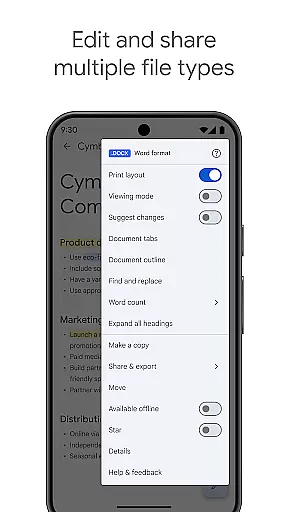
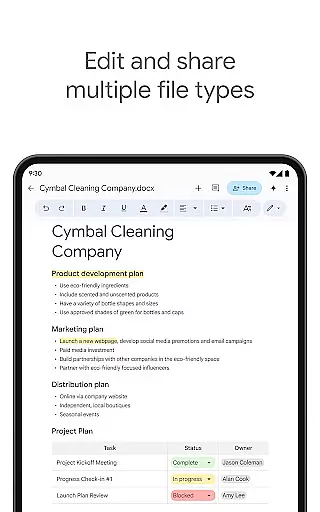
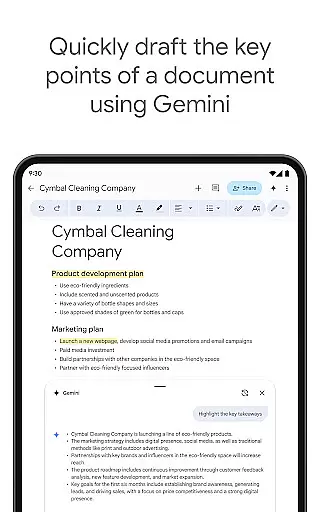
The application supports multiple file formats, including Microsoft Word documents, and offers offline editing capabilities for maximum flexibility. With its integration into Google Workspace, users can access advanced features like AI-powered writing suggestions and Gemini-powered content generation tools, making it an essential tool for both individual and team productivity.
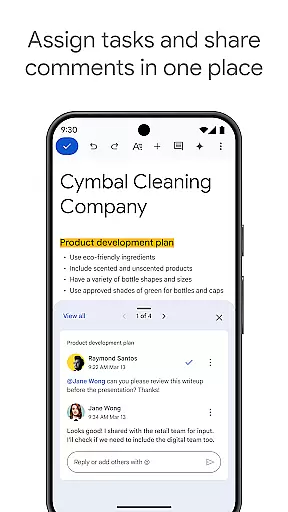
One of Google Docs' standout features is its robust real-time collaboration capabilities. Users can share documents with team members, make simultaneous edits, add comments, and assign action items, all while seeing changes reflected instantly. This makes remote teamwork as efficient as in-person collaboration.
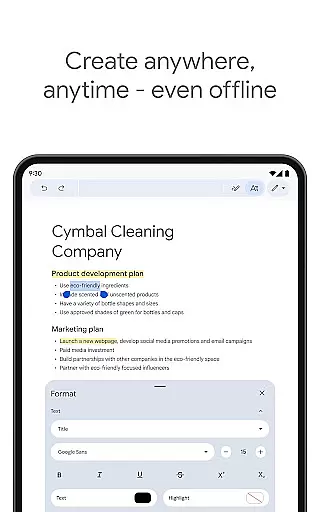
The app also provides versatile document creation options through its template library and support for multiple file formats. Whether you're working with native Google documents or imported Word files, the app maintains formatting integrity while offering seamless conversion and export options. Additionally, the offline mode ensures productivity continues even without internet connectivity.
Paid subscribers of Google Workspace gain access to premium features including AI-driven writing assistance and custom image creation tools. These advanced capabilities help users produce higher-quality documents more efficiently while maintaining professional standards across all their work materials.
Task management is essential for productivity applications, serving as the backbone for organizing and tracking tasks efficiently. Google Docs excels in this area by providing users with robust tools to create, edit, and manage documents seamlessly. The app allows real-time collaboration, enabling teams to work together effortlessly, whether they are drafting reports or brainstorming ideas.
Google Docs offers a variety of features that enhance task management. Users can share documents instantly with their team, make live edits, add comments, and assign action items without missing a beat. This ensures that every team member is on the same page and can contribute effectively, regardless of their physical location. Such capabilities significantly improve workflow efficiency and ensure projects progress smoothly.
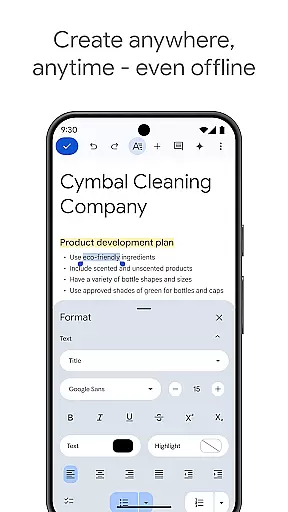
Moreover, Google Docs supports working offline, which means users can continue being productive even without an internet connection. Ideas and edits captured offline are automatically synced once the device reconnects to the internet. This flexibility empowers users to be productive anywhere, anytime, ensuring that no spontaneous idea is lost and every task is updated in real time.
Cross-device synchronization is crucial for maintaining consistency and reliability across different platforms. Google Docs shines in this aspect by offering seamless synchronization that ensures all your documents are up-to-date, regardless of the device you use. Whether you're switching from your phone to your tablet or desktop, your work remains consistent and accessible.
The app's synchronization process is both fast and reliable, leveraging Googleu2019s powerful cloud infrastructure. Any changes made in a document are instantly reflected across all devices, allowing users to pick up right where they left off. This eliminates the frustration of dealing with multiple versions of the same document and ensures that everyone accesses the most current information.
Additionally, Google Docs supports a wide range of file types, including Microsoft Word files, enhancing its compatibility and ease of use. Users can open, edit, and export various file formats without any hassle, making cross-device collaboration frictionless. This versatility not only simplifies document management but also boosts productivity by reducing the time spent on format conversions and compatibility issues.
Real-time collaboration
Cross-platform compatibility
Offline document editing
Seamless file conversion
AI-powered writing tools
Limited free features
Requires Google account
Occasional sync issues
Basic formatting options
Internet dependent

Mega cloud explorer plugin for Solid Explorer
 3.80
3.80
Mind Map and brainstorm, note taking and idea collection
4.80
Pwnagotchi companion app
4.20
Todo reminder
4.10
All in One PDF Reader: Manage, Read and Edit your Documents
4.20
Stay on top of your to-dos with Google Tasks, part of Google Workspace.
4.60
* block pre-roll ads, pop-up and forced redirect ads * Samsung certification app
4.00
Best Tool for the professionals Electrician, Electrical contractors, etc.
4.90
QuickEdit is a fast, stable and full featured text and code editor.
4.20
Android Wallet Password Manager
4.80
Secure, fast, open-source, VNC and SSH Remote Desktop for Windows, Linux and Mac
4.70
aCalendar+ makes your day, week and month
4.70
Scan paperwork into PDF/JPG, generate your own e-signature and send fax or email
4.70
Subscribe to Webcal & .ics calendars and keep them up-to-date!
4.50
Send files, sync SMS, notifications & clipboard across devices via local network
4.40
Make apps & sites with natural language prompts
4.10
Cloud storage, automatic phone backup, and more.
4.10
Activate Two Factor Authentication (2FA or Multi OTP), Password manager and more
4.10
IP Camera Viewer - Android TV : RTSP Surveillance camera viewer for Android TV
4.5


User Reviews