
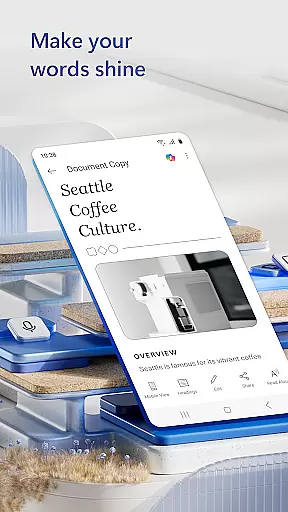
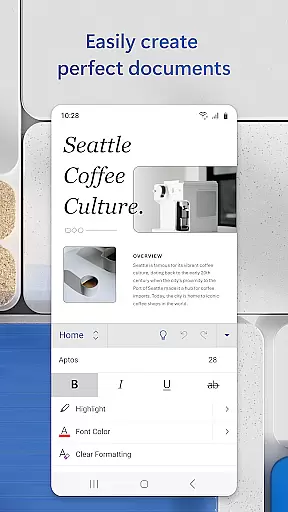
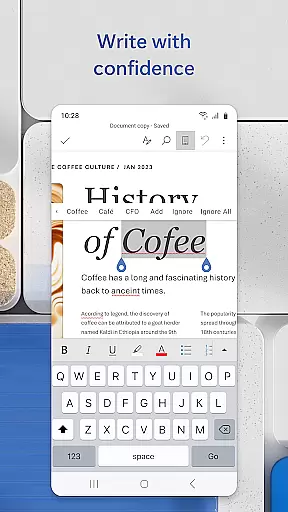
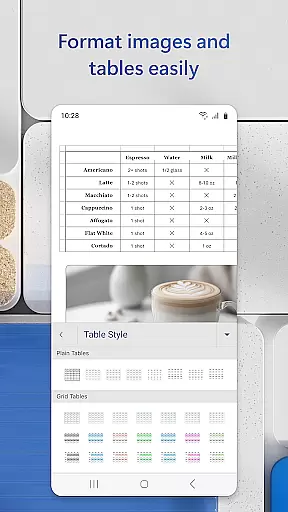
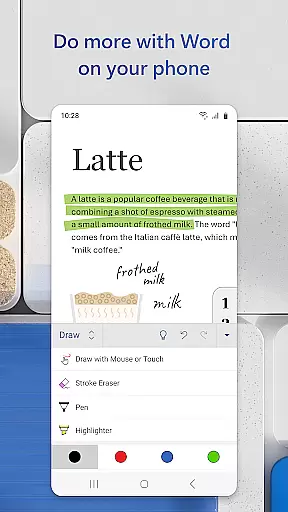
Microsoft Word is the quintessential mobile document editor, empowering users to create, edit, and collaborate on documents directly from their mobile devices. With capabilities mirroring the desktop version, this app allows for seamless document creation and editing on the go. Whether crafting a cover letter or converting files to PDF, Word offers professional tools that maintain document integrity and style.
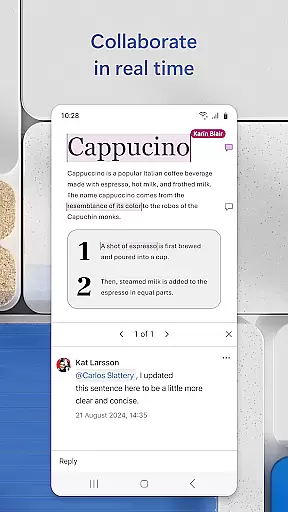
Beyond basic editing, Microsoft Word shines in its collaborative features. Users can share notes, edit PDFs, and work together on projects with ease. The app's intuitive design simplifies reading, writing, and sharing documents, making it an indispensable tool for professionals like bloggers, journalists, and project managers who need a reliable writing app wherever they are.
Microsoft Word stands out with its rich feature set tailored for productivity. The app provides beautiful templates for various needs such as resumes and cover letters, ensuring documents retain their format and layout during editing. Its Reading View allows users to peruse docs, letters, and PDFs comfortably on their device.
Collaboration is made effortless with document comments and editor history features. Teams can edit documents collectively while tracking changes to text and formatting. Additionally, Word's PDF converter facilitates saving and sharing edited documents as PDFs, enhancing file sharing and permission management. These robust features make document handling straightforward and efficient.
Task management is a cornerstone of productivity applications like Microsoft Word. This feature allows users to create, organize, and prioritize tasks within their documents.
Microsoft Word provides an intuitive interface for managing tasks. Users can easily assign tasks to others, set deadlines, and track the progress of various writing projects through built-in collaboration tools.
The benefits of this functionality are manifold. Teams can collaborate more effectively by having a clear overview of who is responsible for what and by when. This ensures that projects move forward smoothly and deadlines are met with precision.
Ultimately, the core task management features in Microsoft Word enhance teamwork and productivity. By integrating task assignments and tracking directly into the document editing process, it streamlines workflows and helps maintain focus on the content being created.
Cross-device synchronization is essential for users who work across multiple devices. It ensures that any changes made to documents are reliably updated everywhere, providing a seamless experience.
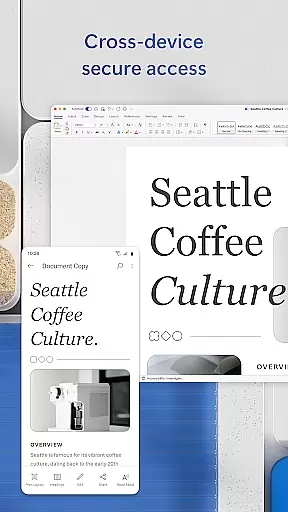
Microsoft Word excels in cross-device synchronization by leveraging cloud technology. Whether you're switching from a PC to a mobile device or vice versa, your documents are automatically saved and synced in real-time through the cloud.
This reliable synchronization offers significant advantages. Users can start editing a document on one device and continue exactly where they left off on another without missing a beat. This flexibility supports modern work habits, allowing for greater mobility and convenience.
In summary, Microsoft Word's robust cross-device synchronization empowers users to work efficiently and flexibly. By ensuring that all devices are always up-to-date, it enhances productivity and enables a truly mobile workforce.
User-friendly interface
Extensive template library
Real-time collaboration
Cross-device compatibility
Seamless cloud integration
Requires Microsoft account
Limited functionality on small screens
Advanced features need subscription
Occasional syncing issues
Heavier on device storage

A Revolutionary All-in-One Artificial Intelligence Tools
 3.80
3.80
A simple, portable logger for POTA, SOTA, Field Day, and more
4.1
⏰ Finally a timer app which can run multiple timers simultaneously on your watch
3.90
aCalendar+ makes your day, week and month
4.70
App Lock with fingerprint, password: Lock apps & hide photos with lock screens
4.60
Tally and goal counter for Wear OS & mobile
4.50
Access your phone's notifications, calls, apps, photos & texts on your PC
3.90
Use powerful, industry-leading AI tools to generate visual charts from any data
4.80
Seamlessly read, manage, and organize all your PDF files solution in one place
4.40
Great calculator for Android named one of USA TODAY's "25 Essential Apps".
4.90
Scientific calculator for Android - looks and operates like the real thing!
4.90
QuickBooks Workforce lets teams view pay info and track time in one place.
4.70
Lightweight PDF, Word, Excel reader.
4.60
PDF scanner & converter for files, photos, lottery, QR codes. One swipe away!
4.50
Secure your apps with lock screens, use custom themes and different features.
4.40
Pwnagotchi companion app
4.20
Mega cloud explorer plugin for Solid Explorer
3.80
Auto-shutoff Alarm with Sunrise, Sunset & Fixed Options.
3.50
AI Video AI Image Private LLM AI Browser Llama Gemma Ollama Connect LLM Studio
4.0


User Reviews