
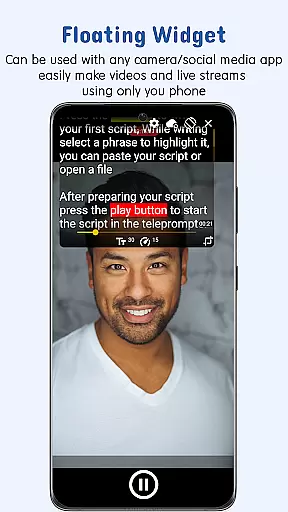
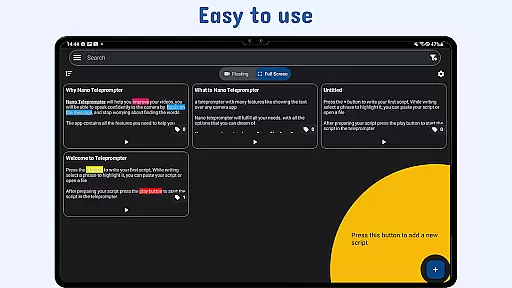
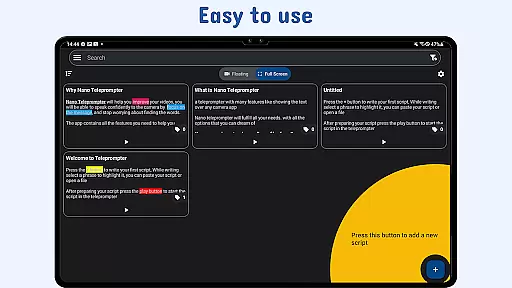
Nano Teleprompter is a powerful productivity tool designed to streamline the process of script management and delivery for content creators, public speakers, and live streamers. The app offers an intuitive floating widget that works seamlessly with any camera app, allowing users to record in both landscape and portrait modes while viewing their scripts. With real-time Google Drive integration, users can create, edit, and sync their scripts effortlessly, ensuring they always have the latest version at hand.
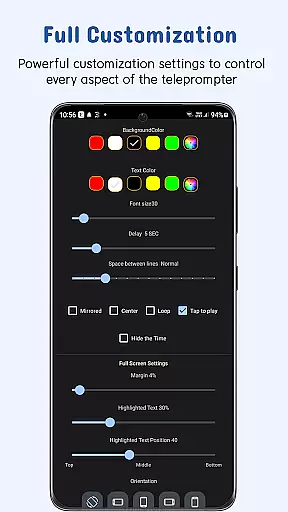
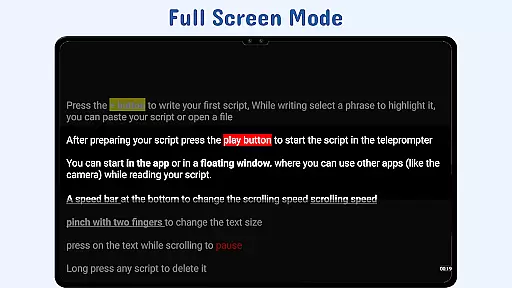
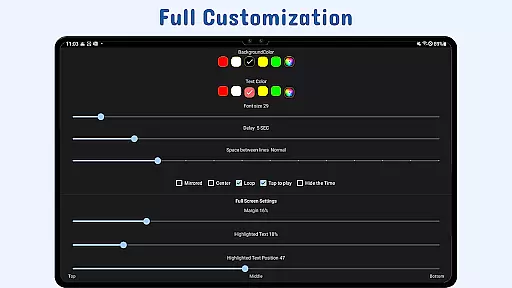
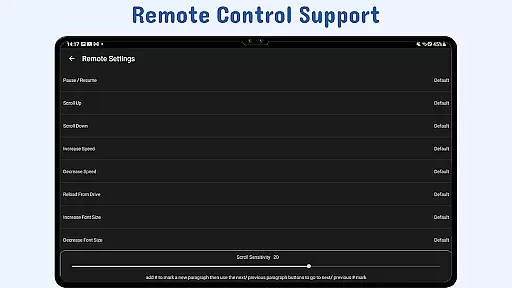
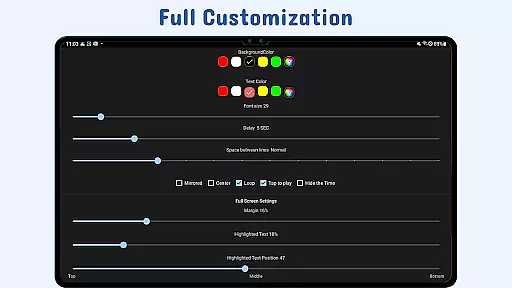
The app's customizable features enable users to adjust text size, color, background opacity, and scrolling speed to suit their preferences. It also supports gesture controls, remote control options, and quick script access from various sources. Whether you're recording YouTube videos or delivering professional presentations, Nano Teleprompter ensures a smooth and distraction-free experience.
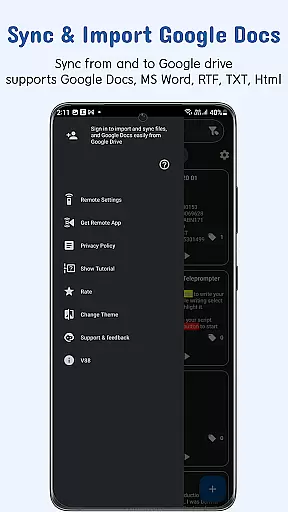
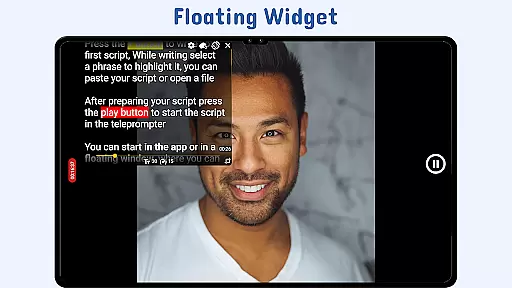
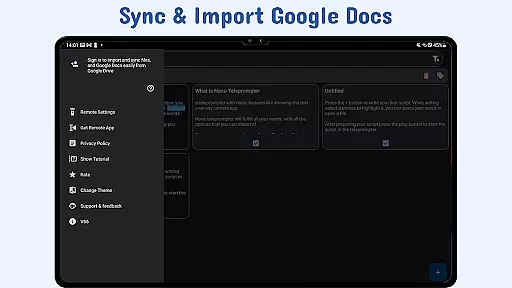
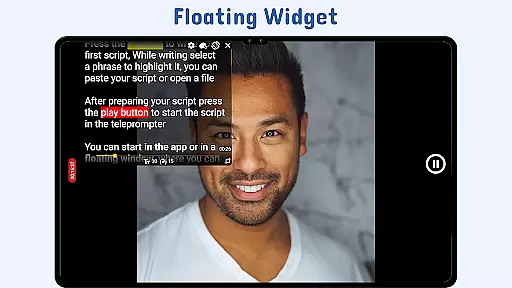
Nano Teleprompter stands out with its comprehensive feature set tailored for productive script handling. The app's floating teleprompter widget allows users to resize and move it freely across the screen, making it compatible with any recording setup. Real-time Google Drive sync ensures that all script updates are automatically reflected, while support for multiple file formats like Google Docs, MS Word, RTF, TXT, and HTML provides maximum flexibility.
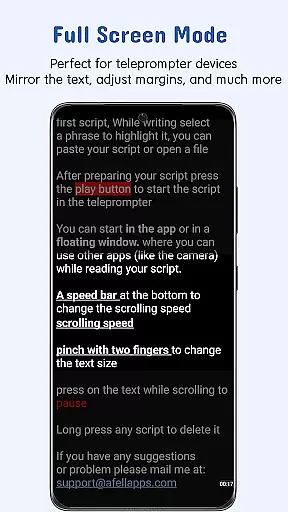
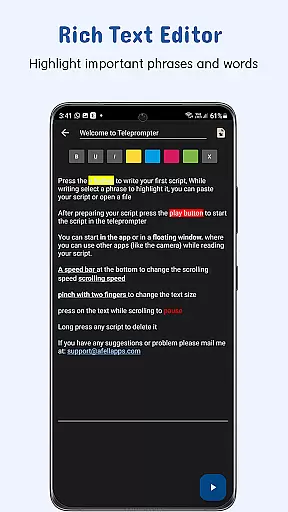
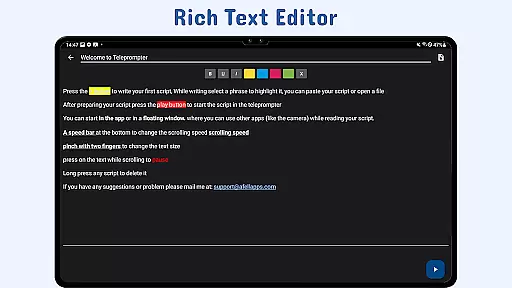
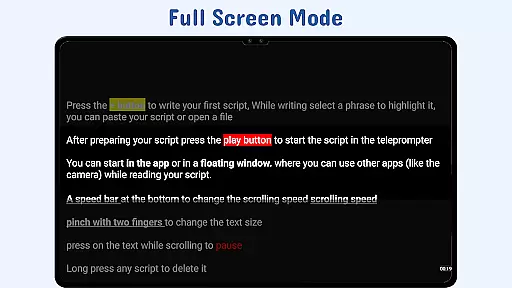
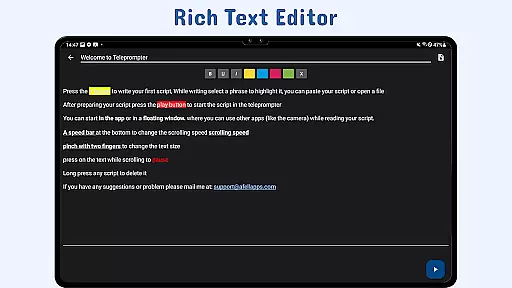
Users can enhance readability through customizable text and background settings, including adjustable margins and line spacing. The app also enables highlighting key phrases for better emphasis during delivery. With gesture-based controls, remote customization options, and cross-device syncing via Google Drive, Nano Teleprompter delivers a versatile and reliable teleprompting solution that adapts to various professional needs.
Task management is at the heart of productivity applications like Nano Teleprompter. This app ensures that your scripts are not just written but managed efficiently to aid seamless presentations and recordings.
The app offers real-time Google Drive sync, which means any changes made to your scripts are automatically updated. This feature allows users to focus on their content without worrying about manual updates or lost information.
Nano Teleprompter also provides customizable text and background options. Users can adjust text size, color, background opacity, margins, and line spacing, ensuring better readability and a personalized experience tailored to individual preferences.
With adjustable scroll delay and gesture controls, users have complete control over their script's pacing and presentation. These features collectively enhance the overall task management experience, making Nano Teleprompter an indispensable tool for anyone needing teleprompting solutions.
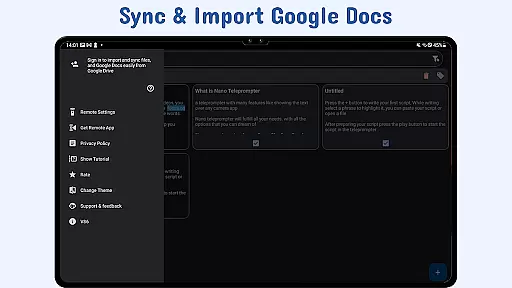
Cross-device synchronization is crucial for users who operate across multiple devices. Nano Teleprompter excels in this area by offering reliable and consistent synchronization through Google Drive.
This means whether you're editing your script on a PC, tablet, or smartphone, all changes are instantly synced and accessible from any device with the app installed. Such functionality ensures that users can transition smoothly between devices without losing any progress or updates.
In addition to syncing, Nano Teleprompter supports opening text files directly from the file explorer and sharing text from any app. This flexibility enhances workflow continuity and convenience, allowing users to access their scripts from virtually anywhere.
By maintaining high standards of synchronization reliability, Nano Teleprompter ensures that users can depend on having their most current scripts at their fingertips, regardless of the device they are using.
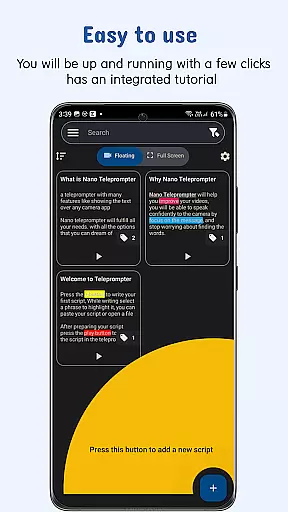
User-friendly interface
Real-time cloud sync
Customizable display options
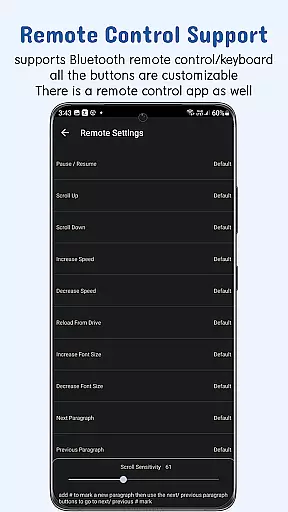
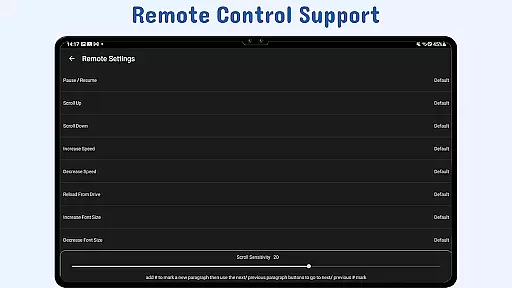
Remote control support
Cross-device compatibility
Limited offline functionality
Premium features require subscription
Occasional sync delays
Interface may feel complex to new users
Dependent on third-party services

Protect and view your important info on your phone and tablet with eWallet®
 4.80
4.80
Multilingual translator for text, voice, and image translation!
4.90
Subscribe to Webcal & .ics calendars and keep them up-to-date!
4.50
Docker, Kubernetes management over Portainer Mobile
4.40
Best Tool for the professionals Electrician, Electrical contractors, etc.
4.90
Quickly and easily keep track of your work shifts
4.70
Scan paperwork into PDF/JPG, generate your own e-signature and send fax or email
4.70
AI Chatbot and AI writing assistant powered by ChatGPT.
4.60
Set up, print, and get support—in one place
4.20
Great calculator for Android named one of USA TODAY's "25 Essential Apps".
4.90
Android Wallet Password Manager
4.80
PDF scanner & converter for files, photos, lottery, QR codes. One swipe away!
4.50
Secure your apps with lock screens, use custom themes and different features.
4.40
When you Focus, so will your Bean in this cozy focus timer
4.30
Automates browsing any website and notifies you of important changes or events
4.30
Todo reminder
4.10
Access your phone's notifications, calls, apps, photos & texts on your PC
3.90
Smart PDF reader & editor to view, organize and manage PDF documents easily.
3.70
The upgraded version of Name Wheel with AI and the power to add your own wheels.
4.5


User Reviews