
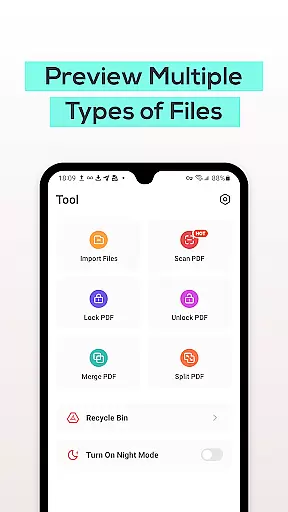
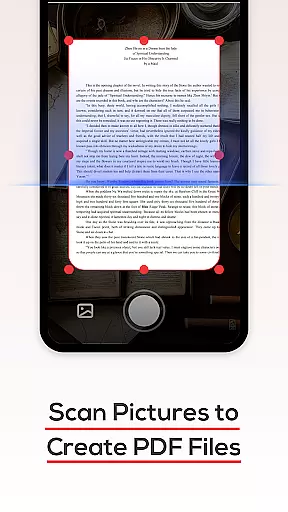
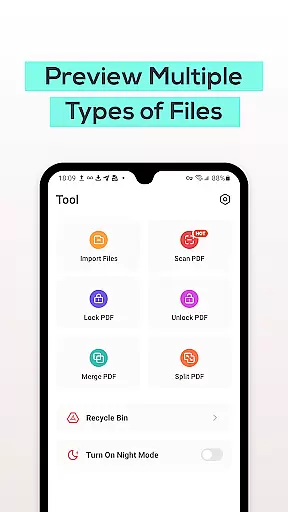
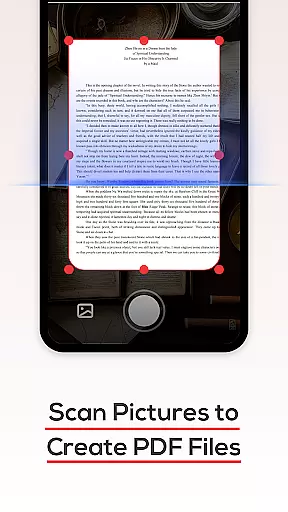
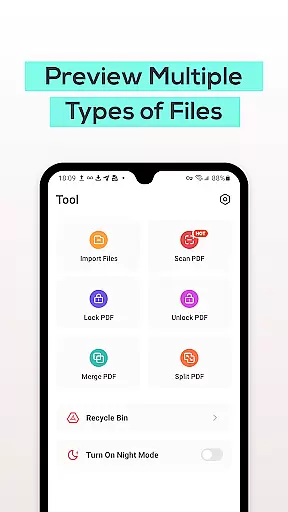
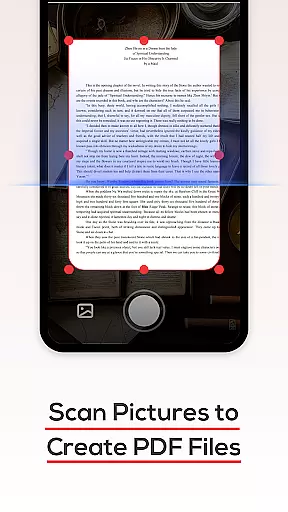
PDF File Reader is a powerful productivity tool designed to help users efficiently manage PDF files on their mobile devices. This application allows you to view, edit, and organize PDF documents with ease.
The app supports quick processing of PDF files, enabling users to perform essential operations such as highlighting text, adding underlines, and making annotations. Additionally, it offers convenient features like file search and Recycle Bin functionality, ensuring that document management is both simple and secure.
Whether you need to review important work documents or organize study materials, PDF File Reader provides a reliable solution for all your PDF handling needs, enhancing your productivity on the go.
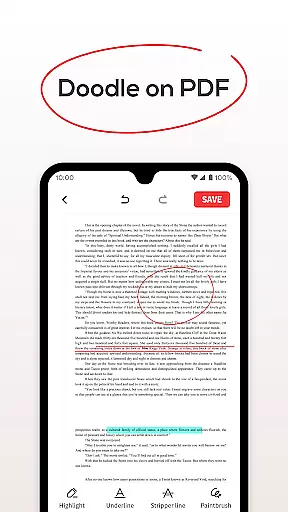
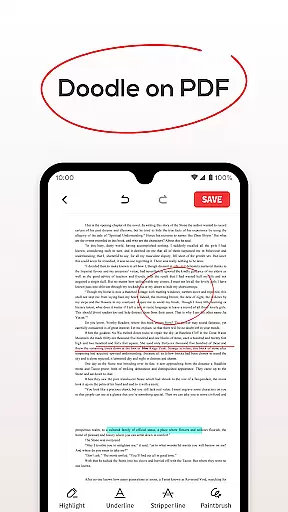
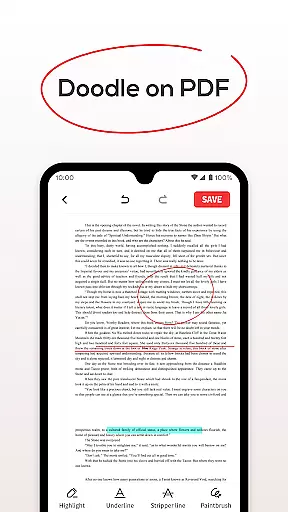
PDF File Reader stands out with its comprehensive set of features tailored for efficient document management. The app allows users to open PDF files and perform various editing tasks, including adding highlights, underlines, and annotations to text.
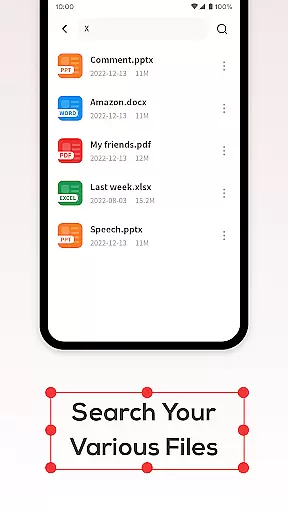
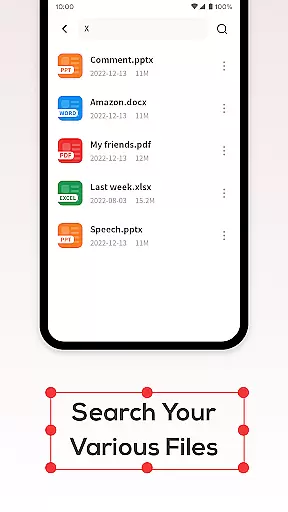
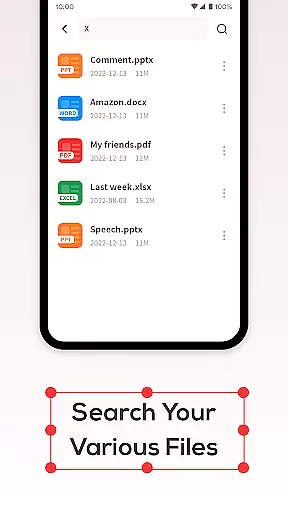
One of the key features is the powerful search functionality, which enables users to quickly locate specific PDF documents without any delay. This ensures that you can access the required information promptly, saving valuable time.
Additionally, the integrated Recycle Bin provides an extra layer of security by temporarily storing deleted files for seven days before permanent removal. This feature helps prevent accidental data loss and gives users peace of mind when managing their documents.
In the realm of productivity, managing tasks efficiently is paramount. PDF File Reader excels in this area by offering a comprehensive suite of features tailored to streamline your document handling experience.
At its core, the app allows you to open and interact with PDF files effortlessly. You can perform essential operations such as highlighting text, adding underlines, and even filling forms within your documents. This functionality ensures that you can manage and edit your PDFs without the need for cumbersome desktop software.
Beyond basic viewing, the application enhances your workflow with efficient file search capabilities. Instead of sifting through numerous documents manually, you can quickly locate the specific PDF you need, saving valuable time and effort.
The inclusion of a Recycle Bin feature further refines task management by providing a safety net when deleting files. Whether you choose to remove documents permanently or temporarily store them in the Recycle Bin, you have control over your data's lifecycle. This thoughtful design promotes both productivity and peace of mind.
For users who operate across multiple devices, reliable cross-device synchronization is crucial. PDF File Reader addresses this need by ensuring that your documents are accessible and consistent wherever you go.
While the current version focuses on standalone mobile performance, it lays a solid foundation for future synchronization features. The app's robust handling of PDF files means that when synchronization capabilities are introduced, they will integrate seamlessly with the existing toolset.
Imagine being able to start editing a document on your phone during your commute and then picking up right where you left off on your tablet at home. This kind of continuity is what modern productivity tools should strive for, and PDF File Reader is well-positioned to deliver such an experience.
Moreover, the app's efficient processing of various file typesu2014including Word, PowerPoint, and Excel documentsu2014ensures that no matter which device you use, you'll enjoy consistent performance and compatibility. This versatility makes it easier to maintain a cohesive workflow across different platforms and environments.
User-friendly interface
Fast document search
Secure Recycle Bin
Efficient PDF editing
Reliable performance
Limited file formats
No cloud integration
Basic editing tools
Occasional bugs
Ads in free version

Direct Chat without saving contacts & Dual WA Account on Single Device
 4.70
4.70
App lock - lock apps with fingerprint, password, pin or pattern, protect privacy
4.70
Make apps & sites with natural language prompts
4.10
Stay on top of your to-dos with Google Tasks, part of Google Workspace.
4.60
Enjoy classic gameplay with customizable features and retro-style graphics.
4.30
Create and edit presentations with Google Slides, part of Google Workspace.
4.00
Access, manage and transfer files on Android, PC, Mac, NAS and cloud storages.
4.30
A comprehensive suite of tools designed specifically for Lactation Consultants
4.0
Experience and share your SolidWorks designs on your Android® phone and tablet.
2.50
Quickly and easily keep track of your work shifts
4.70
The AI assistant that thinks with you - write, code, and solve complex tasks
4.60
App Lock with fingerprint, password: Lock apps & hide photos with lock screens
4.60
Calendar 2023 widget for Android. Appointment scheduler, planner, and reminder
4.60
Subscribe to Webcal & .ics calendars and keep them up-to-date!
4.50
Pwnagotchi companion app
4.20
Activate Two Factor Authentication (2FA or Multi OTP), Password manager and more
4.10
Take control of your clipboard with Clipper!
3.90
AI Video AI Image Private LLM AI Browser Llama Gemma Ollama Connect LLM Studio
4.3
Create study competitions, track your hours, and stay consistent with friends
4.0


User Reviews